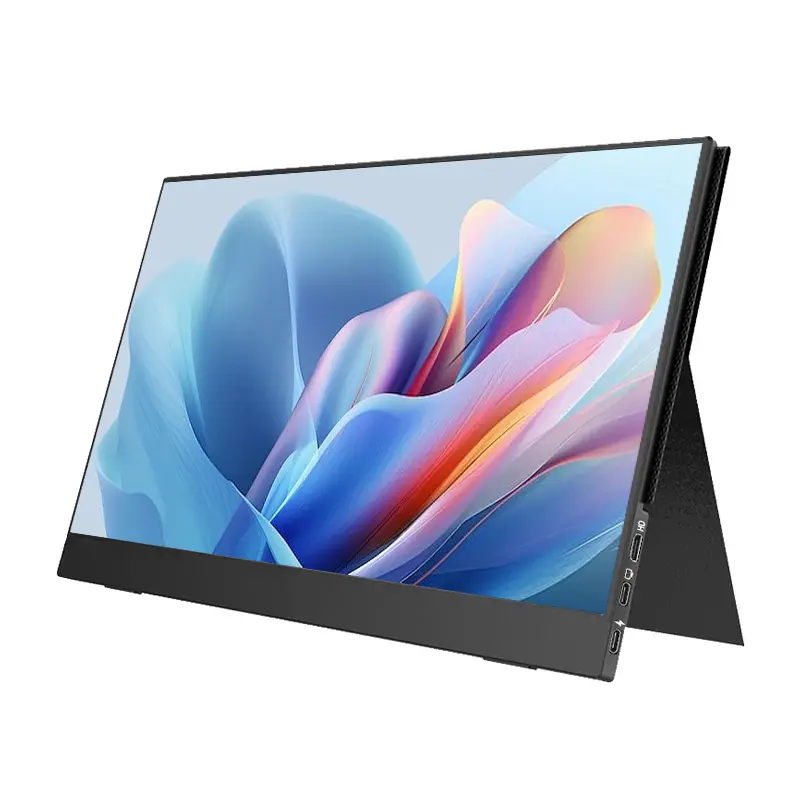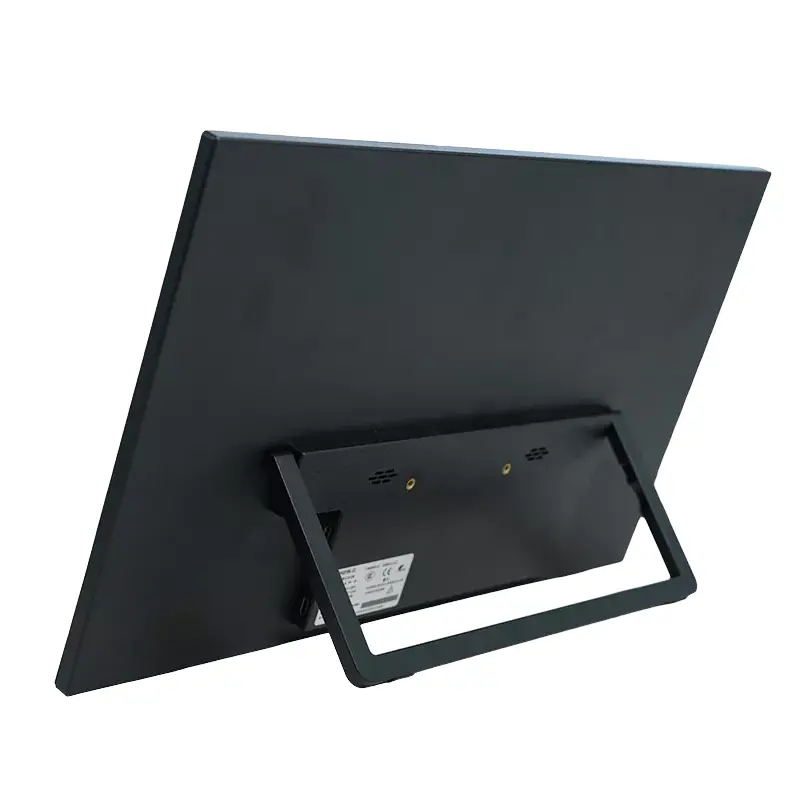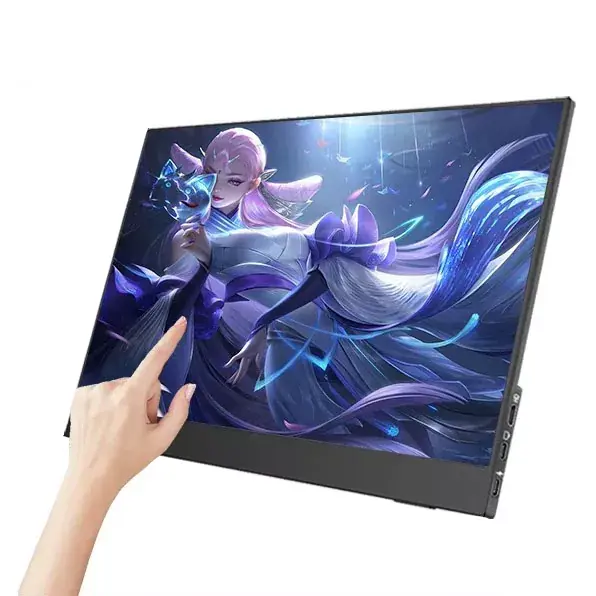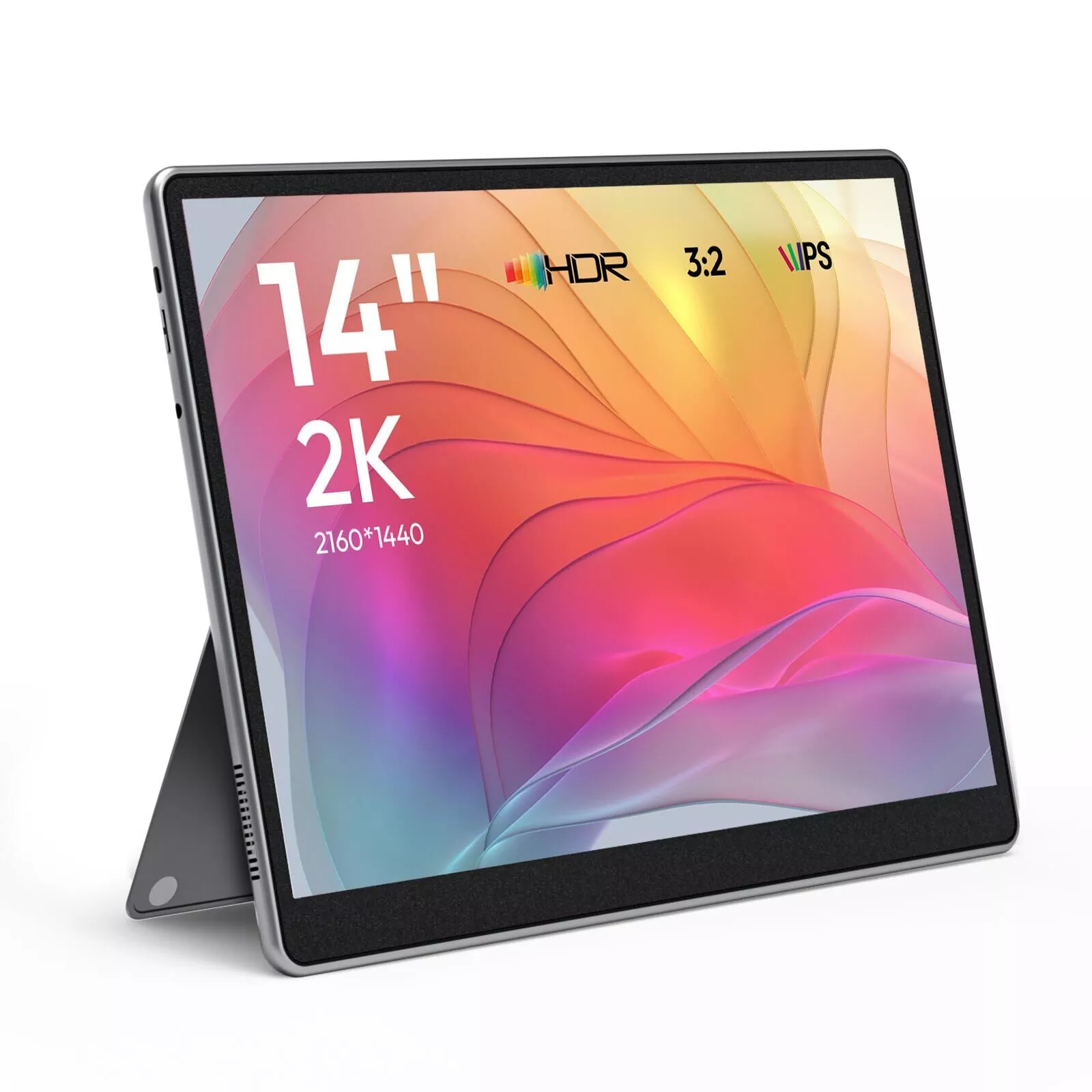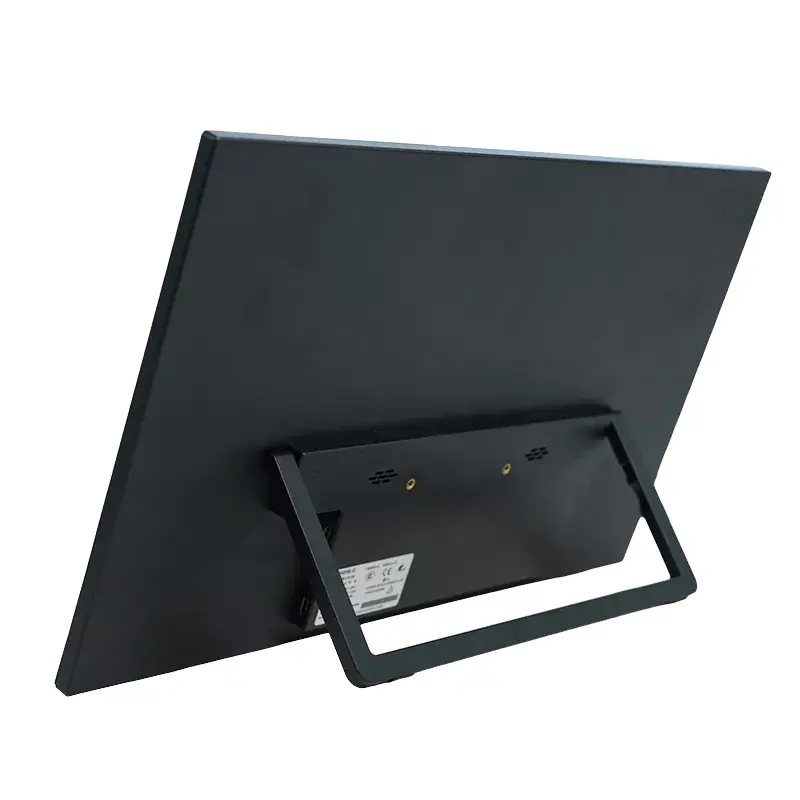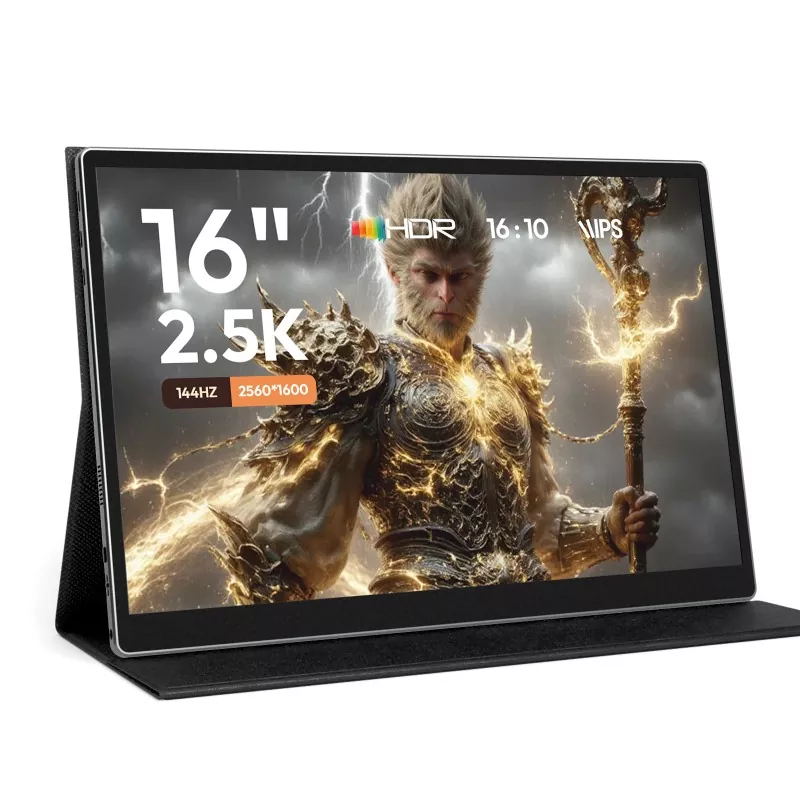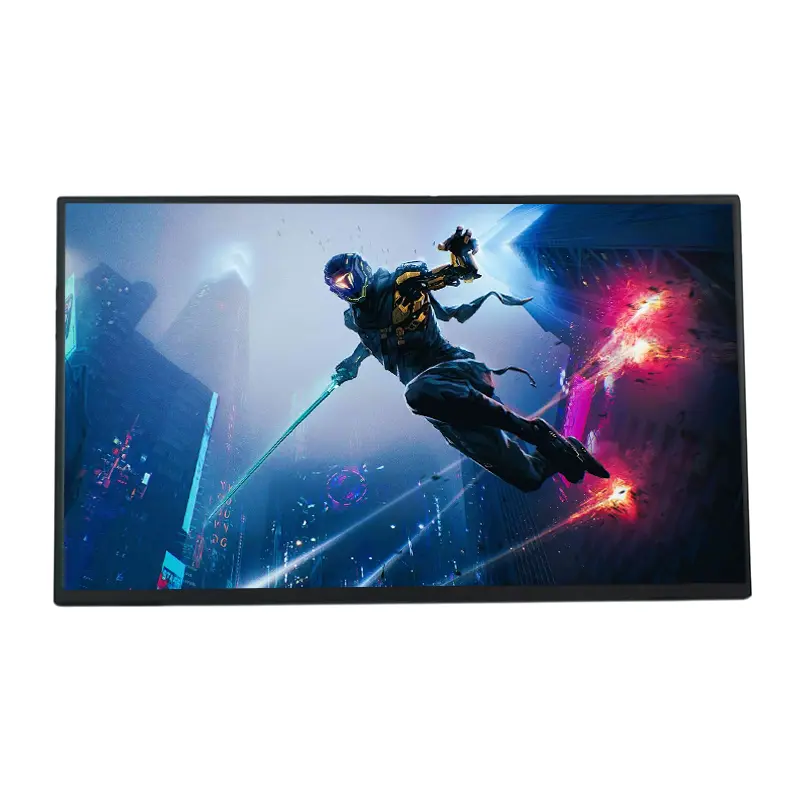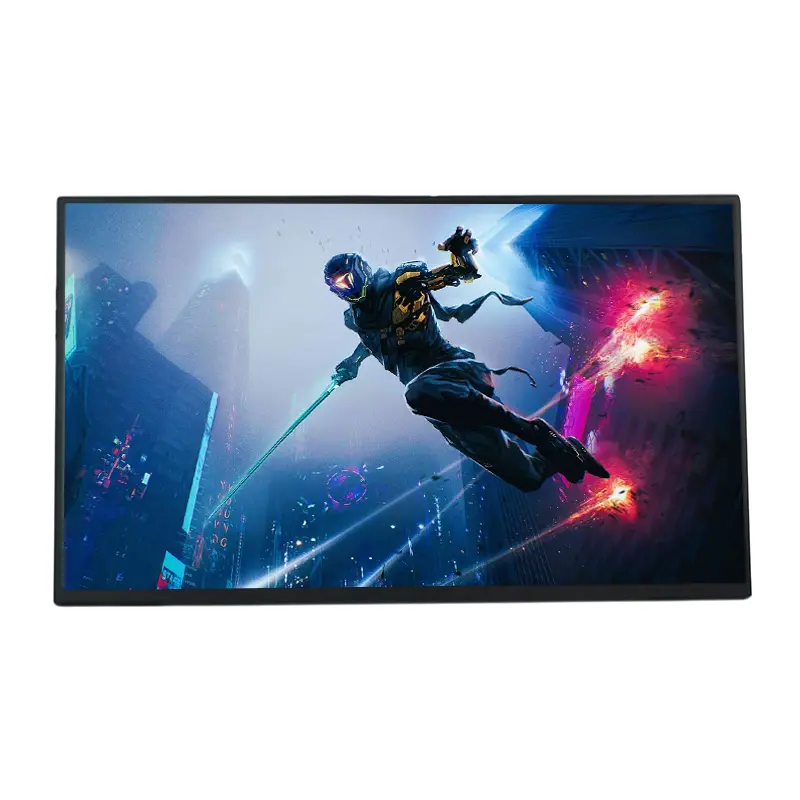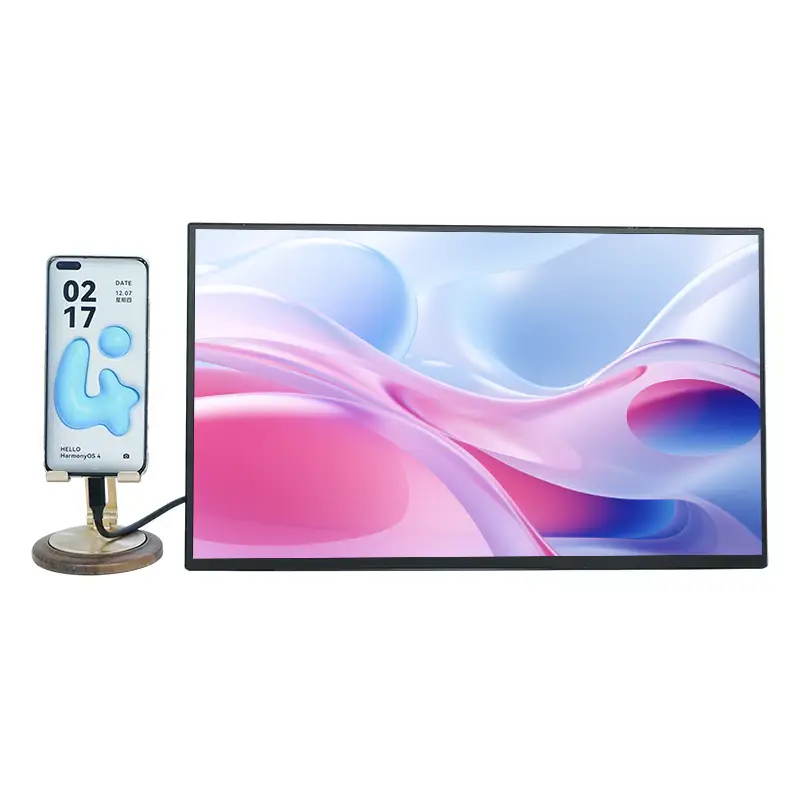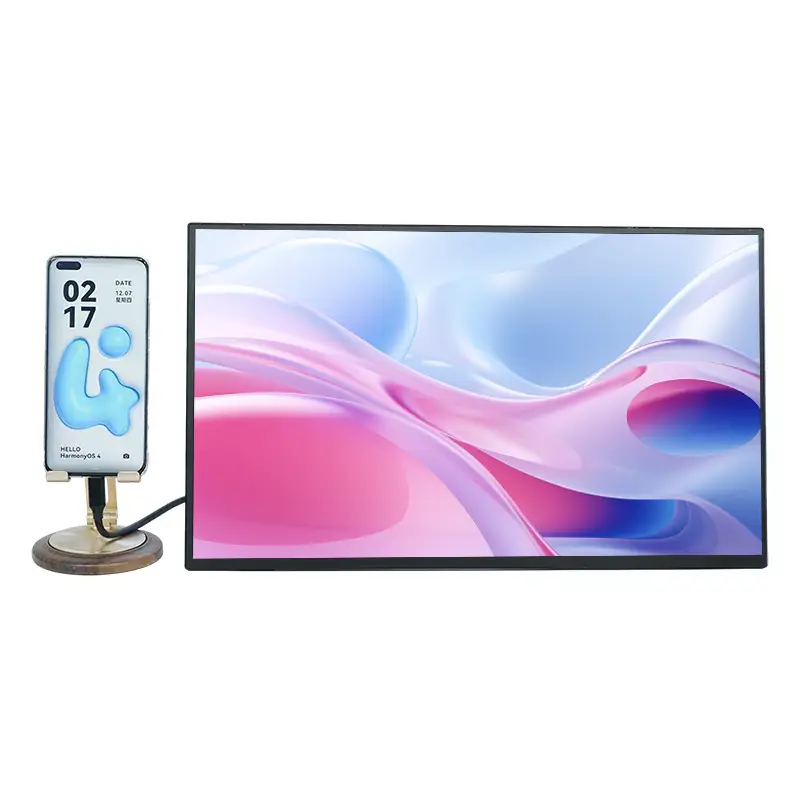
As digital work, hybrid meetings, and mobile entertainment continue to grow, the 15.6 Inch 1080P Wireless Projection Portable Monitor from Bodiao offers a practical way to expand your screen space without carrying a conventional desktop monitor. With Full HD 1920×1080 resolution, 60Hz refresh rate, 178° viewing angle, wireless projection, USB-C and Mini-HDMI connectivity, this portable display is designed for travel, business presentations, remote work, gaming, and multimedia applications.
A portable monitor is no longer simply a secondary display for laptops. Modern users expect flexible connectivity, clear image quality, easy transportation, and compatibility with multiple devices. The 15.6-inch wireless projection model combines an IPS display, 1920×1080 Full HD resolution, HDR enhancement, 60Hz refresh performance, and a 178° viewing angle in a travel-oriented design. Its wireless projection capability can simplify presentations and screen sharing, while dual USB Type-C ports and a Mini-HDMI interface provide a wired alternative when stability or device compatibility requires it. This combination makes the monitor suitable for business professionals, students, content consumers, mobile gamers, and organizations purchasing displays in volume.
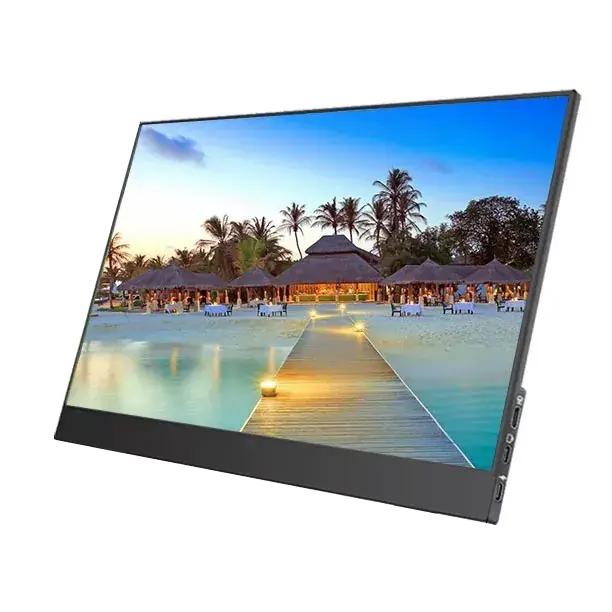
Table of Contents
- Why Is a 15.6-Inch Portable Display Useful?
- Key Specifications at a Glance
- How Does Wireless Projection Improve Flexibility?
- What Makes the Display Suitable for Daily Use?
- Connectivity and Device Compatibility
- Practical Applications and Use Cases
- What Should Buyers Check Before Purchasing?
- Frequently Asked Questions
Why Is a 15.6-Inch Portable Display Useful?
Laptop screens are convenient, but they can become restrictive when users need to compare documents, monitor communication platforms, edit content, or present information to other people. A portable external monitor adds usable screen area without requiring a permanent workstation.
The 15.6-inch format provides a useful balance between viewing space and portability. It is large enough for spreadsheets, presentations, video playback, software interfaces, and gaming while remaining suitable for transportation in a laptop bag or business case.
The wireless projection function adds another layer of convenience. Instead of depending exclusively on a physical video cable, compatible smartphones, tablets, and laptops can mirror their screens wirelessly. This can be particularly useful in meeting rooms, classrooms, temporary workspaces, and travel environments where cable management is inconvenient.
- Expands laptop workspace for multitasking.
- Supports convenient wireless screen projection.
- Provides wired connectivity for compatible devices.
- Works for business, education, entertainment, and gaming.
- Offers a compact alternative to a traditional desktop monitor.
Key Specifications at a Glance
Understanding the core specifications helps buyers evaluate whether the display matches their intended application. The following table summarizes the main product parameters.
| Specification | Product Information | Practical Benefit |
|---|---|---|
| Display Size | 15.6 inches | Provides a spacious mobile viewing area |
| Resolution | 1920 × 1080 | Full HD detail for work and multimedia |
| Panel | IPS | Consistent viewing performance from different angles |
| Refresh Rate | 60Hz | Smooth everyday operation and video playback |
| Viewing Angle | 178° | Suitable for shared viewing and presentations |
| Wireless Projection | Supported | Reduces dependence on physical display cables |
| USB Connectivity | Dual USB Type-C | Supports modern laptops and compatible mobile devices |
| Video Input | Mini-HDMI | Provides an additional wired connection option |
| Recommended Applications | Travel and business work | Designed for mobile productivity and presentations |
How Does Wireless Projection Improve Flexibility?
Wireless projection is one of the defining features of this type of portable monitor. Traditional external displays generally require a direct video connection between the source device and the monitor. Wireless projection can reduce the number of physical cables required when the source device supports a compatible screen-mirroring protocol.
For business users, this can make temporary presentations easier to organize. A presenter can potentially mirror content from a compatible smartphone, tablet, or laptop without routing a long video cable across a conference table.
For entertainment, wireless projection can provide a convenient way to display content from compatible mobile devices on a larger 15.6-inch screen. The exact wireless experience depends on the source device, operating system, supported mirroring protocol, network environment, and surrounding wireless interference.
Important Wireless Considerations
- Keep the source device and monitor within a reasonable wireless range.
- Reduce physical obstructions and sources of wireless interference.
- Confirm that the source device supports an appropriate screen-mirroring protocol.
- Use an external power source when wireless operation or high brightness increases power demand.
What Makes the Display Suitable for Daily Use?
The visual experience is built around a 15.6-inch IPS panel with 1920×1080 resolution. Full HD provides sufficient pixel density for many common productivity and entertainment tasks, including office documents, web browsing, video streaming, presentations, and general content creation.
The 178° viewing angle is also useful when more than one person needs to look at the screen. During a presentation, for example, viewers sitting away from the center position can still see the displayed information without needing to stand directly in front of the monitor.
HDR technology is included to enhance visual range in supported content, while flicker-free and blue-light-reduction functions are intended to make extended viewing more comfortable. These features can be relevant for professionals who spend long periods working with a second screen.
Adjustable Viewing Experience
Hardware controls allow users to adjust parameters such as brightness, color settings, and volume. This is useful because a screen setting suitable for a brightly lit office may not be appropriate for a dark hotel room or evening entertainment environment.
Connectivity and Device Compatibility
A portable monitor becomes significantly more useful when it can accommodate different types of source devices. This model combines wireless projection with USB Type-C and Mini-HDMI connectivity, giving users multiple ways to establish a display connection.
Compatible equipment can include laptops, PCs, smartphones, gaming consoles, and other devices with suitable output capabilities. For USB-C video transmission, the source device must support video output through its USB-C interface, such as compatible Thunderbolt or full-featured USB-C implementations.
| Source Device | Potential Connection | Typical Application |
|---|---|---|
| Laptop | USB-C / Mini-HDMI / Wireless | Second-screen productivity |
| Smartphone | Wireless / Compatible USB-C | Mobile content and presentations |
| Tablet | Wireless / USB-C where supported | Large-screen viewing |
| PC | Mini-HDMI / USB-C where supported | Extended desktop workspace |
| Game Console | HDMI connection where compatible | Portable gaming |
Practical Applications and Use Cases
The combination of portability, Full HD resolution, wireless projection, and multiple interfaces makes this monitor suitable for several environments.
1. Business Presentations
Sales teams, consultants, trainers, and business travelers can use a portable display as a flexible presentation screen or secondary workspace. Wireless projection can also help reduce cable clutter in temporary meeting locations.
2. Remote and Hybrid Work
Professionals working from hotels, coworking spaces, temporary offices, or home environments can use the display to separate email, documents, communication software, research, or project management tools across two screens.
3. Education and Training
Teachers, trainers, and students can benefit from a larger secondary display for presentations, demonstrations, digital course material, and collaborative viewing.
4. Gaming and Entertainment
The 60Hz refresh rate, Full HD resolution, IPS panel, and HDR support provide a practical configuration for casual gaming, video streaming, and multimedia consumption. Compatibility should always be confirmed with the specific console or source device before purchase.
5. Mobile Content Work
Writers, marketers, developers, designers, and other digital professionals can use a portable second screen to keep reference material, communication tools, or editing panels visible while working on the primary display.
What Should Buyers Check Before Purchasing?
Choosing a portable monitor should involve more than checking screen size and resolution. Buyers should evaluate the complete connection environment and intended workflow.
- Check video-output compatibility: Not every USB-C port supports video transmission.
- Confirm wireless protocol support: Wireless projection depends on compatibility between the source device and display.
- Consider power requirements: Wireless projection and high-brightness operation may require an external power source.
- Evaluate your working environment: A 15.6-inch display is suitable for many mobile applications, but transport requirements still matter.
- Review connection requirements: Check whether USB-C, Mini-HDMI, or wireless connectivity best matches your equipment.
- Consider procurement requirements: Businesses buying in volume should confirm customization, samples, packaging, quality-control procedures, and lead times with the supplier.
For wireless operation, maintaining a suitable distance between the monitor and source device is important. The product information recommends keeping the devices within approximately 5 meters and minimizing major obstructions for better wireless stability.
Frequently Asked Questions
Can the monitor connect wirelessly to smartphones?
Yes. The monitor is designed to support wireless screen projection from compatible smartphones and tablets. The actual connection method depends on the operating system, supported mirroring protocol, and source-device configuration.
Does the monitor support wired connections?
Yes. It provides two USB Type-C ports and a Mini-HDMI interface. For USB-C video transmission, the connected device needs to support video output through a compatible USB-C or Thunderbolt interface.
Is 1920×1080 resolution suitable for office work?
Full HD 1920×1080 resolution is suitable for common office activities such as document editing, spreadsheets, web browsing, presentations, email, and communication applications. The final viewing experience also depends on the software, source device, and viewing distance.
Can it be used for gaming?
Yes. The 60Hz refresh rate, IPS panel, Full HD resolution, and HDR support make it suitable for many gaming and multimedia scenarios. Users should verify the required video interface and output compatibility of their particular gaming device.
Why might the screen flicker during operation?
Insufficient or unstable power can contribute to screen flickering, particularly during wireless operation or high-brightness use. Using a suitable power adapter and ensuring stable power delivery can help maintain consistent performance.
Is the monitor suitable for business bulk purchasing?
The product supplier states that bulk procurement and tiered wholesale pricing are available, with sample arrangements possible for quality confirmation before larger orders. Businesses should confirm current pricing, minimum order quantities, customization options, and production lead times directly with the supplier.
Final Thoughts
A modern portable monitor needs to balance display quality, connectivity, portability, and practical usability. With a 15.6-inch IPS screen, 1920×1080 resolution, 60Hz refresh rate, 178° viewing angle, HDR support, wireless projection, dual USB Type-C ports, and Mini-HDMI connectivity, this display is designed around the needs of users who frequently move between workspaces, meeting rooms, classrooms, homes, and entertainment environments.
For businesses and distributors evaluating portable display solutions, the combination of wireless and wired connectivity also provides greater flexibility across different customer requirements. If you are sourcing the 15.6 Inch 1080P Wireless Projection Portable Monitor for wholesale, OEM, ODM, business deployment, or private-label projects, contact us to discuss product specifications, samples, customization requirements, and current supply options.