News

How Can a 15.6 Inch 1080P Touch Screen Portable Monitor Transform Mobile Work and Entertainment

2026-09-28 0 Leave me a message

Article Summary: A modern portable monitor needs to deliver more than a larger image. It should combine practical screen size, sharp resolution, responsive touch control, flexible connectivity, and convenient portability. CHANGXIAN's 15.6 Inch 1080P Touch Screen Portable Monitor brings these features together with a 1920×1080 IPS display, 60Hz refresh rate, 178° viewing angle, 10-point capacitive touch, HDR support, and multiple connection options. This article explains its key specifications, applications, connectivity, user benefits, and important considerations for buyers evaluating portable interactive displays for business, travel, gaming, education, and mobile work.

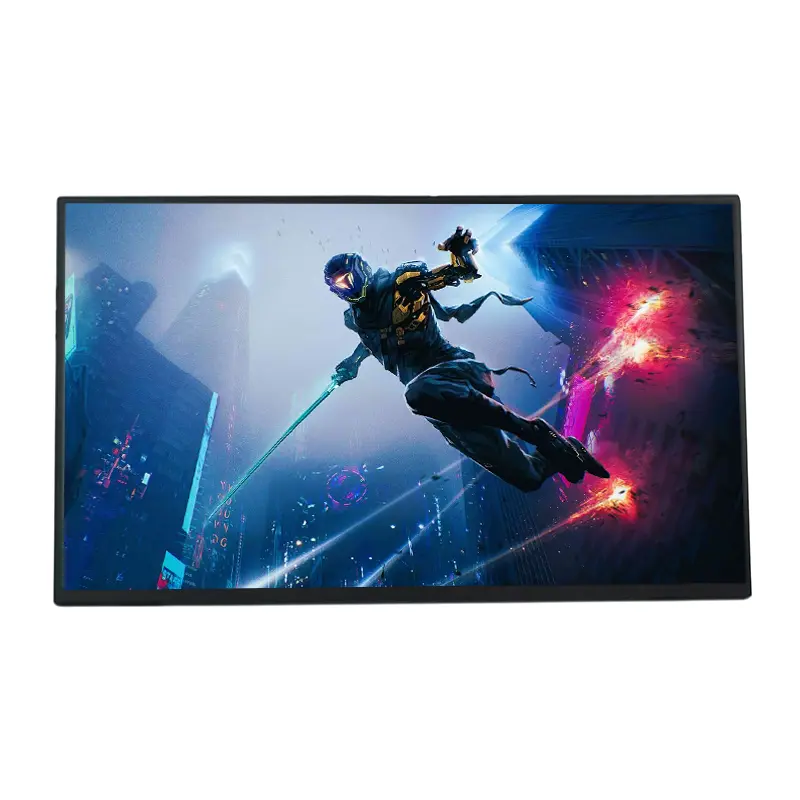
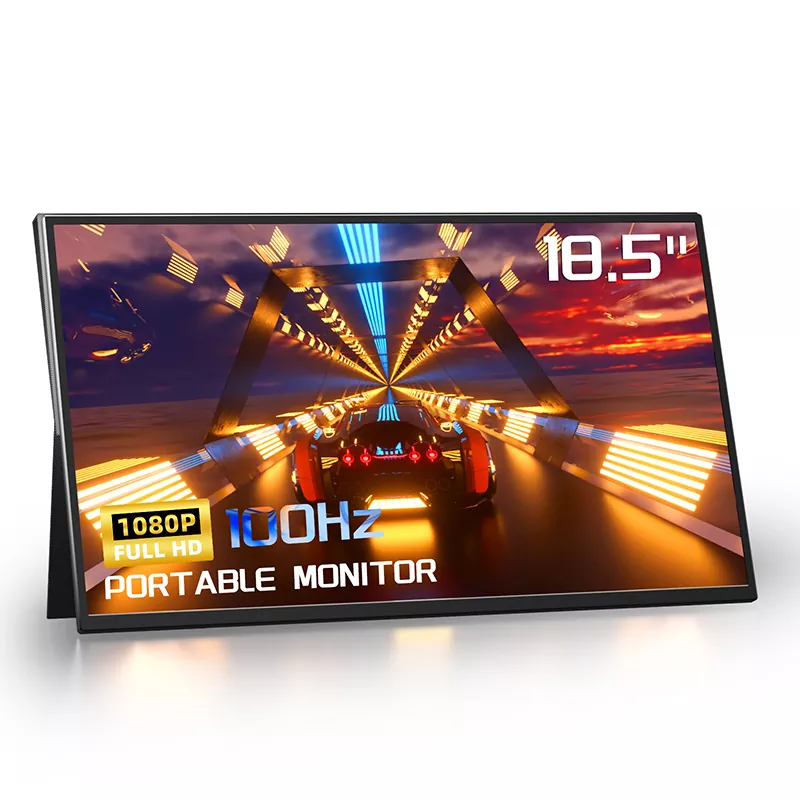
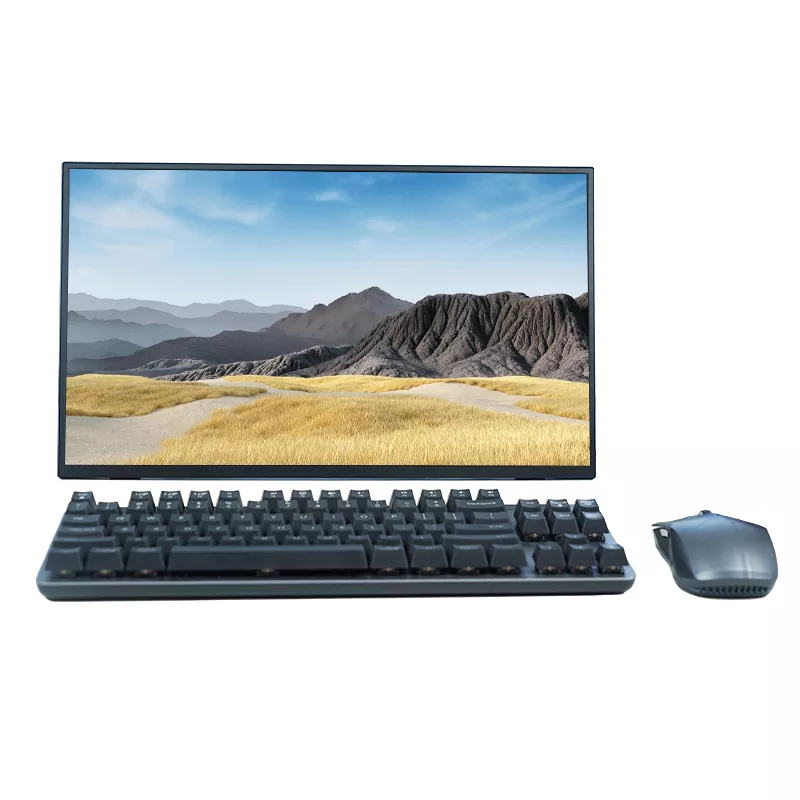
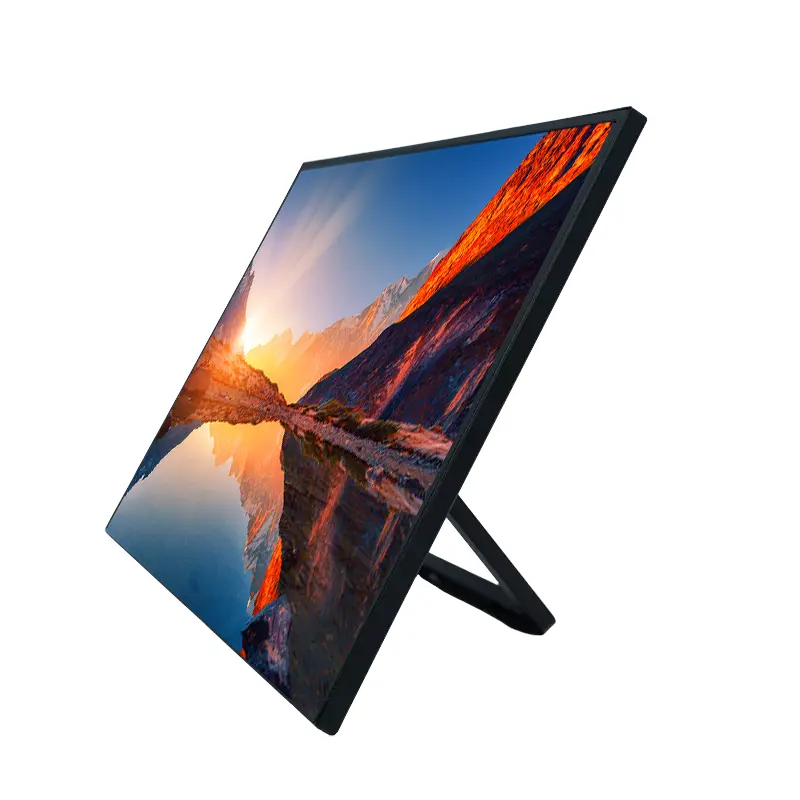
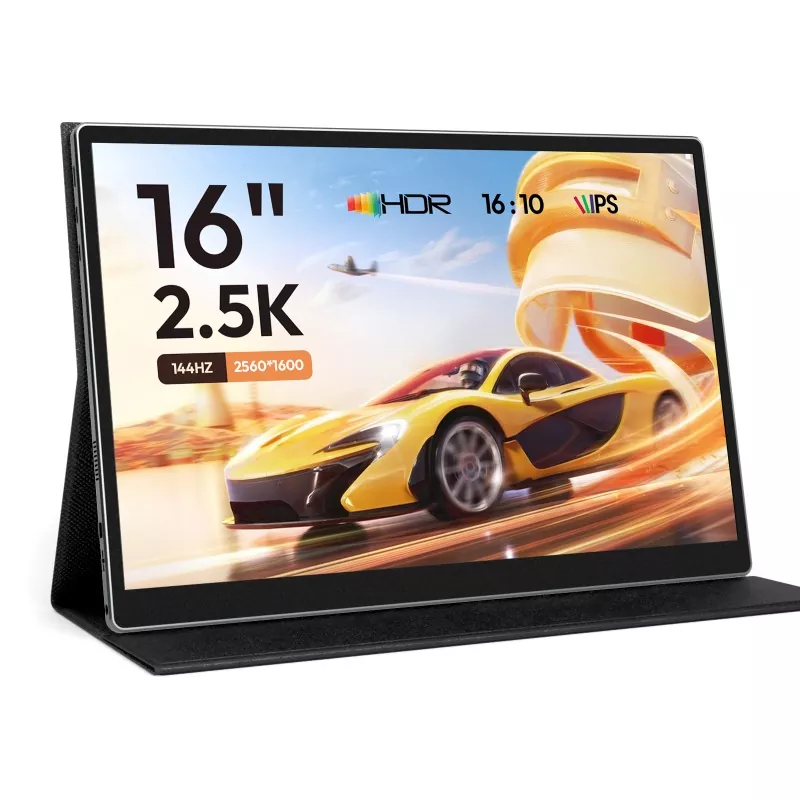
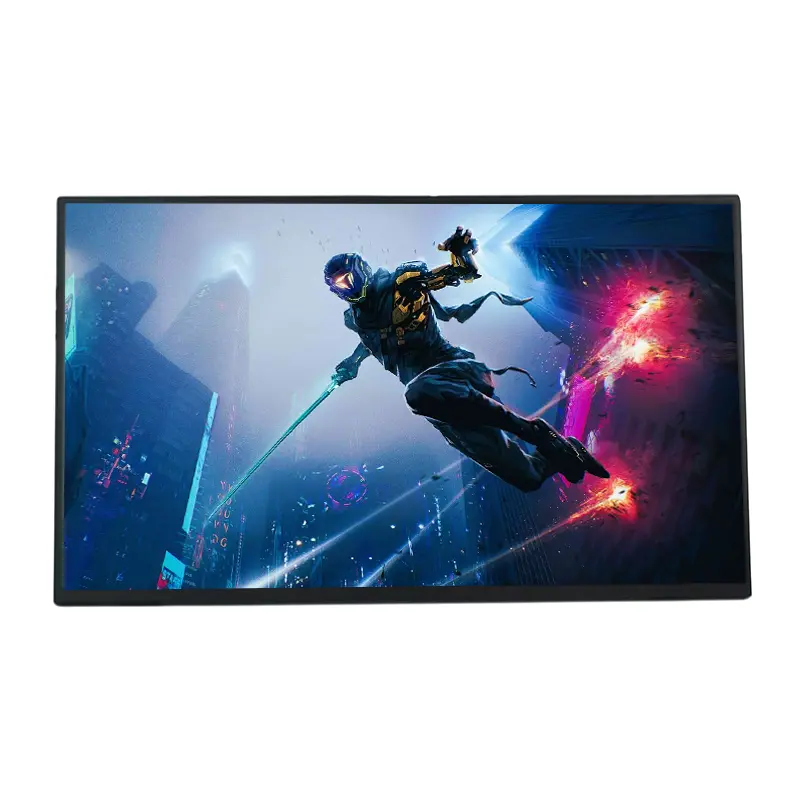
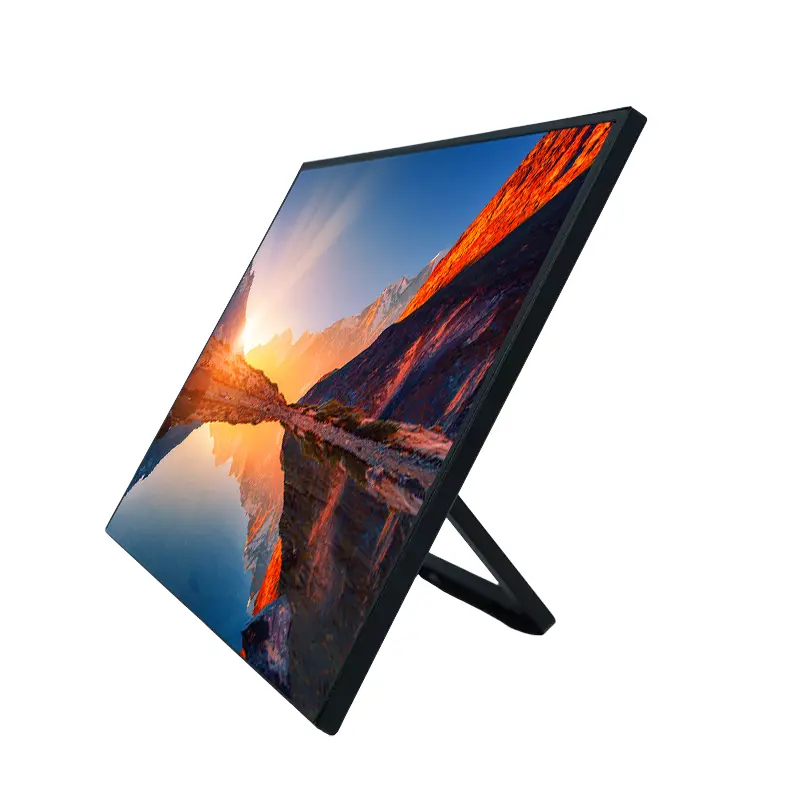
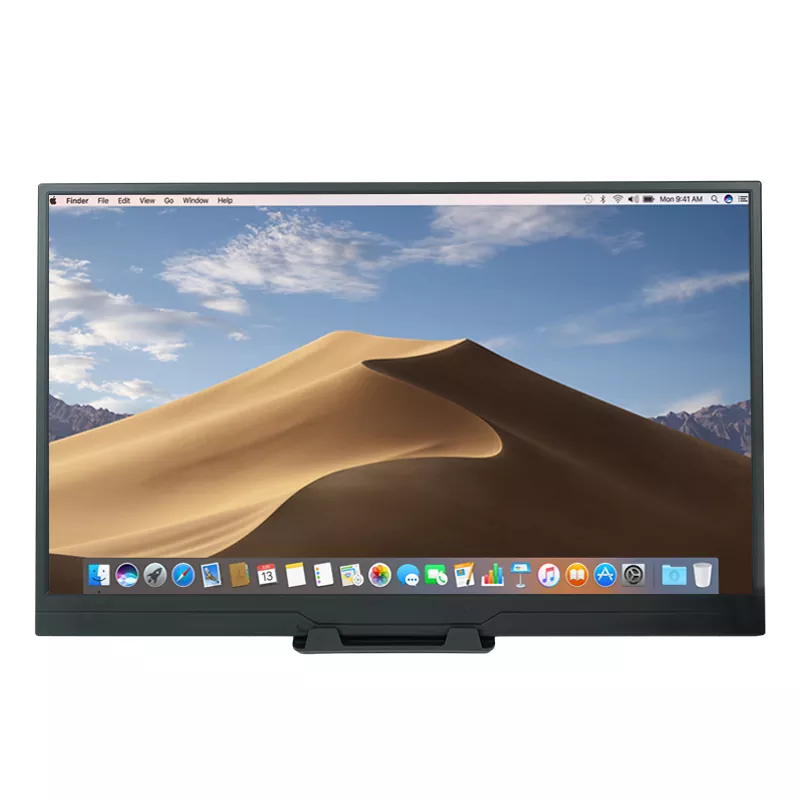
15.6 Inch 1080P Touch Screen Portable Monitor

Table of Contents

What Makes a 15.6 Inch 1080P Touch Screen Portable Monitor Different?

What Are the Key Specifications to Consider?

How Does 10-Point Touch Improve Productivity?

How Does Connectivity Affect Compatibility?

Where Can a Portable Touch Monitor Be Used?

What Advantages Matter Most for Professional Users?

What Should Buyers Check Before Choosing One?

Frequently Asked Questions


What Makes a 15.6 Inch 1080P Touch Screen Portable Monitor Different?

CHANGXIAN develops and manufactures portable display solutions for users who need additional screen space without the fixed installation of a conventional desktop monitor. The 15.6 Inch 1080P Touch Screen Portable Monitor combines a Full HD display with interactive touch control, making it suitable for mobile professionals, business travelers, students, content creators, and entertainment users.

The 15.6-inch format provides a useful balance between viewing area and portability. Its 1920×1080 resolution delivers Full HD image detail, while the IPS panel provides a 178° viewing angle. This is particularly useful when several people need to view the same presentation, spreadsheet, design, or video.

For users who frequently switch between locations, a portable display can turn a laptop into a more flexible multi-screen workstation. Instead of carrying a conventional monitor and stand, users can take a compact secondary display with them for temporary workspaces, meetings, travel, and demonstrations.


What Are the Key Specifications to Consider?

Specifications provide an objective starting point when comparing portable monitors. Resolution, refresh rate, viewing angle, touch capability, interfaces, and display technology all influence the final user experience.

Specification CHANGXIAN Configuration Practical Benefit
Display Size 15.6 inches Large working area while remaining portable
Resolution 1920 × 1080 Clear Full HD images and text
Refresh Rate 60Hz Smooth everyday office and multimedia operation
Panel IPS Consistent image quality across a wide viewing angle
Viewing Angle 178° Convenient viewing from different positions
Touch 10-point capacitive touch Supports multi-finger interaction and gestures
Contrast Ratio Up to 1200:1 Deeper blacks and more defined image contrast
Connectivity 2 × USB-C + 1 × HDMI Flexible connection with modern and legacy devices

The combination of Full HD resolution, IPS technology, HDR support, and a 1200:1 contrast ratio is designed to provide a balanced visual experience. Low-blue-light filtering and flicker-free technology can also be useful for people who spend extended periods looking at the display.


How Does 10-Point Touch Improve Productivity?

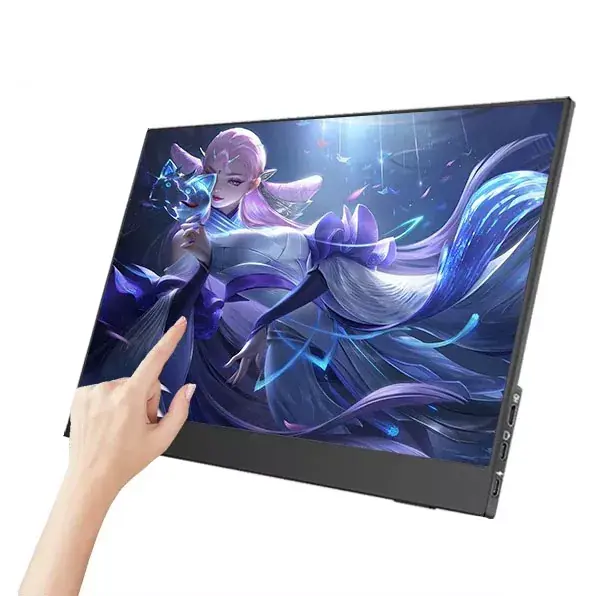
The major difference between a standard portable display and an interactive model is the ability to control compatible content directly on the screen. A 10-point capacitive touchscreen can recognize multiple simultaneous touch points, enabling familiar gestures such as swiping, pinching, and zooming.

For office users, direct touch interaction can make presentations, visual documents, dashboards, and collaborative demonstrations more intuitive. Designers and educators can also benefit from direct on-screen interaction when navigating visual material.

  • Swipe: Navigate documents, presentations, and interfaces naturally.
  • Pinch and zoom: Enlarge maps, images, documents, and visual details.
  • Multi-touch: Interact with supported applications using multiple fingers.
  • On-screen controls: Adjust compatible display settings through the touch interface.

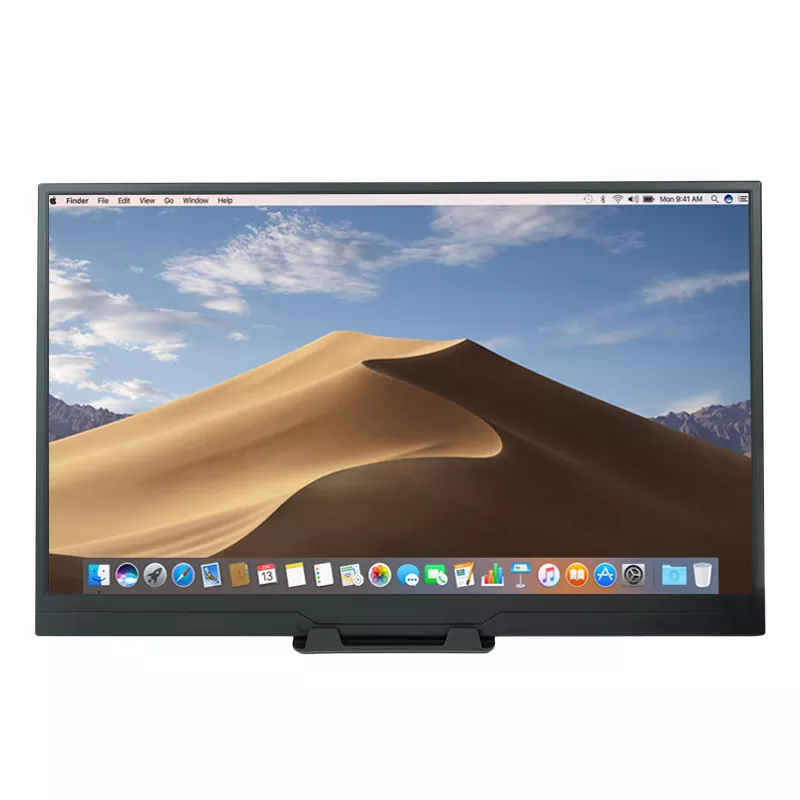
However, touch support depends on the connected device and operating system. Compatible Windows and macOS systems can provide touch functionality through the appropriate data connection, while some gaming consoles and iOS devices may restrict external touch input.


How Does Connectivity Affect Compatibility?

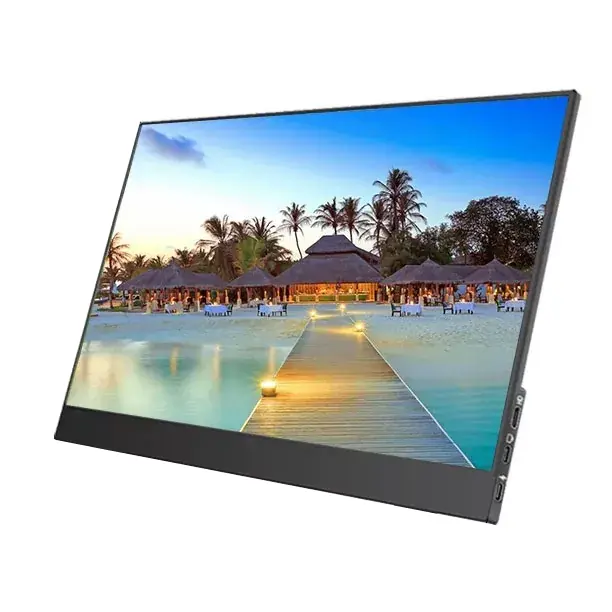
Connectivity is one of the most important considerations when purchasing a portable touchscreen monitor. CHANGXIAN's design includes two full-function USB-C ports and one standard HDMI interface, providing options for newer and legacy hardware.

When a compatible laptop has a full-featured USB-C port supporting DisplayPort Alt Mode, a single USB-C connection can carry power, video, and touch data. This creates a cleaner mobile workstation with fewer cables.

For devices without a full-featured USB-C video connection, HDMI can be used for the display signal while additional USB connectivity provides power or touch data as required.

  1. Check whether the host device supports USB-C video output.
  2. Confirm whether the USB-C port supports DisplayPort Alt Mode or an equivalent display protocol.
  3. For HDMI devices, prepare the required HDMI, power, and USB data connections.
  4. Check the operating system's support for external touch input.
  5. Verify the power requirements before extended use away from a mains supply.

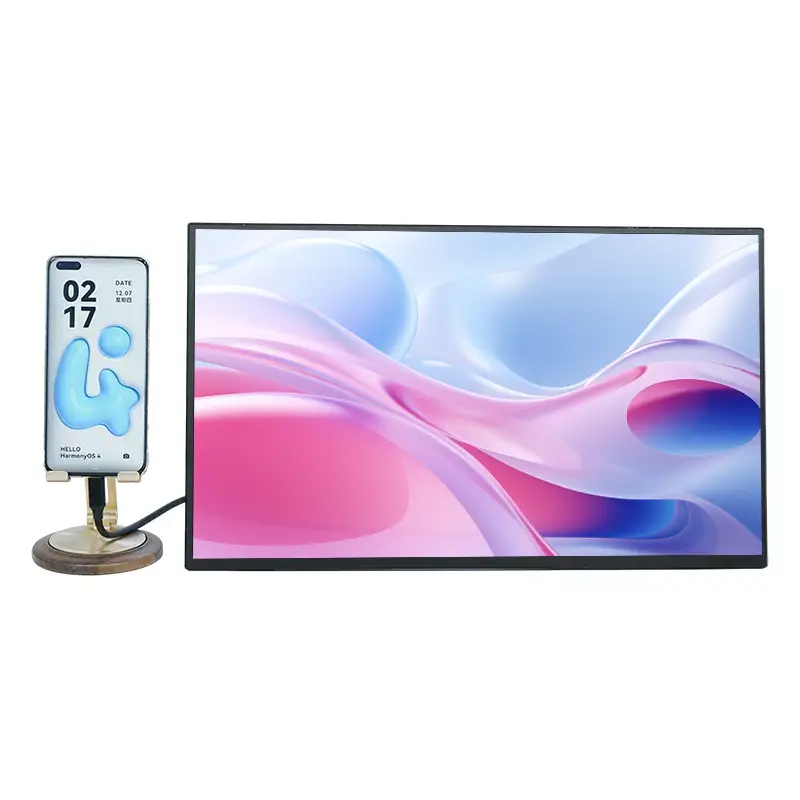
This connection flexibility makes the monitor suitable for laptops, selected tablets, phones, and other compatible devices, although actual functionality can vary according to the host device.


Where Can a Portable Touch Monitor Be Used?

The combination of portability, Full HD resolution, and touch interaction gives this type of display a broad range of practical applications.

Mobile Office Work

A second screen can provide additional workspace for spreadsheets, communication applications, research material, or project documents. This can be especially useful when working from hotels, shared offices, or temporary workstations.

Business Presentations

Touch interaction can make product demonstrations and presentations more engaging. Users can navigate slides or enlarge visual information directly on the display when the connected system supports the required touch functionality.

Education and Training

Teachers and trainers can use an interactive secondary screen for demonstrations, diagrams, software interfaces, and collaborative learning activities.

Gaming and Entertainment

The 15.6-inch Full HD format provides a convenient personal display for compatible gaming systems, laptops, and multimedia devices. Its 60Hz refresh rate is designed for general-purpose use rather than specialized high-refresh competitive gaming.

Creative and Visual Work

Touch interaction can make navigation through images, design interfaces, presentations, and other visual content more direct. However, users seeking professional pressure-sensitive drawing functionality should distinguish a multi-touch portable monitor from a dedicated graphics tablet.


What Advantages Matter Most for Professional Users?

For professional applications, display specifications are only one part of the purchasing decision. Reliability, connection flexibility, usability, and manufacturing capability can be equally important.

  • Portable 15.6-inch format: Provides a practical balance between screen space and mobility.
  • Full HD resolution: Produces clear text, graphics, presentations, and video.
  • 10-point capacitive touch: Supports intuitive multi-touch interaction on compatible systems.
  • IPS display: Helps maintain consistent visual quality across a wide viewing angle.
  • HDR support: Enhances compatible visual content with a wider range of brightness and contrast.
  • Eye-comfort features: Low-blue-light and flicker-free technologies are designed for longer viewing sessions.
  • Durable interfaces: Ports are designed for repeated connection and disconnection in mobile working environments.
  • OEM/ODM capability: Business customers can discuss customized bezel designs, logos, and other product requirements.

For buyers sourcing in volume, manufacturer capability also deserves attention. CHANGXIAN states that it has a Shenzhen production base, more than a decade of experience integrating touch layers with LCD panels, and OEM/ODM capabilities for customized touch-display solutions.


What Should Buyers Check Before Choosing One?

A portable monitor should be selected according to the actual host devices and applications rather than screen size alone. Before placing an order, buyers can evaluate the following factors:

  • Whether the laptop or host device supports USB-C video output.
  • Whether touch functionality is supported by the operating system.
  • Whether HDMI and USB connections are available when USB-C video is unavailable.
  • Whether 1920×1080 resolution meets the intended visual requirements.
  • Whether a 60Hz refresh rate is sufficient for the intended application.
  • Whether the monitor will primarily be used for office work, travel, education, gaming, or demonstrations.
  • Whether OEM/ODM customization is required for commercial or industrial projects.
  • Whether after-sales technical support and product consultation are available from the supplier.

These factors help buyers avoid compatibility issues and ensure that the selected display fits the intended workflow.


Frequently Asked Questions

Can the monitor work with both Windows and macOS?

Yes. The monitor is designed to support Windows and macOS systems. Touch functionality depends on the connection method and the capabilities of the connected device.

Does one USB-C cable support power, video, and touch?

On compatible devices with a full-featured USB-C port supporting the required display protocol, a USB-C connection can provide power, video, and touch. Devices without this capability may require HDMI and additional USB connections.

Is it suitable for professional drawing?

The display supports 10-point capacitive touch and can be used for navigation and basic sketching. It is not positioned as a professional pressure-sensitive graphics tablet, so specialized artists should verify whether pressure sensitivity is required.

Can it connect to gaming consoles?

The monitor can be connected to compatible gaming devices through supported interfaces. However, certain consoles and mobile devices may restrict external touch input because of their operating-system or platform limitations.

Is the monitor suitable for business travel?

Yes. Its 15.6-inch format is designed to provide additional screen space while remaining suitable for travel and temporary workstations. It can be used for presentations, office applications, remote work, and multimedia tasks.

Does CHANGXIAN provide OEM/ODM services?

CHANGXIAN states that it provides customized touch-display solutions based on customer drawings or samples, including options such as specialized bezel designs and logo branding.


Conclusion

A portable touchscreen display can provide a practical way to expand a mobile workstation without sacrificing interactive control. With a 15.6-inch IPS panel, 1920×1080 Full HD resolution, 60Hz refresh rate, 178° viewing angle, 10-point capacitive touch, HDR support, and flexible USB-C and HDMI connectivity, the CHANGXIAN solution is designed for a wide range of mobile office, business, education, entertainment, and commercial applications. For buyers comparing portable displays, matching the monitor's specifications with the host device, connection requirements, and intended workflow is the key to selecting an appropriate solution. If you are looking for a reliable portable touchscreen display for business projects, bulk purchasing, or customized applications, learn more about the 15.6 Inch 1080P Touch Screen Portable Monitor and contact us to discuss your requirements.

Related News
Leave me a message
X
We use cookies to offer you a better browsing experience, analyze site traffic and personalize content. By using this site, you agree to our use of cookies. Privacy Policy
RejectAccept