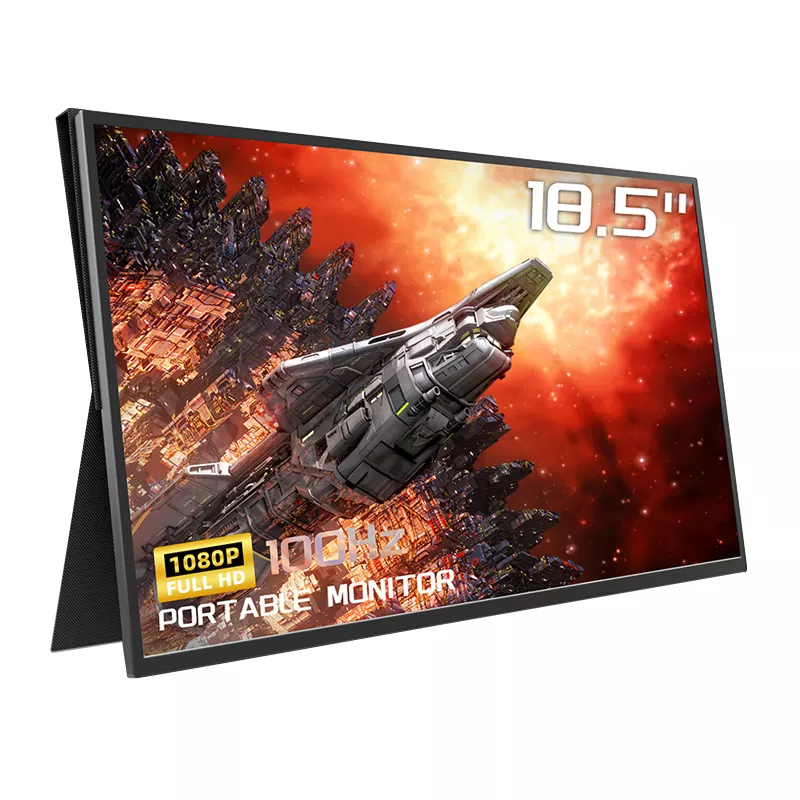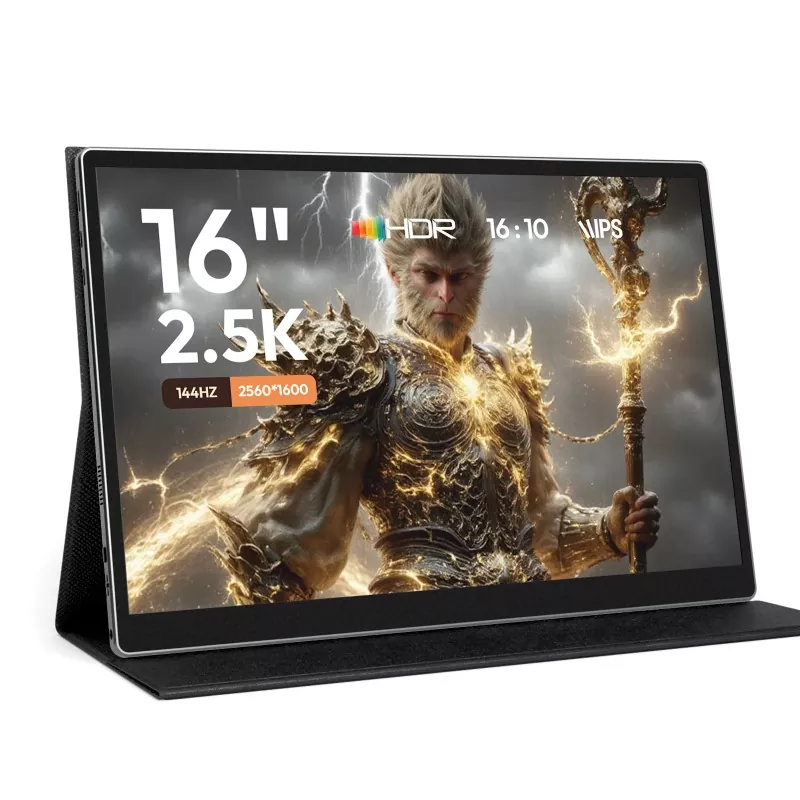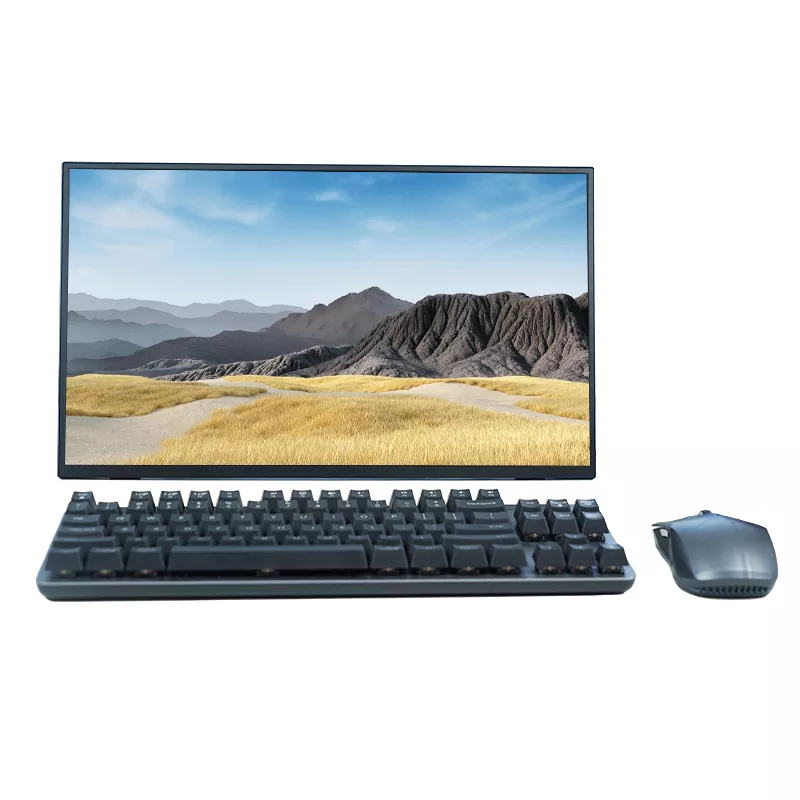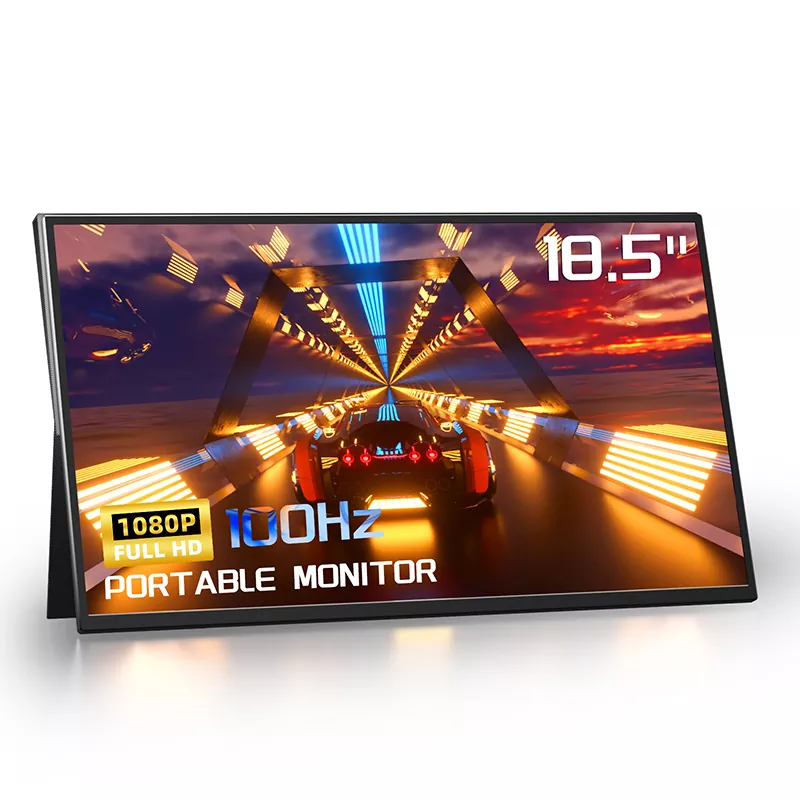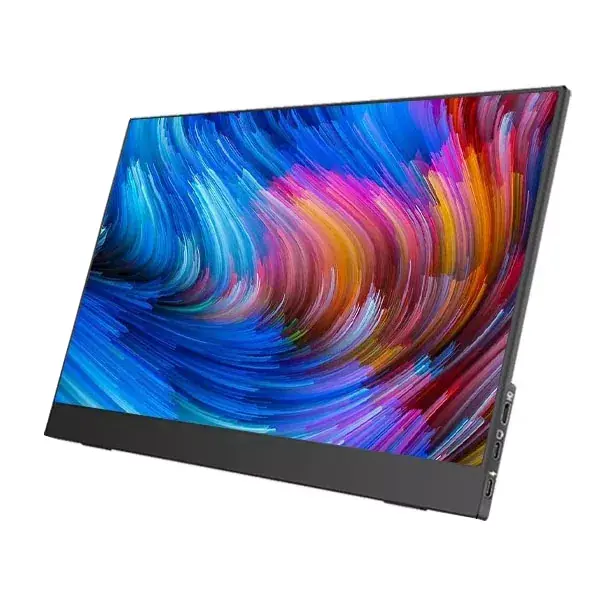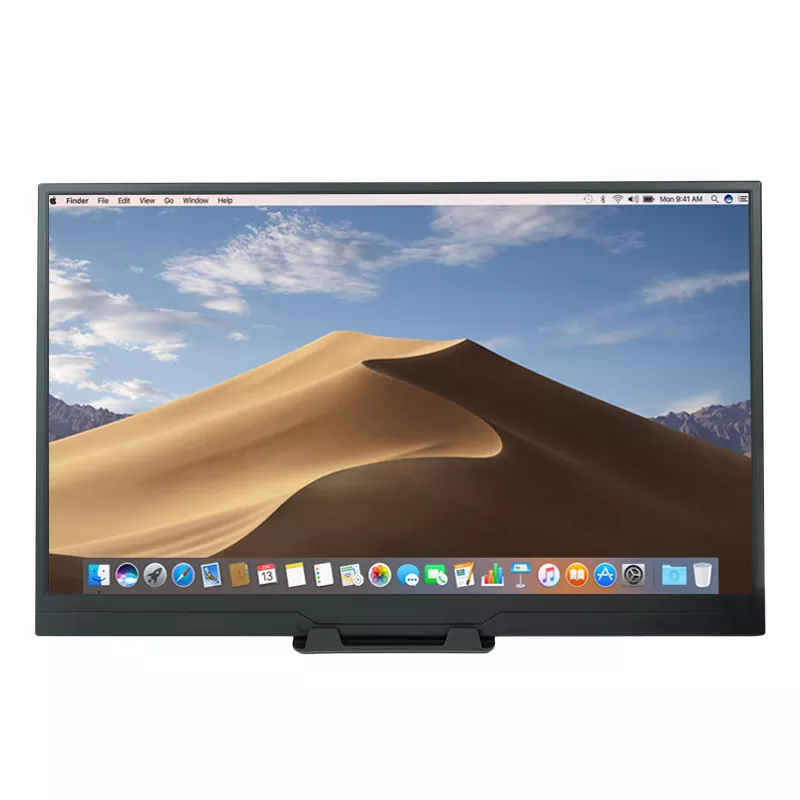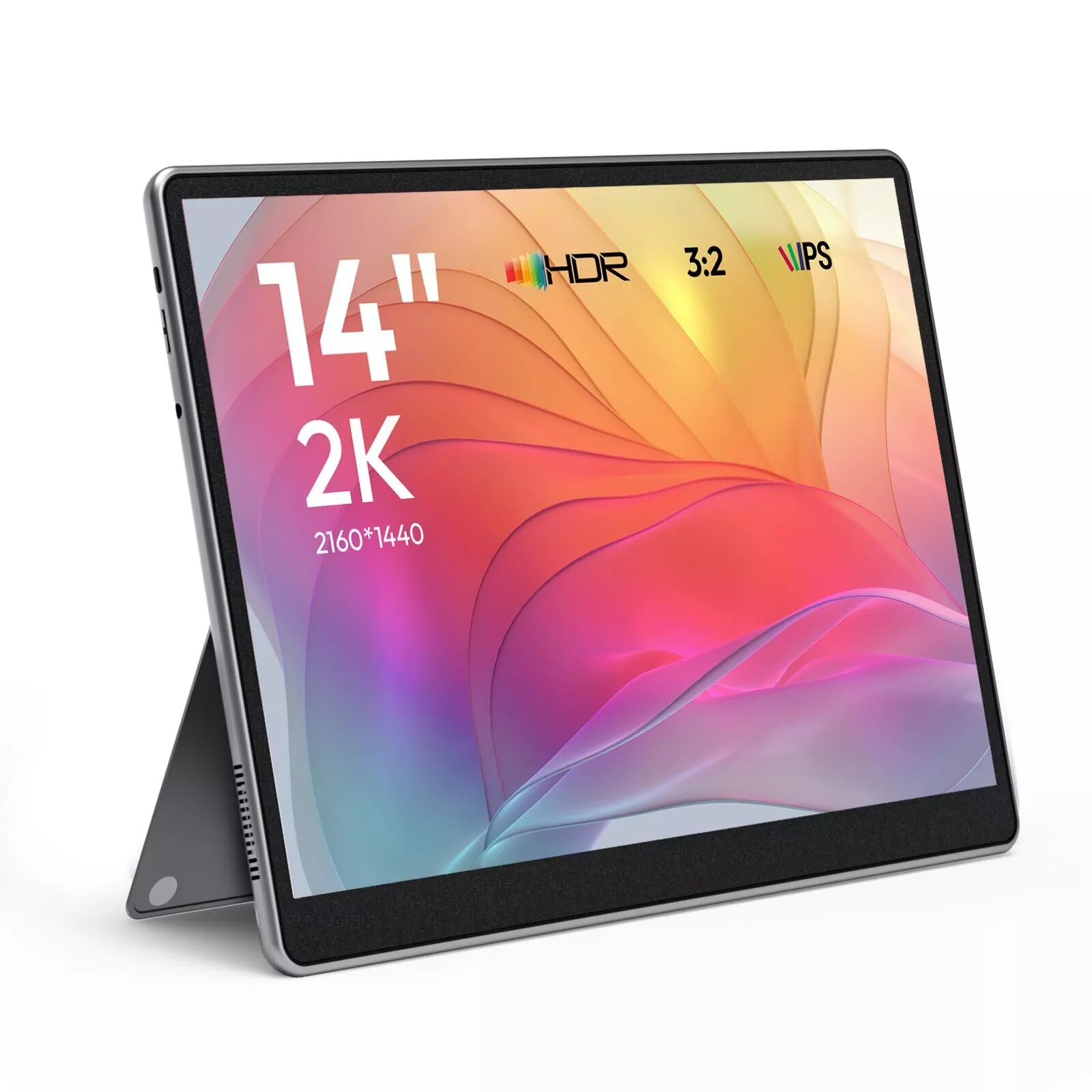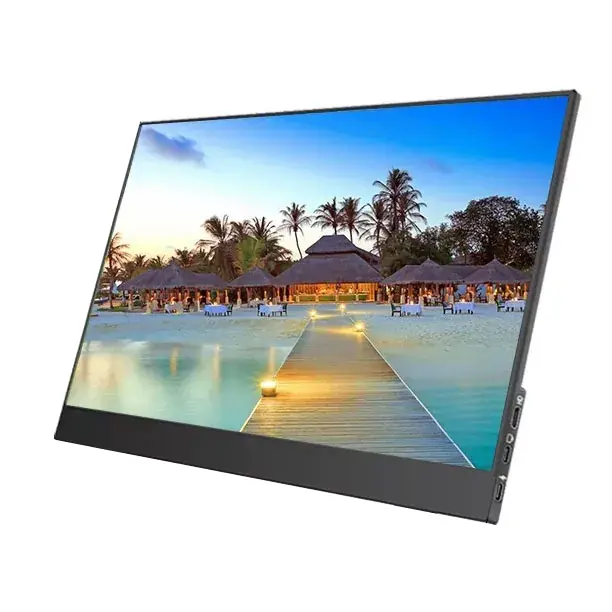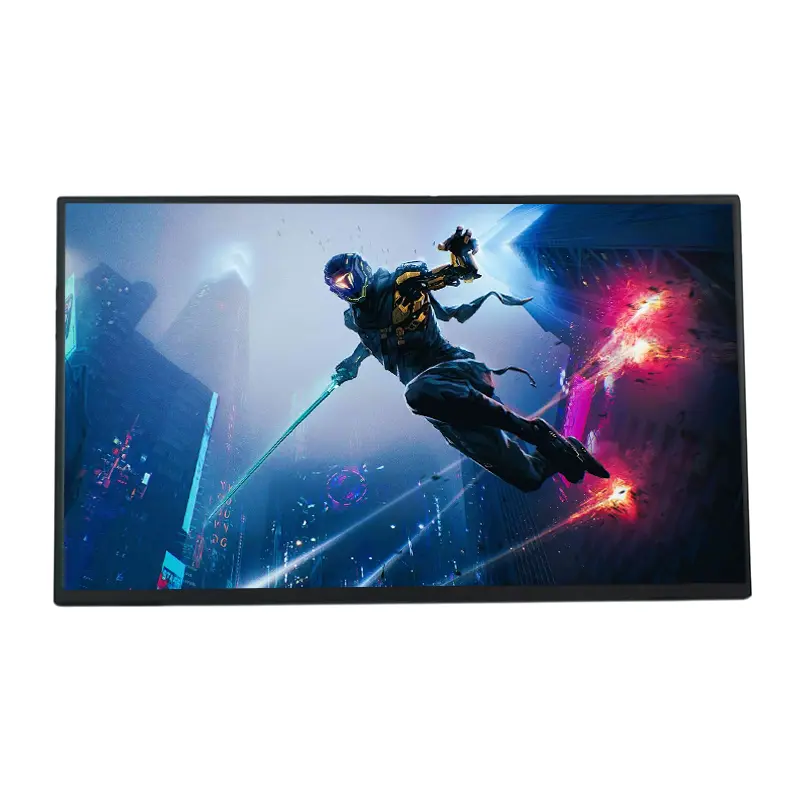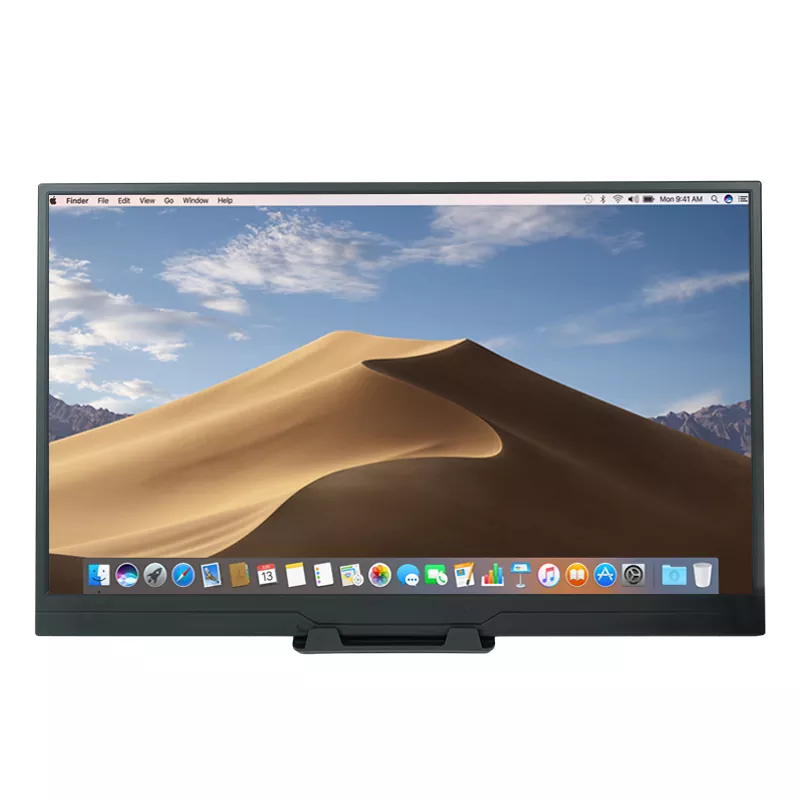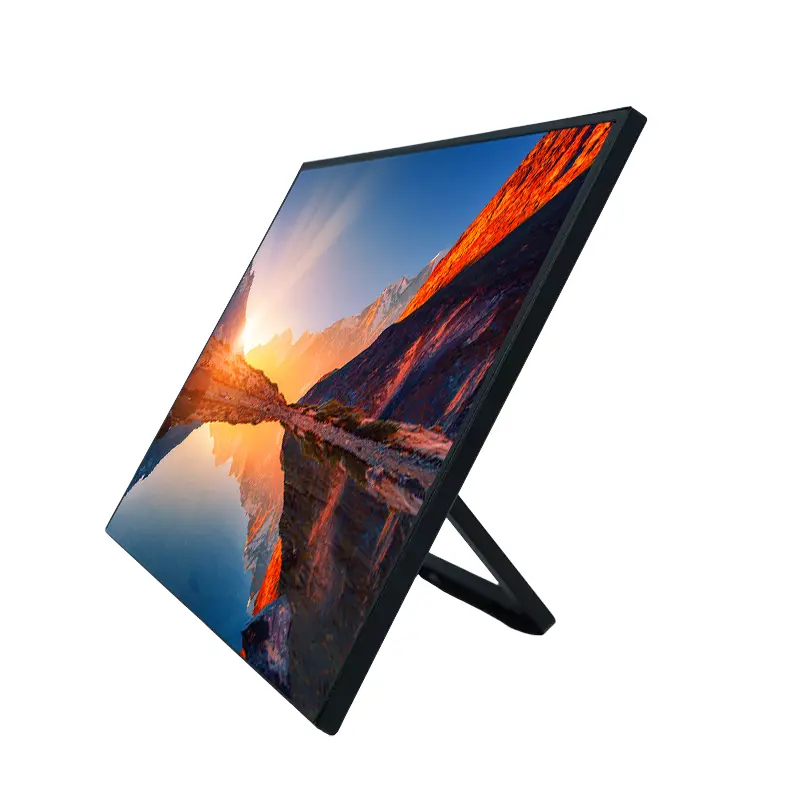
CHANGXIAN, a professional portable monitor manufacturer in China, presents the 15.6 Inch100%sRGB Portable Monitor for users who need reliable color reproduction, flexible connectivity, and a convenient second screen for work, travel, and entertainment.
A high-quality portable display can make a significant difference in productivity and visual consistency. The 15.6 Inch100%sRGB Portable Monitor combines a 15.6-inch Full HD IPS panel, 100% sRGB color gamut, a 178-degree viewing angle, and HDR support to deliver detailed images and vibrant colors. With dual USB Type-C ports, a Mini HDMI connection, built-in speakers, and an integrated adjustable stand, it is designed for professionals, students, business travelers, and entertainment enthusiasts. This guide explains its specifications, key advantages, practical applications, connectivity requirements, and purchasing considerations to help buyers determine whether this portable display suits their needs.
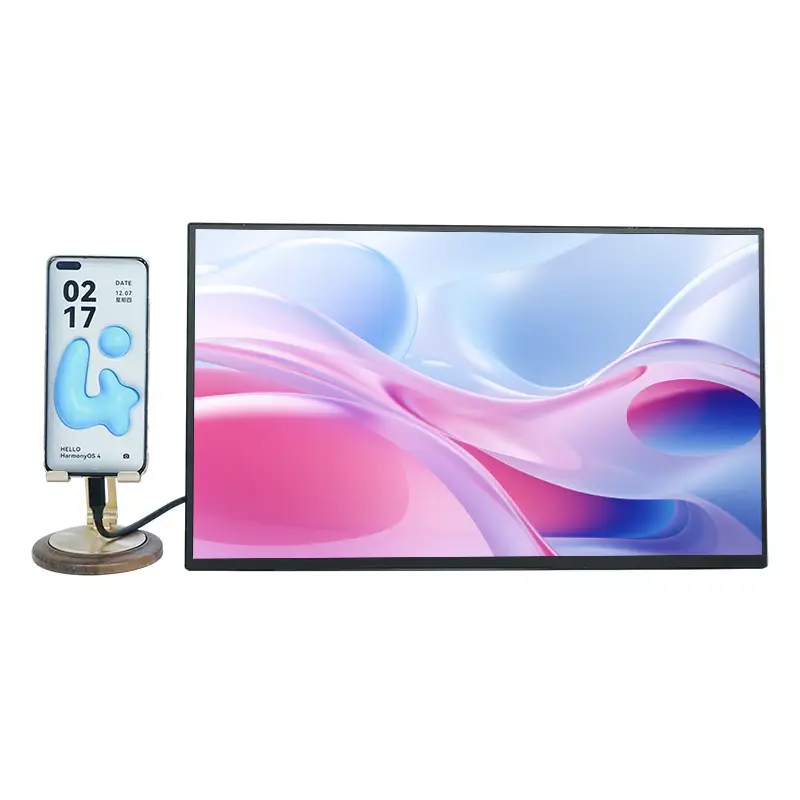
Table of Contents
- Why Does Color Accuracy Matter in a Portable Monitor?
- What Are the Key Specifications?
- Which Features Make This Monitor Practical?
- Where Can You Use a 15.6-Inch Portable Monitor?
- How Do You Connect and Set Up the Monitor?
- What Should Buyers Consider Before Purchasing?
- Frequently Asked Questions
- Conclusion: Is This Portable Monitor Right for You?
Why Does Color Accuracy Matter in a Portable Monitor?
Color accuracy is an important consideration when selecting a display for graphic design, photography, video editing, digital marketing, and other visually demanding tasks. A monitor with limited color coverage may fail to reproduce certain shades, potentially creating differences between the colors users see on screen and the intended design output.
The 15.6 Inch100%sRGB Portable Monitor is designed to cover 100% of the sRGB color gamut. This means it can reproduce the full range of colors within the standard sRGB color space, making it suitable for workflows that depend on consistent color representation.
Its Full HD resolution of 1920 × 1080 pixels provides a practical balance between image clarity and compatibility with everyday computing devices. Text, spreadsheets, presentations, photographs, and video content can be displayed with clear details on the 15.6-inch screen.
However, color gamut coverage and color accuracy are not identical. Actual color performance also depends on panel calibration, brightness uniformity, viewing conditions, and the color management settings used by the connected device. Professionals who require strict color matching should verify calibration data and conduct their own display checks before using the monitor for critical production work.
What Are the Key Specifications?
Before choosing a portable display, buyers should compare its core specifications with their working requirements. The following table summarizes the main specifications published for the CHANGXIAN model.
| Specification | Product Details | Practical Benefit |
|---|---|---|
| Product Name | 15.6 Inch100%sRGB Portable Monitor | Portable display for work and entertainment |
| Screen Size | 15.6 inches | Provides a useful workspace while remaining portable |
| Resolution | 1920 × 1080 pixels | Supports clear Full HD images and text |
| Color Gamut | 100% sRGB | Supports workflows requiring broad sRGB color coverage |
| Refresh Rate | 60 Hz | Suitable for everyday work, video playback, and general gaming |
| Viewing Angle | 178 degrees | Allows viewing from a wider range of positions |
| Panel Technology | IPS A-level panel | Designed for consistent viewing performance |
| Connectivity | Two USB Type-C ports and one Mini HDMI port | Offers flexible connection options |
| Additional Features | HDR support, built-in speakers, integrated stand | Supports versatile viewing and presentation scenarios |
| Weight | Approximately 2.7 pounds | Convenient for mobile work and business travel |
Specifications should always be confirmed with the supplier before ordering, particularly when a project requires defined brightness levels, color calibration tolerances, power consumption, or customized packaging.
Which Features Make This Monitor Practical?
1. Full HD Resolution and 100% sRGB Coverage
The combination of 1920 × 1080 resolution and full sRGB gamut coverage makes this display a practical option for content creators and everyday business users. Designers can review layouts, marketers can inspect visual assets, and photographers can preview images while working away from their main workstation.
For color-critical applications, users should remember that a wide color gamut does not automatically guarantee professional calibration. Confirming measurement results is recommended when color consistency is a contractual or production requirement.
2. IPS Technology and a 178-Degree Viewing Angle
The IPS panel is designed to maintain consistent image presentation across a wide viewing angle. This is particularly useful during meetings, collaborative reviews, and presentations where multiple people need to view the same content.
The wide viewing angle also provides greater flexibility when arranging a portable workstation in a hotel room, shared office, or compact home workspace.
3. HDR Support for Enhanced Visuals
High Dynamic Range technology can improve the perceived distinction between bright and dark areas in compatible content. It can make movies, supported games, and other visual material appear more dynamic.
HDR performance depends on the source content, device settings, and the monitor's underlying display capabilities. Buyers who require a specific HDR certification or peak brightness level should request confirmation rather than assuming all HDR-compatible displays offer the same performance.
4. Low Blue Light and Flicker-Free Features
The monitor incorporates low blue light technology intended to support more comfortable viewing during extended sessions. The product page also describes flicker-free technology as part of its eye-care design.
These features may improve the viewing experience for some users, but they do not eliminate eye strain. Appropriate brightness, regular breaks, suitable viewing distance, and good workstation ergonomics remain important.
5. Lightweight Construction and an Integrated Stand
Weighing approximately 2.7 pounds, the monitor is designed for users who frequently move between workspaces. Its integrated adjustable stand helps simplify setup without requiring a separate desktop stand.
- Set up a secondary display at a temporary workstation.
- Adjust the viewing angle for meetings or individual work.
- Pack the monitor with a laptop for business trips.
- Use the display for entertainment in compact spaces.
Where Can You Use a 15.6-Inch Portable Monitor?
Graphic Design and Photography
Designers can use the additional screen area to review reference images, compare layouts, organize design tools, or inspect visual content. The 100% sRGB gamut is particularly relevant to workflows built around the sRGB color space, including web graphics and many digital marketing assets.
Video Editing and Content Creation
Content creators can place their editing timeline, preview window, reference materials, or communication tools on the portable display. This arrangement reduces the need to repeatedly switch between windows on a single laptop screen.
Business Meetings and Remote Work
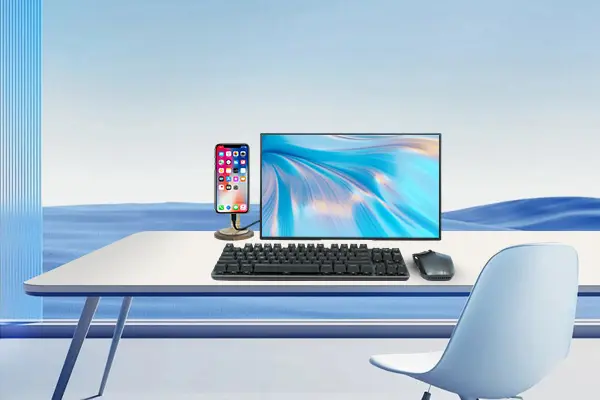
Professionals can extend their laptop display to keep spreadsheets, presentations, meeting notes, and reference documents visible simultaneously. Duplicate mode can also help present the same content on both screens when discussing information with colleagues or clients.
Education and Research
Students and researchers can read source materials on one screen while taking notes or preparing assignments on another. The portable format is useful for dormitories, libraries, temporary study spaces, and remote learning environments.
Gaming and Entertainment
The monitor supports connections to compatible gaming consoles and computers through USB Type-C or Mini HDMI, depending on the device's available output. Its 60 Hz refresh rate is suitable for casual gaming and general entertainment, although competitive gamers seeking higher refresh rates may prefer a different model.
How Do You Connect and Set Up the Monitor?
The monitor offers two USB Type-C ports and one Mini HDMI port, providing different connection options for compatible devices. Setup requirements depend on whether the source device supports video output through USB Type-C.
- Check your device: Confirm that the laptop, computer, tablet, or gaming device supports video output through its available USB Type-C or HDMI connection.
- Choose the appropriate cable: Use a full-featured USB Type-C cable for video transmission, or a compatible HDMI cable and any required adapter for the Mini HDMI input.
- Connect the power supply: If the source device cannot provide sufficient power, connect an appropriate external power adapter to the monitor.
- Select the display mode: Choose duplicate mode to mirror the primary screen or extend mode to create additional workspace.
- Adjust the display: Set brightness, orientation, and other available display options to suit your working environment.
USB Type-C connectors do not all support video transmission. A charging-only cable will not carry a video signal, and a device with a USB Type-C port may still lack DisplayPort Alt Mode or another compatible video-output capability.
For more information about the product, visit the CHANGXIAN 15.6 Inch100%sRGB Portable Monitor product page or explore the manufacturer's portable monitor range.
What Should Buyers Consider Before Purchasing?
Choosing a portable monitor involves more than comparing screen size and resolution. Buyers should evaluate their intended applications, connection requirements, color expectations, and supplier capabilities.
- Color requirements: Determine whether 100% sRGB coverage meets your workflow. If your work requires a specific color accuracy tolerance, ask for calibration reports or measured performance data.
- Device compatibility: Verify USB Type-C video output, HDMI compatibility, cable requirements, and available power delivery.
- Display performance: Confirm brightness, contrast ratio, response time, and any HDR performance requirements relevant to your application.
- Portability: Consider the monitor's weight, dimensions, protective packaging, and the accessories required for transportation.
- Operating environment: Check whether the integrated stand provides the adjustment range needed for your desk or travel setup.
- Supplier support: Discuss sample availability, warranty terms, lead times, spare parts, and technical support before placing an order.
- Customization: For bulk purchasing, confirm available OEM/ODM options, logo placement, packaging requirements, and minimum order quantities.
For distributors, resellers, and businesses sourcing displays in China, a supplier's ability to communicate specifications clearly and provide consistent product documentation can be as important as the initial purchase price.
Frequently Asked Questions
1. What does 100% sRGB mean on a portable monitor?
It means the display is designed to cover the full standard sRGB color gamut. This is useful for web graphics, digital content, photography previews, and other applications that use sRGB. It does not, by itself, guarantee a particular Delta E value or factory calibration accuracy.
2. Is the 15.6 Inch100%sRGB Portable Monitor suitable for graphic design?
It can be suitable for many graphic design tasks because it combines Full HD resolution with 100% sRGB coverage. Designers working on color-critical commercial projects should also verify calibration, brightness uniformity, and compatibility with their color-management workflow.
3. Can I connect this monitor to a laptop with one USB Type-C cable?
Yes, when the laptop's USB Type-C port supports video output and provides sufficient power, a compatible full-featured USB Type-C cable may carry the video signal and power. If power is insufficient, an external power adapter may be necessary.
4. Does this monitor support gaming consoles?
The product information lists compatibility with major gaming devices, including PlayStation, Xbox, and Nintendo Switch. The exact connection method depends on the console model, its video output, and any required adapters or power accessories. The monitor's listed refresh rate is 60 Hz.
5. Can businesses request customized monitors from CHANGXIAN?
CHANGXIAN describes OEM/ODM customization services for display solutions. Businesses can inquire about logo customization, product configurations, packaging, samples, and bulk-order requirements. Specific customization options, minimum order quantities, and delivery schedules should be confirmed directly with the supplier.
6. What should I verify before ordering in bulk?
Confirm the final specification sheet, color performance requirements, supported input signals, power accessories, sample approval process, warranty coverage, packaging details, and production lead time. Buyers should also agree on inspection criteria before mass production begins.
Conclusion: Is This Portable Monitor Right for You?
The 15.6 Inch100%sRGB Portable Monitor combines a Full HD IPS display, 100% sRGB color gamut, a 178-degree viewing angle, HDR support, flexible connectivity, and a portable design. These features make it a practical option for mobile professionals, students, content creators, business travelers, and users who need a second screen without carrying a full-sized desktop monitor.
Its suitability ultimately depends on the intended application. Everyday productivity users can benefit from the additional screen space, while designers and photographers should verify color performance against their specific requirements. Checking device compatibility, power needs, and supplier documentation before purchase can help reduce setup problems and support a more informed buying decision.
Looking for a dependable portable display solution for your business, distribution network, or next project? CHANGXIAN offers portable monitor options and OEM/ODM consultation to help buyers evaluate suitable configurations. Visit the product page to review the available features and contact us for specifications, sample inquiries, customization possibilities, and bulk purchasing details.