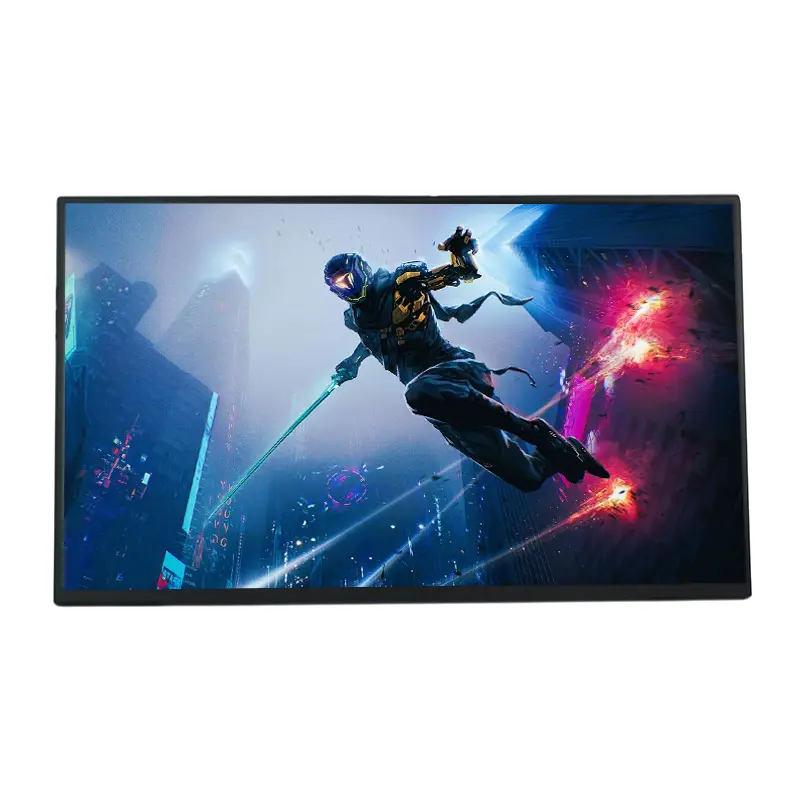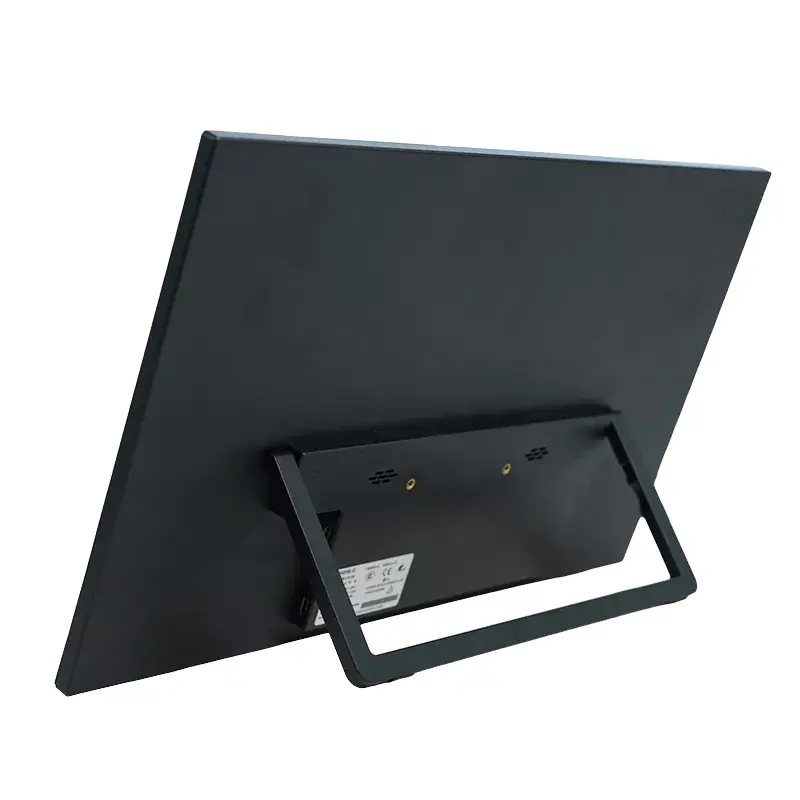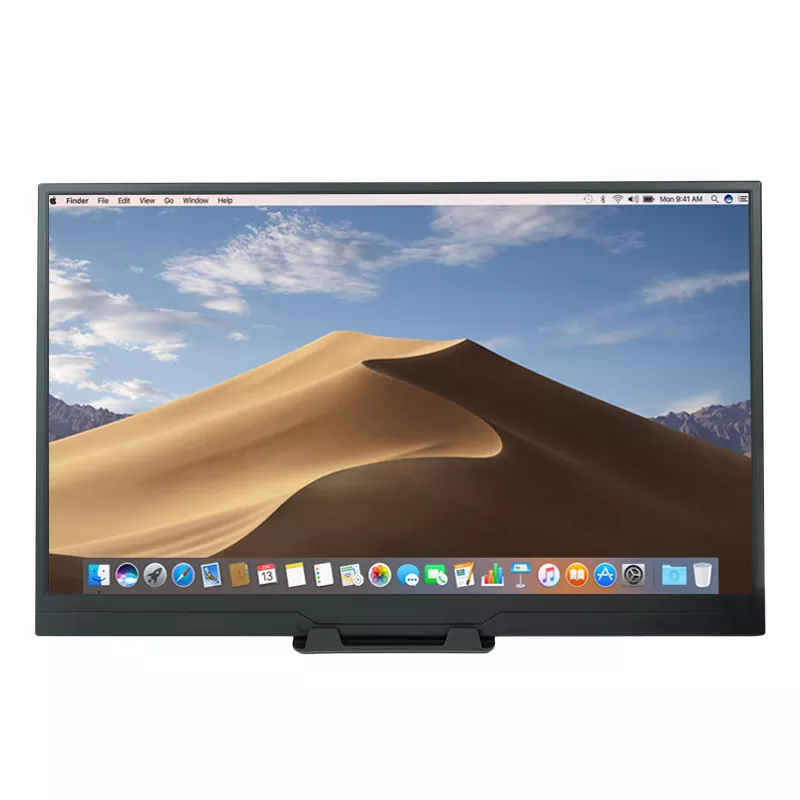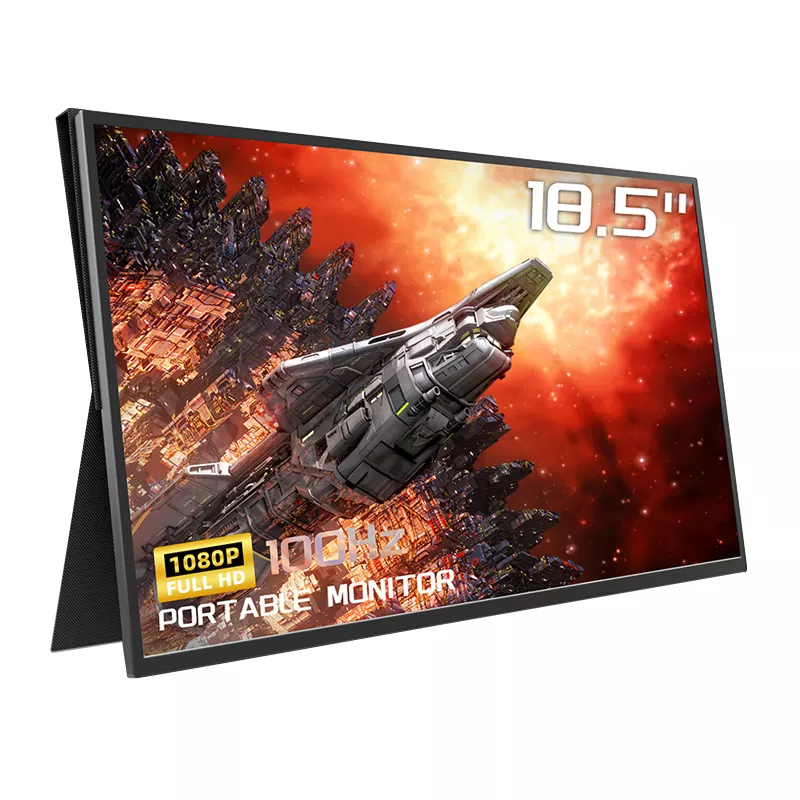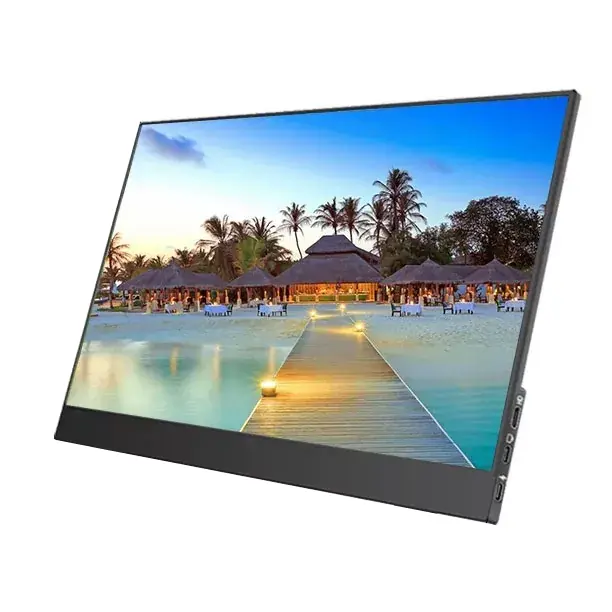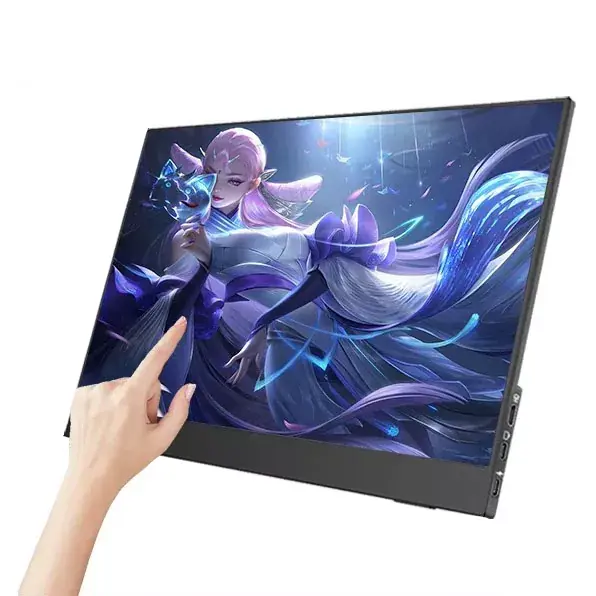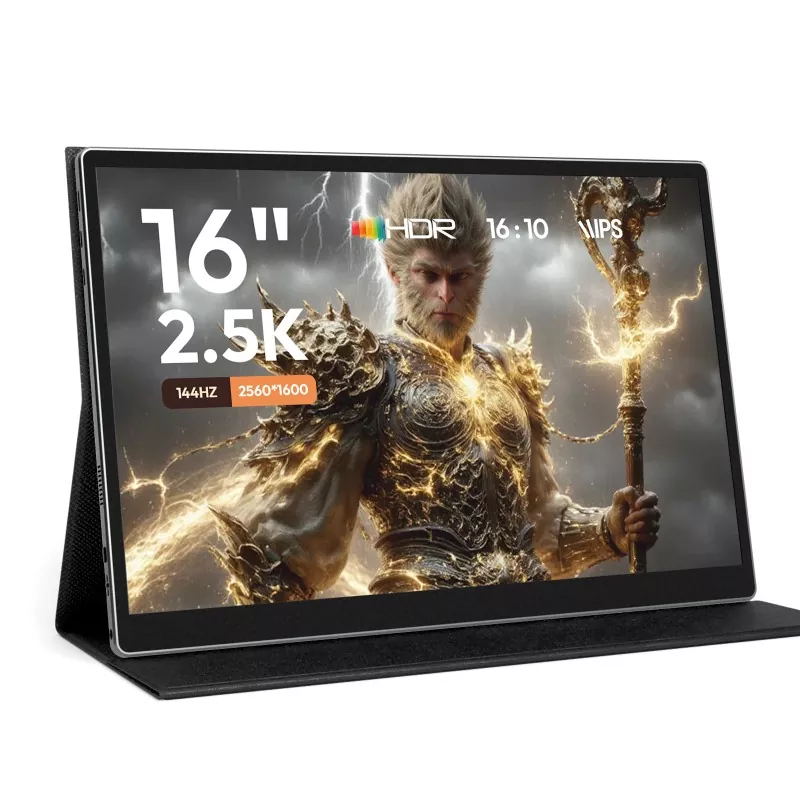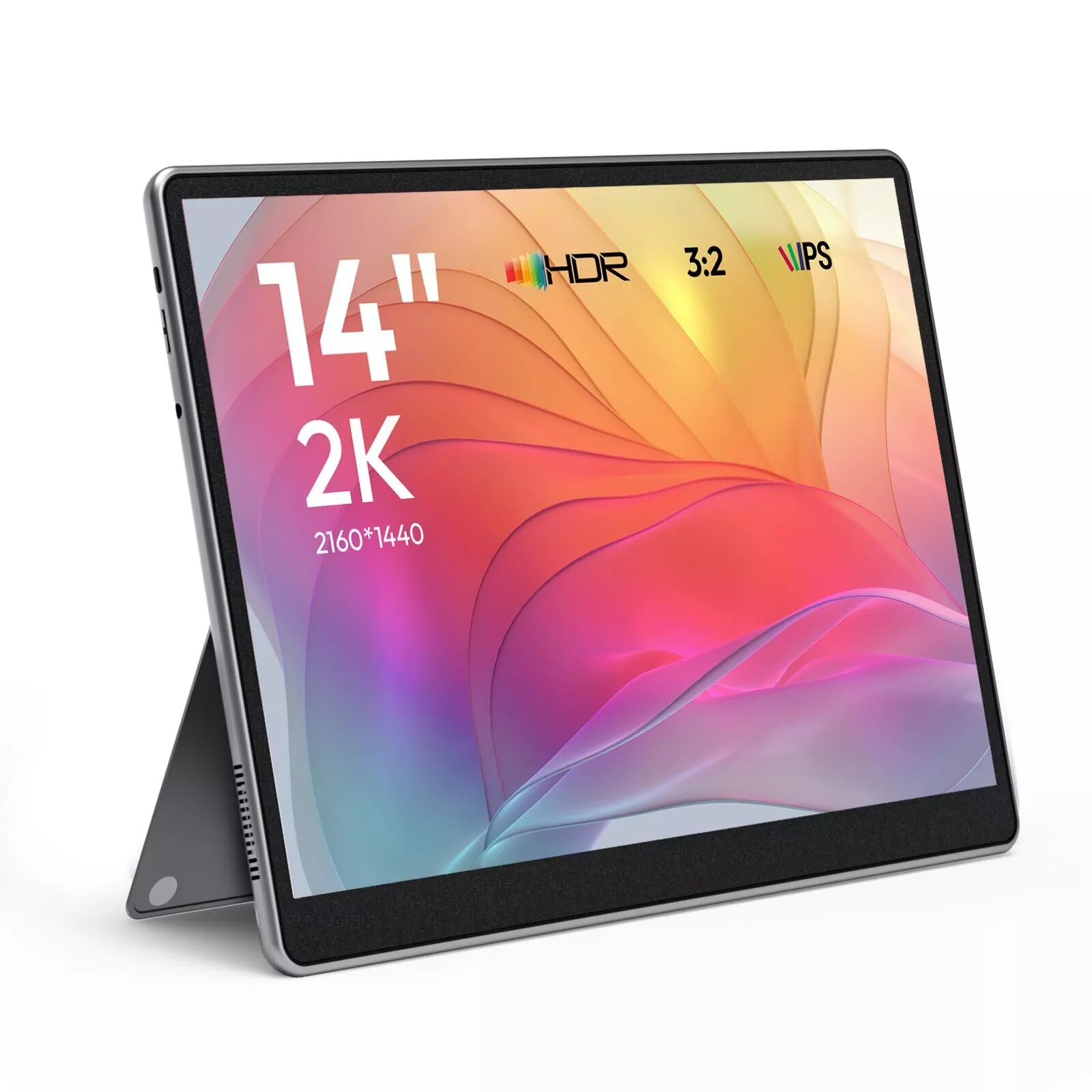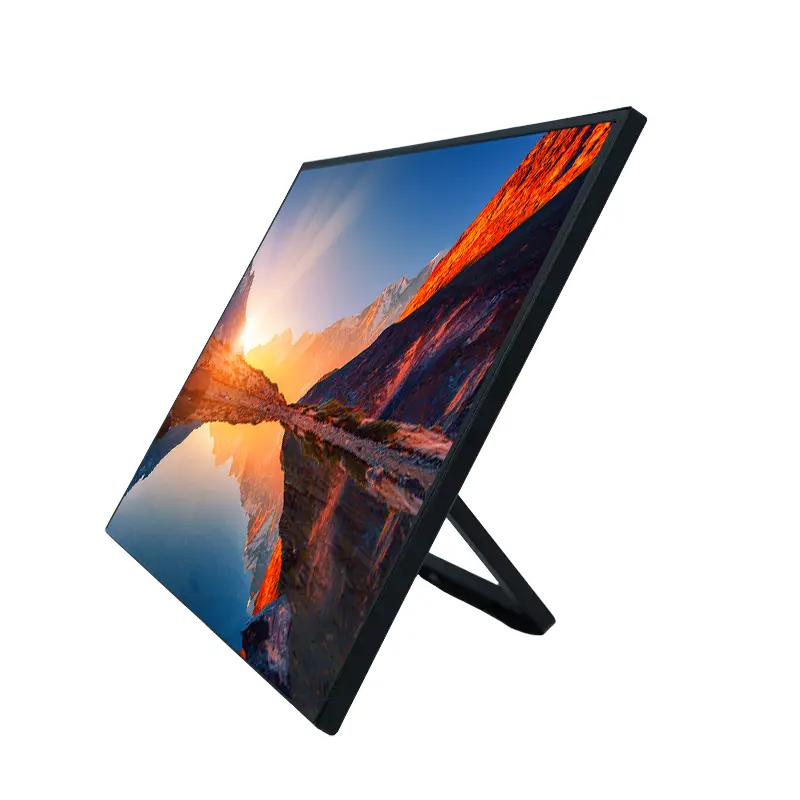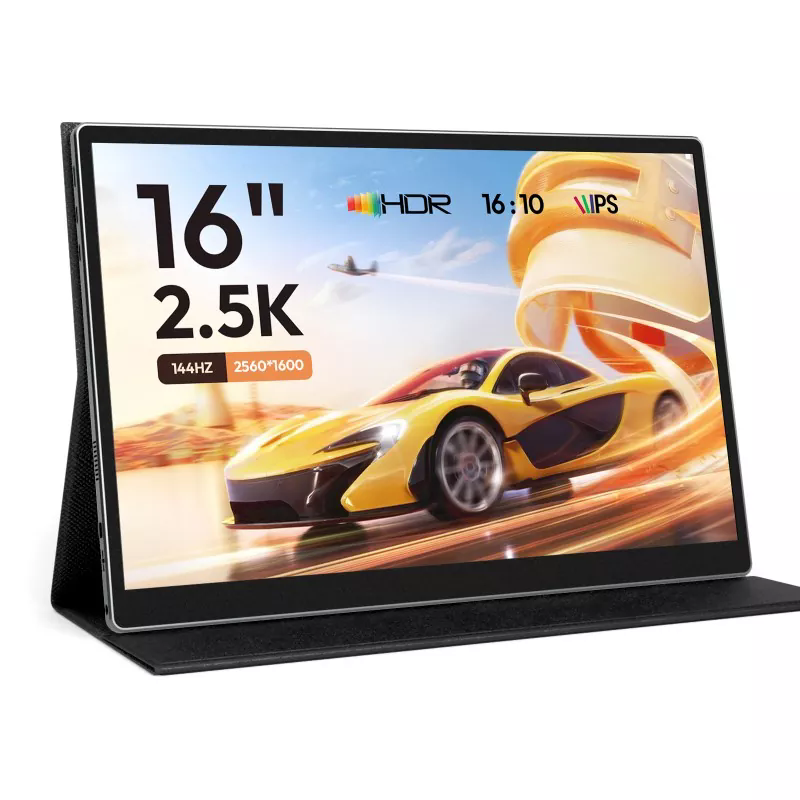
CHANGXIAN’s 15.6 Inch 1080P Wireless Projection Portable Monitor combines Full HD visual performance, wireless screen mirroring, versatile connectivity, and travel-friendly portability in one practical display solution. Designed for business presentations, remote work, education, gaming, and entertainment, it gives users more screen space without the limitations of a traditional desktop monitor.
A portable monitor is no longer simply a secondary screen for a laptop. Modern users need a display that can move between offices, meeting rooms, classrooms, hotels, and entertainment spaces with minimal setup. The CHANGXIAN 15.6-inch wireless projection model addresses this demand with a 1920 × 1080 resolution, 60Hz refresh rate, 178° viewing angle, IPS panel technology, HDR support, and wireless projection capabilities. It also provides two USB Type-C ports and Mini-HDMI connectivity, creating a flexible solution for laptops, smartphones, PCs, and gaming consoles. For users who value mobility without sacrificing viewing quality, this combination makes a 15.6-inch portable display particularly practical.
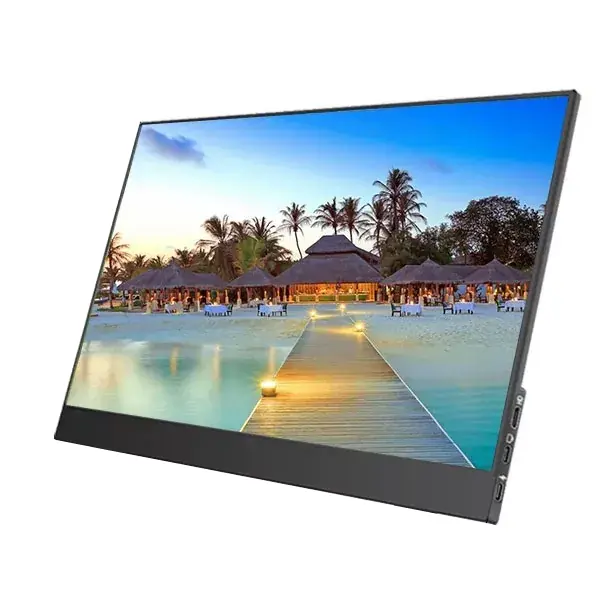
Table of Contents
- Why Does the 15.6-Inch Size Work So Well for Portable Use?
- How Does Wireless Projection Improve the User Experience?
- What Display Performance Can Users Expect?
- Which Devices Can Be Connected?
- Where Can a Wireless Portable Monitor Be Used?
- What Should Buyers Check Before Choosing One?
- Why Consider CHANGXIAN as a Portable Monitor Supplier?
- Frequently Asked Questions
Why Does the 15.6-Inch Size Work So Well for Portable Use?
Screen size directly affects the balance between productivity and portability. A display that is too small may not provide enough working area for spreadsheets, presentations, timelines, or multiple application windows. On the other hand, a much larger screen can become inconvenient to transport.
A 15.6-inch format offers a practical middle ground. It provides substantially more visual workspace than many laptop screens while remaining suitable for a laptop bag or mobile workstation. This makes it useful for professionals who frequently move between locations.
- More workspace: A larger viewing area makes documents, dashboards, presentations, and creative applications easier to manage.
- Travel-friendly design: The portable form factor is easier to carry than a conventional desktop display.
- Flexible positioning: Users can place the screen beside a laptop or use it independently in different environments.
- Multiple scenarios: The same display can support office work, education, gaming, presentations, and entertainment.
How Does Wireless Projection Improve the User Experience?
The key advantage of wireless projection is the ability to mirror compatible source devices without relying entirely on physical video cables. For meetings and presentations, this can make the workspace cleaner and reduce cable management.
The monitor is designed to support wireless screen mirroring from compatible smartphones, tablets, and laptops. Depending on the source device, wireless projection may use standard screen-mirroring technologies such as Miracast or AirPlay.
This feature is especially useful when a user needs to move quickly between devices. Instead of repeatedly connecting and disconnecting a video cable, compatible devices can establish a wireless connection and display content on the larger screen.
When Is Wireless Projection Most Useful?
- Presenting slides during business meetings
- Sharing smartphone content with colleagues or customers
- Displaying educational materials in classrooms
- Streaming compatible multimedia content
- Creating a cleaner temporary workstation
- Using a larger screen while traveling
What Display Performance Can Users Expect?
Display specifications determine how comfortably users can work, watch videos, or play games. This model uses a 15.6-inch IPS display with a Full HD 1920 × 1080 resolution, a 60Hz refresh rate, and a 178° viewing angle.
| Specification | Details | Practical Benefit |
|---|---|---|
| Display Size | 15.6 inches | Balances viewing area and portability |
| Resolution | 1920 × 1080 | Clear Full HD images and text |
| Refresh Rate | 60Hz | Smooth everyday video and gaming display |
| Viewing Angle | 178° | Consistent viewing from different positions |
| Panel | IPS | Wide viewing angle and stable color presentation |
| HDR | Supported | Improves contrast and visual dynamics for compatible content |
The 1920 × 1080 resolution is particularly practical for a portable screen because it provides a detailed Full HD workspace without requiring the additional system resources that higher-resolution displays can demand. The IPS panel and 178° viewing angle also make the display easier to share during presentations or collaborative work.
Which Devices Can Be Connected?
A portable monitor becomes considerably more useful when it can work with different types of source hardware. This model combines wireless projection with wired interfaces, providing a hybrid connection approach.
The monitor includes two USB Type-C ports and one Mini-HDMI port. Compatible USB-C devices can potentially use a simplified single-cable connection when they support video output through USB-C or Thunderbolt technology.
- Windows laptops and PCs
- MacBook and compatible Apple devices
- Android smartphones and tablets with supported display output
- Compatible iOS devices using supported wireless projection methods
- PlayStation and other compatible gaming systems
- Nintendo Switch and similar consoles
- Other HDMI- or USB-C-compatible source devices
For buyers, it is important to verify the video-output capability of the source device before selecting a connection method. USB-C does not automatically guarantee video transmission because different USB-C ports can have different capabilities.
Where Can a Wireless Portable Monitor Be Used?
Business and Remote Work
Professionals can use a second screen to separate email, spreadsheets, research materials, communication platforms, or project-management software from their primary workspace. This can reduce the need to constantly switch between application windows.
Business Presentations
Wireless projection can simplify screen sharing in meeting environments. Instead of placing multiple cables across a conference table, compatible devices can connect wirelessly when network and device conditions allow.
Education and Training
Teachers, trainers, and students can use a portable display to show presentations, documents, instructional videos, or other visual materials. Its portability also makes it suitable for temporary classrooms and training areas.
Gaming and Entertainment
The Full HD IPS screen, HDR support, and 60Hz refresh rate provide a practical platform for compatible gaming consoles, video playback, and mobile entertainment. The larger 15.6-inch screen can also offer a more comfortable viewing experience than a smartphone display.
Travel and Mobile Workstations
For digital professionals who frequently work from hotels, coworking spaces, client offices, or temporary locations, a portable monitor can transform a single-screen laptop into a more flexible workstation.
What Should Buyers Check Before Choosing One?
Choosing a portable display should involve more than comparing screen size. Buyers should consider the relationship between display specifications, connection options, portability, and their actual usage environment.
| Buying Factor | What to Check | Why It Matters |
|---|---|---|
| Resolution | 1920 × 1080 or higher | Affects image detail and text clarity |
| Panel Type | IPS or equivalent | Influences viewing angles and color consistency |
| Wireless Support | Compatible screen-mirroring protocols | Determines wireless device compatibility |
| Ports | USB-C and HDMI options | Improves compatibility across devices |
| Power | Source-device and external-power requirements | Helps prevent unstable operation |
| Portability | Size, weight, and physical design | Important for frequent travel |
Wireless operation also has practical limitations. For stable projection, the source device and monitor should remain within a suitable wireless range with minimal physical interference. When using high brightness or wireless functions for extended periods, an external USB Type-C power source may be recommended to maintain stable performance.
Why Consider CHANGXIAN as a Portable Monitor Supplier?
CHANGXIAN operates as a high-tech company integrating research and development, production, and sales in China. Its portable monitor range is developed around practical display applications, flexible connectivity, and changing customer requirements. The company states that it maintains manufacturing capabilities and production resources intended to support both product quality and supply stability.
For buyers evaluating a 15.6 Inch 1080P Wireless Projection Portable Monitor, supplier capability is as important as the product specification itself. Businesses purchasing for distribution, retail, projects, or customized brand programs may need more than an off-the-shelf display.
- Integrated R&D and production: Supports continuous product optimization and development.
- Flexible supply capability: Suitable for customers looking for stable portable-monitor sourcing.
- OEM/ODM support: Product solutions can be developed around specific drawings, samples, or market requirements.
- Multiple connection solutions: Wireless projection is combined with USB Type-C and Mini-HDMI connectivity.
- International market experience: The company serves customers across multiple overseas markets.
For more information about portable display solutions, buyers can also explore the CHANGXIAN portable monitor product range to compare different screen sizes and configurations.
Frequently Asked Questions
1. What is the resolution of this portable monitor?
The display provides a Full HD resolution of 1920 × 1080 pixels, which is suitable for office applications, presentations, multimedia, and everyday gaming.
2. Does the monitor support wireless projection?
Yes. The monitor is designed for wireless screen mirroring with compatible source devices. Support depends on the operating system and wireless projection protocol available on the source device.
3. Can I connect a laptop using USB-C?
Yes, provided the laptop's USB-C port supports video output, such as compatible DisplayPort Alt Mode or Thunderbolt functionality. Buyers should confirm the specifications of their source device before purchasing.
4. Does it support wired connections?
Yes. In addition to wireless projection, the monitor provides two USB Type-C ports and a Mini-HDMI port for compatible wired connections.
5. Is this monitor suitable for business travel?
Yes. Its 15.6-inch portable format is designed to provide additional screen space while remaining practical for mobile work, business presentations, travel, and temporary workstations.
6. What wireless distance is recommended?
For the best wireless projection experience, the source device and monitor should generally remain within approximately 5 meters and avoid significant obstacles or interference.
7. Can businesses order portable monitors in bulk?
Yes. CHANGXIAN provides wholesale-oriented sourcing and can discuss product quantities, samples, customization requirements, and OEM/ODM cooperation according to project needs.
Final Thoughts
A well-designed portable display should do more than make a laptop screen larger. It should provide a practical combination of image quality, connection flexibility, wireless convenience, and mobility. With a 15.6-inch IPS panel, 1920 × 1080 Full HD resolution, 60Hz refresh rate, 178° viewing angle, HDR support, wireless projection, USB Type-C ports, and Mini-HDMI connectivity, this solution is positioned for users who need a dependable second screen across work, education, travel, presentations, gaming, and entertainment. If you are sourcing portable displays for your business, distribution channel, or customized project, contact us to discuss specifications, samples, bulk orders, and OEM/ODM requirements with CHANGXIAN.