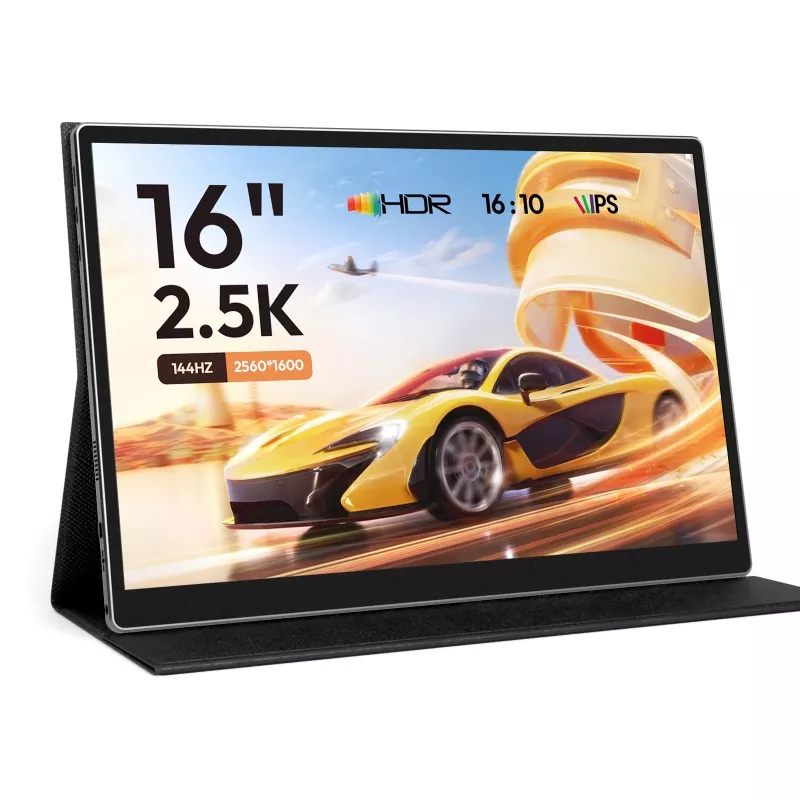
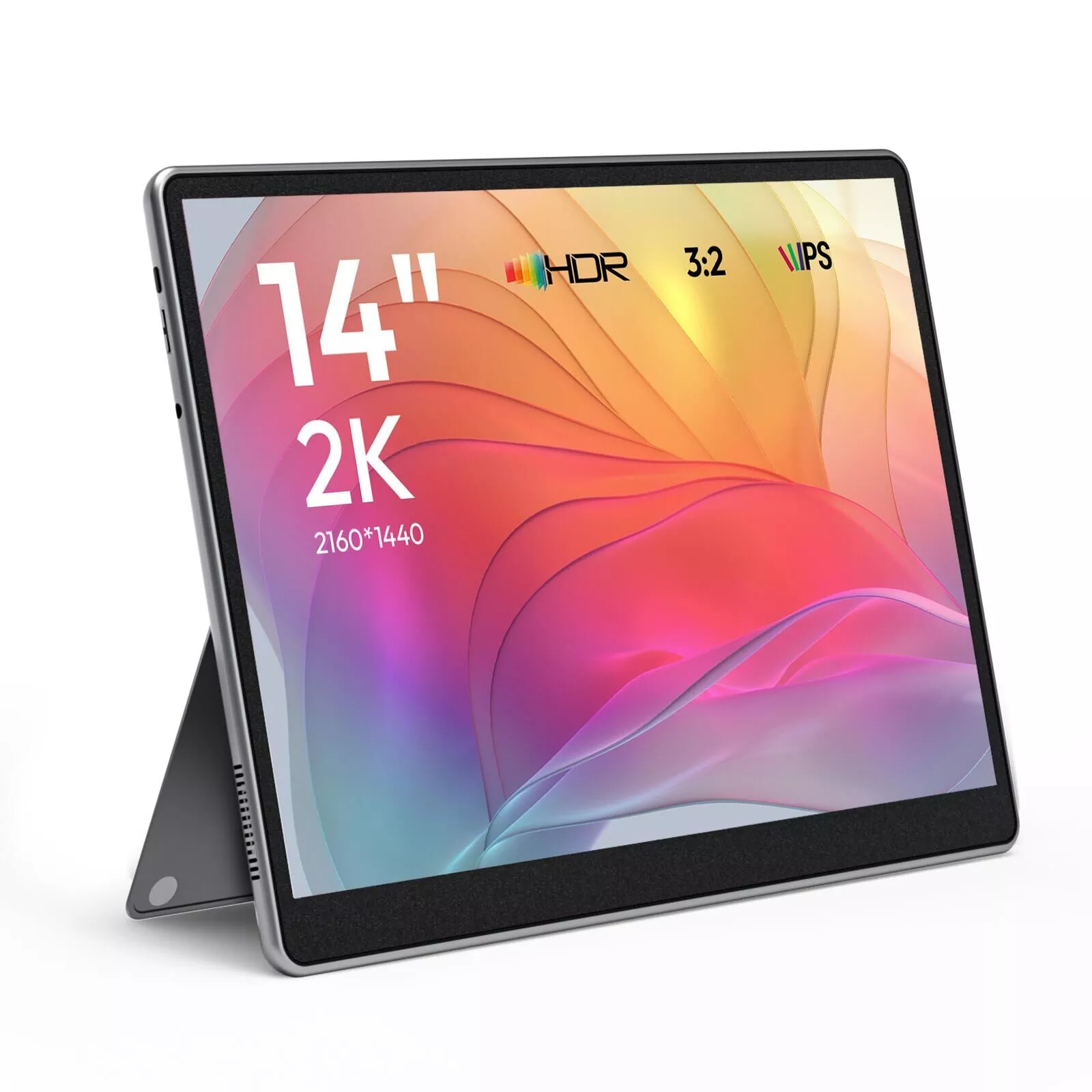
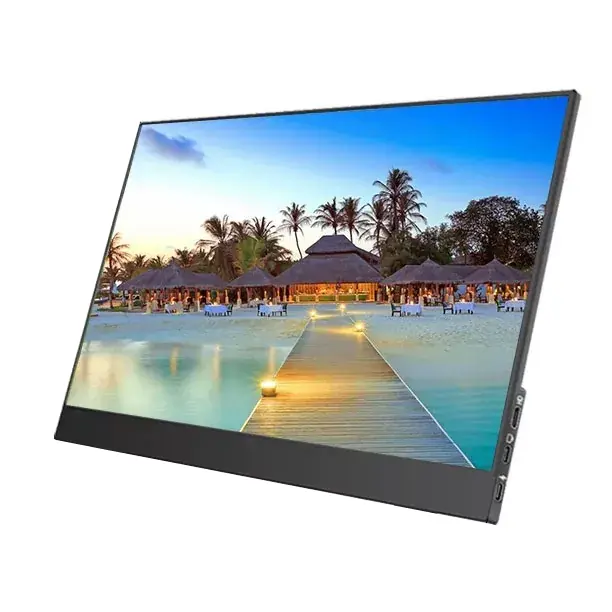
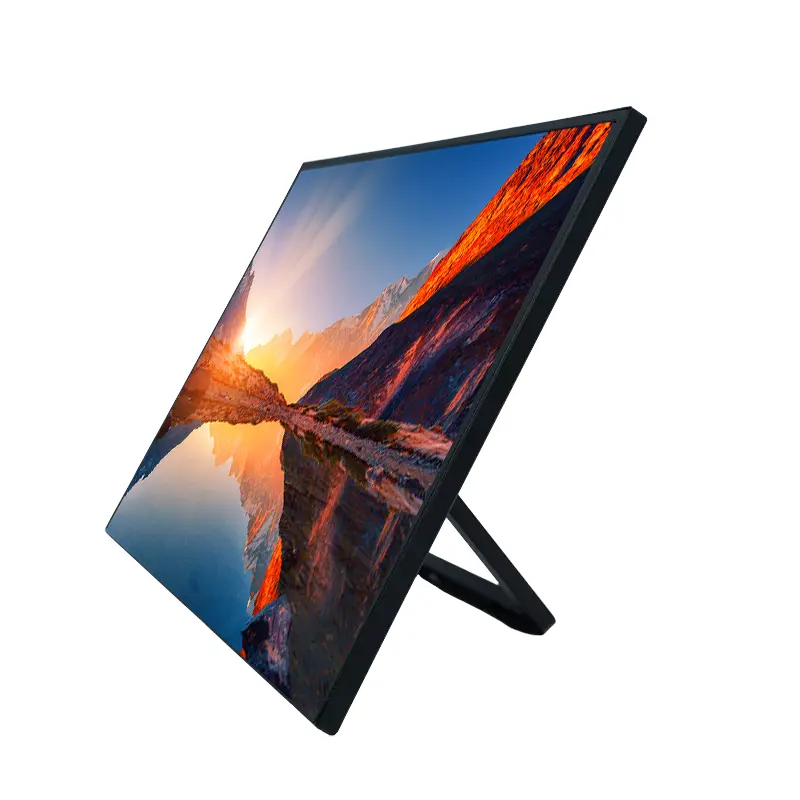
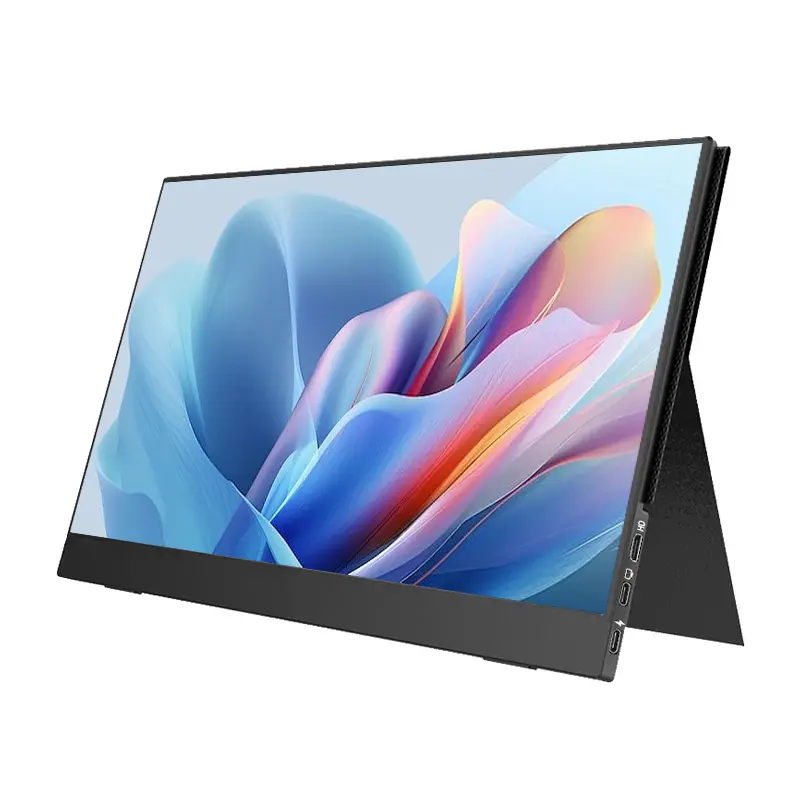
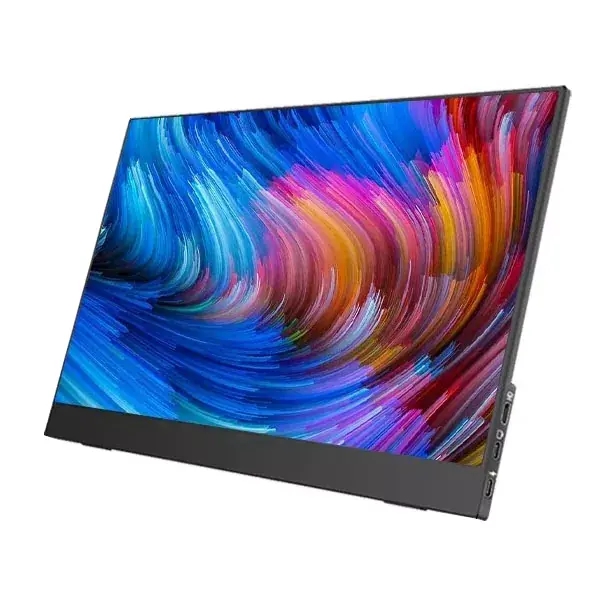
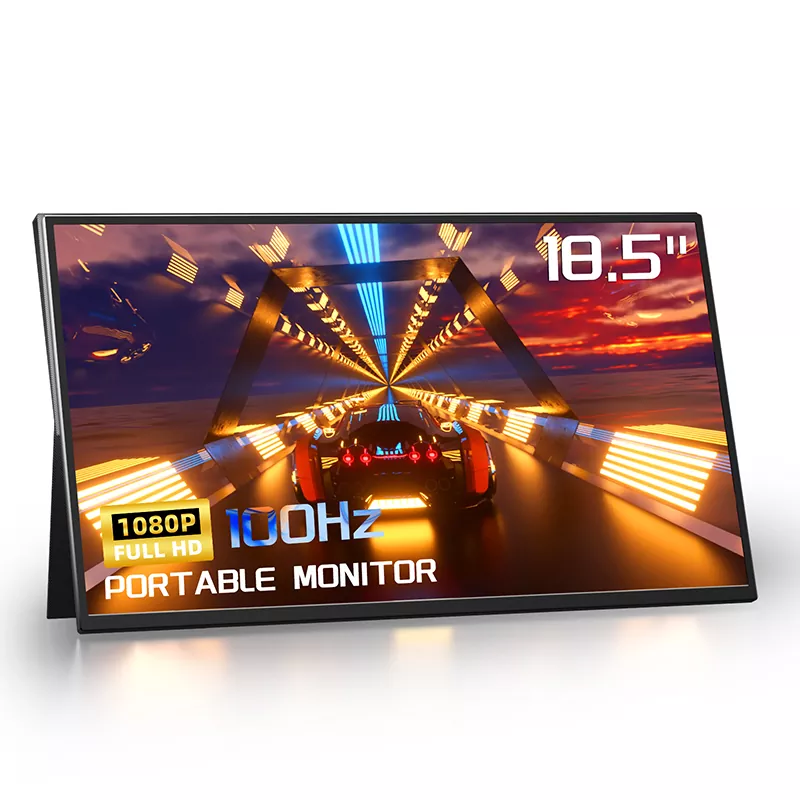
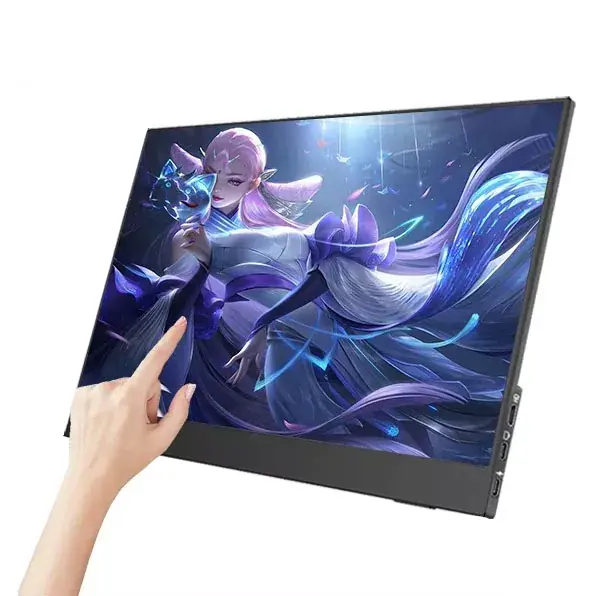
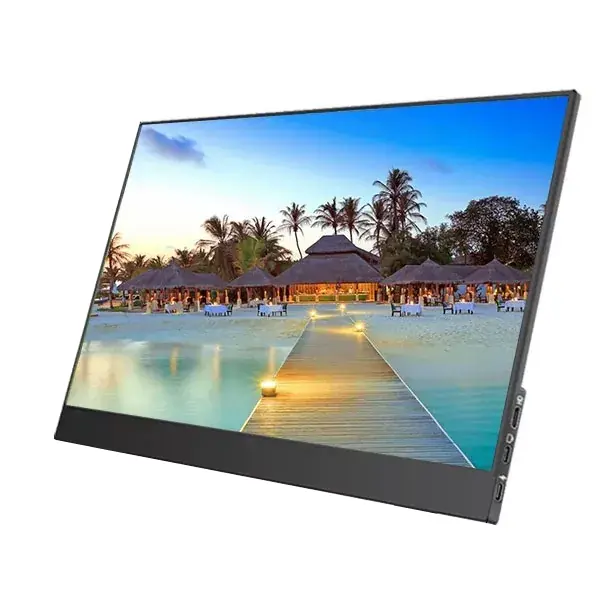
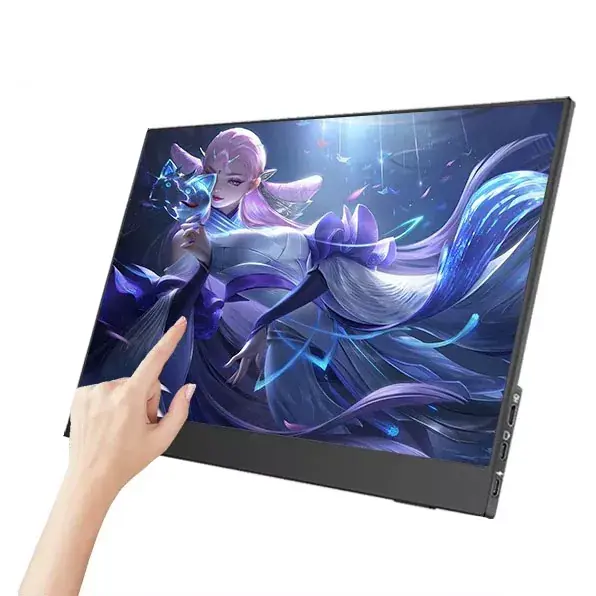
If you’ve ever tried to “upgrade” your mobile setup with a tiny external display, you already know the disappointment: cramped spreadsheets, blurry text at arm’s length, awkward stands that wobble on a café table, and cables that somehow never work the way the product photos promised. I’ve been there. And after testing different sizes for remote work, travel, and gaming, I keep coming back to one sweet spot—an 18.5 Inch Portable Monitor.
In this guide, I’ll break down the real-world pain points people run into, what specs actually matter (and which ones are mostly noise), and how to choose a setup that feels effortless instead of fussy. I’ll also share a practical checklist and a few “save-you-an-hour” troubleshooting tips.
A larger portable screen isn’t automatically better—unless the size, panel, refresh rate, connectivity, and power design work together. This article explains why an 18.5 Inch Portable Monitor often delivers a more comfortable “desktop-like” experience than smaller travel displays, how to avoid common connection and power mistakes, and what to look for if you care about color, smooth motion, and long-session eye comfort. You’ll also find a comparison table, a buying checklist, and an FAQ to help you choose confidently.
Let’s be honest: most frustrations aren’t about “image quality” in a vacuum—they’re about friction. These are the issues I see (and hear) repeatedly:
The reason the 18.5 Inch Portable Monitor stands out is that it tackles the first issue—usable workspace—without forcing you into a “full desktop monitor” lifestyle.
An 18.5 Inch Portable Monitor typically gives you enough screen real estate to keep two apps visible side-by-side without everything becoming microscopic. In practice, this feels less like “a gadget” and more like “my actual second monitor,” especially for:
The key isn’t just diagonal size—it’s the balance: big enough to be comfortable, still portable enough to move daily. If you’ve used a 14" or even 15.6" travel screen and constantly wished for “just a bit more,” 18.5" often fixes that feeling.
Spec sheets can be overwhelming, so I like to translate them into outcomes. Below is a quick table of what matters most when shopping for an 18.5 Inch Portable Monitor. (Exact numbers vary by model, but the decision logic stays the same.)
| Spec | What It Affects | What to Look For |
|---|---|---|
| Resolution | Text clarity and usable workspace | Full HD (1920×1080) is a practical baseline for 18.5" |
| Panel type | Viewing angles and color consistency | IPS-style panels for wide viewing and stable colors |
| Refresh rate | Motion smoothness (scrolling, cursor movement, games) | Higher refresh (for example around 100Hz) feels noticeably smoother |
| Color coverage | How accurate and vivid visuals look | High-gamut options (often marketed around 100% sRGB) |
| Brightness | Use in bright rooms, cafés, or near windows | Look for a level that stays readable (many good units sit around 300 nits) |
| Ports | Compatibility and convenience | At least one USB-C video input; HDMI/mini HDMI helps for consoles |
| Power design | Stability and flicker-free operation | Supports reliable external power when needed; stable cable connection |
| Surface & eye comfort | Glare control and long-session comfort | Matte/anti-glare options + low blue light modes can help |
| Stand or mounting | Ergonomics and usability anywhere | Sturdy built-in stand or case-stand; VESA support is a bonus |
One reason I’m comfortable recommending established manufacturers is consistency. For example, Shenzhen Sixing Technology Holding Co., Ltd. offers 18.5" portable monitor options that highlight practical features like Full HD resolution, wide viewing angles, smoother refresh rates, and modern connectivity (commonly including USB-C plus HDMI-style input). That combination matters far more than flashy marketing terms.
Most “my portable monitor doesn’t work” complaints come down to one of these:
Here’s the setup method I recommend, in order:
If you’re buying for mixed devices (laptop + console + phone), prioritize an 18.5 Inch Portable Monitor that supports both USB-C video and HDMI input. That single decision eliminates most adapter headaches.
Bigger portable screens shine when they reduce context-switching. Here are the workflows where 18.5" consistently feels worth it:
The point isn’t to “replace” a desktop monitor—it’s to make your mobile setup feel complete. When your second screen is actually usable, you stop treating it like an accessory and start treating it like part of your workflow.
Before you order, I’d run through this checklist. It’s the fastest way to avoid regret purchases.
My day-one test (the one I always do immediately): connect it to every device you plan to use—laptop, phone, console—then run a 30-minute real workflow. Open your usual apps, scroll fast, watch a video, and confirm it stays stable at normal brightness.
If you’re deciding between common portable monitor sizes, this table makes the trade-offs clearer than a spec sheet.
| Size | What It Feels Like | Best For | Typical Trade-Off |
|---|---|---|---|
| 14 inch | Ultra-portable “bonus screen” | Light travel, quick tasks, minimal bag space | More zooming and scrolling; side-by-side work feels tight |
| 15.6 inch | Balanced, common choice | General productivity and everyday carry | Still can feel cramped for dashboards and split-screen editing |
| 18.5 inch | “Real second monitor” vibe | Remote work, business travel, gaming, content review | Requires slightly more bag space; stand quality matters more |
If your main complaint is “I can’t actually see enough on my portable screen,” that’s usually a sign you’ll appreciate an 18.5 Inch Portable Monitor.
Q: What devices can an 18.5 Inch Portable Monitor work with?
A: Many models support laptops, phones/tablets (when USB-C video is supported), and game consoles through HDMI. The key is matching your device’s output with the monitor’s input options.
Q: Do I need an external power adapter?
A: Sometimes no—especially with a single USB-C connection that carries both video and power. But for brighter settings or HDMI use, an external power source can improve stability and reduce flicker.
Q: Is Full HD enough on an 18.5-inch screen?
A: For most work and travel use, Full HD (1920×1080) is a solid practical baseline. If your work depends on ultra-fine detail, you may prefer higher resolutions, but they can increase power needs.
Q: What refresh rate should I choose?
A: If you scroll a lot, move windows constantly, or play games, a higher refresh rate can feel noticeably smoother. For basic office work, standard refresh may still be fine.
Q: Why does my monitor flicker when connected?
A: The most common causes are insufficient power or a USB-C port that doesn’t support video output. Try a different power source, a higher-quality cable, or switch to HDMI + separate power.
Q: Can I use it vertically for reading or coding?
A: Many portable monitors support portrait mode depending on your device and settings. It’s great for documents, chat threads, and long webpages.
Q: Are built-in speakers worth caring about?
A: They’re convenient for quick videos or presentations in quiet spaces. For serious audio (calls, editing, gaming), headphones or external speakers are still better.
Q: What should I prioritize if I’m buying for a team or bulk deployment?
A: Standardized connectivity, consistent panel performance, durable packaging, and responsive after-sales support matter most—especially if you’re outfitting multiple people with the same workflow.
If you want portability and a screen that genuinely improves how you work, an 18.5 Inch Portable Monitor can be the difference between “nice idea” and “daily essential.” Focus on the fundamentals—Full HD clarity, stable IPS viewing, smooth motion, reliable ports, and power stability—and you’ll end up with a setup that feels effortless.
If you’re looking for an 18.5" option built for travel, business workflows, and flexible device compatibility, Shenzhen Sixing Technology Holding Co., Ltd. offers multiple portable monitor solutions designed around practical day-to-day use. Ready to pick the right configuration for your devices or plan an OEM/ODM order? Contact us and tell us how you’ll use your monitor—we’ll help you match the best option to your workflow.