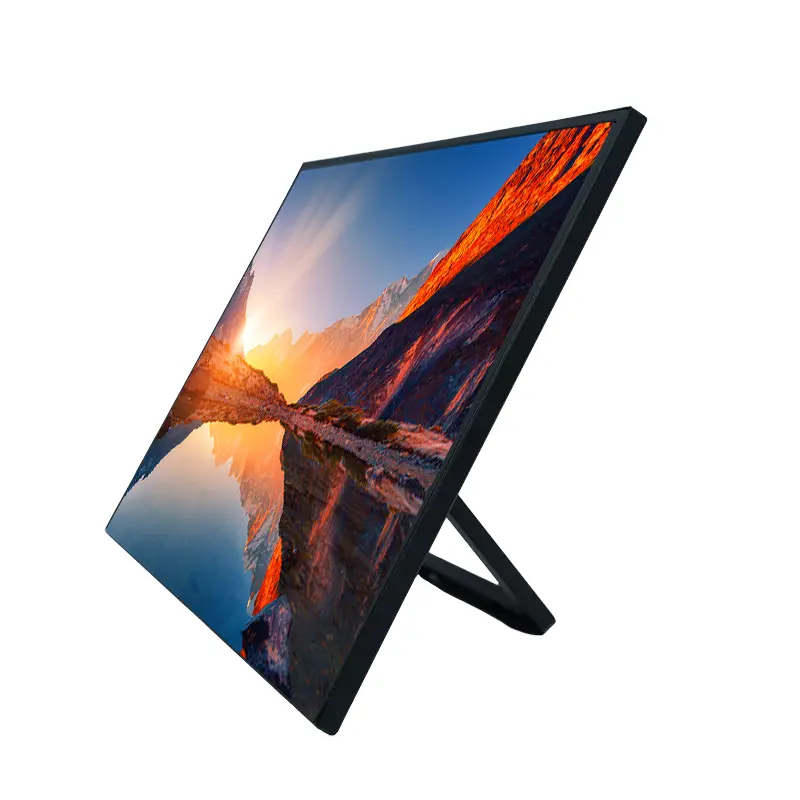
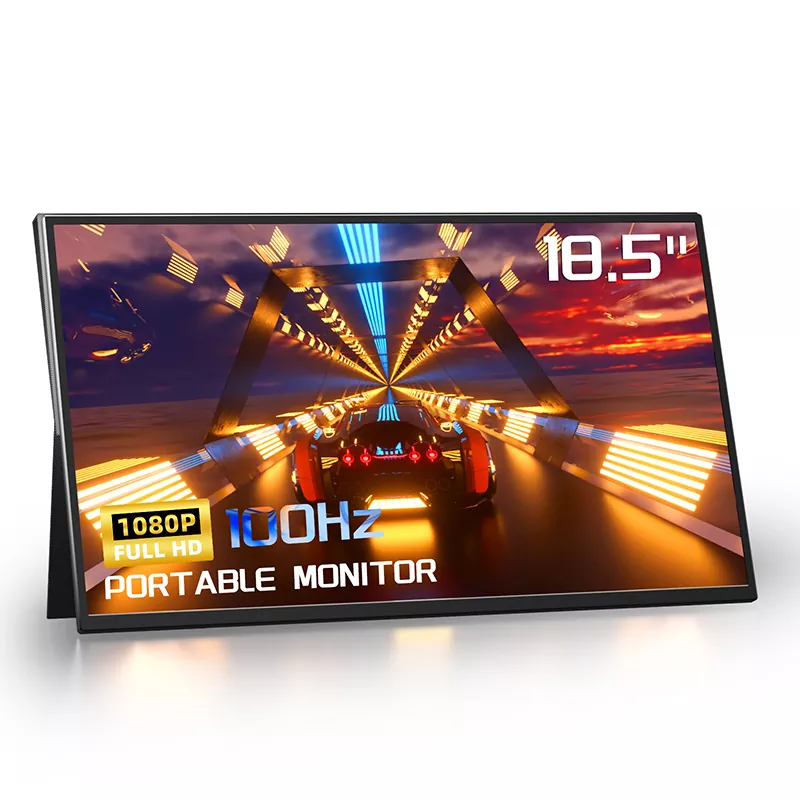
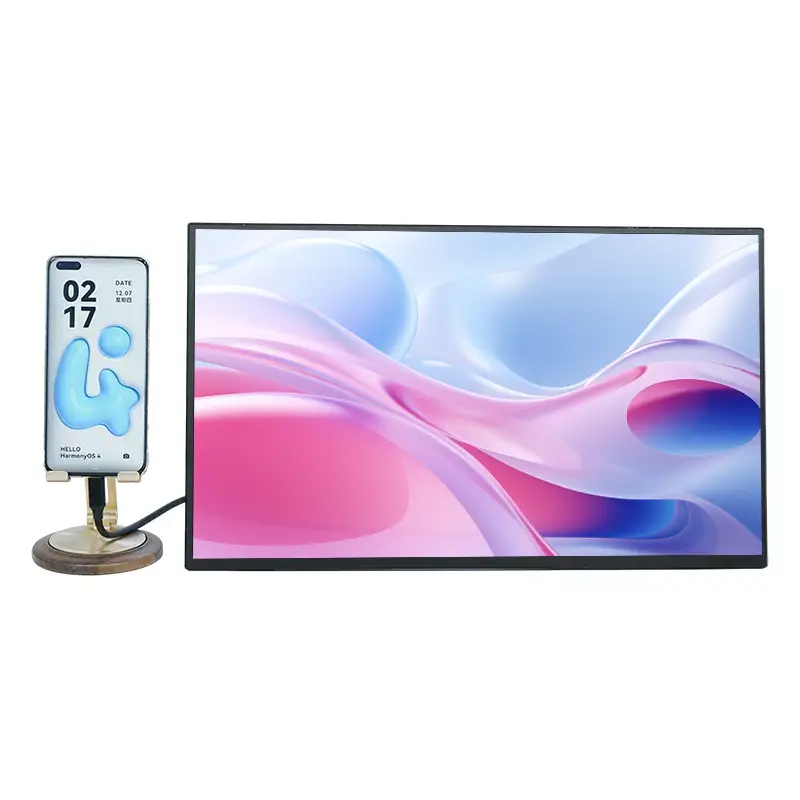
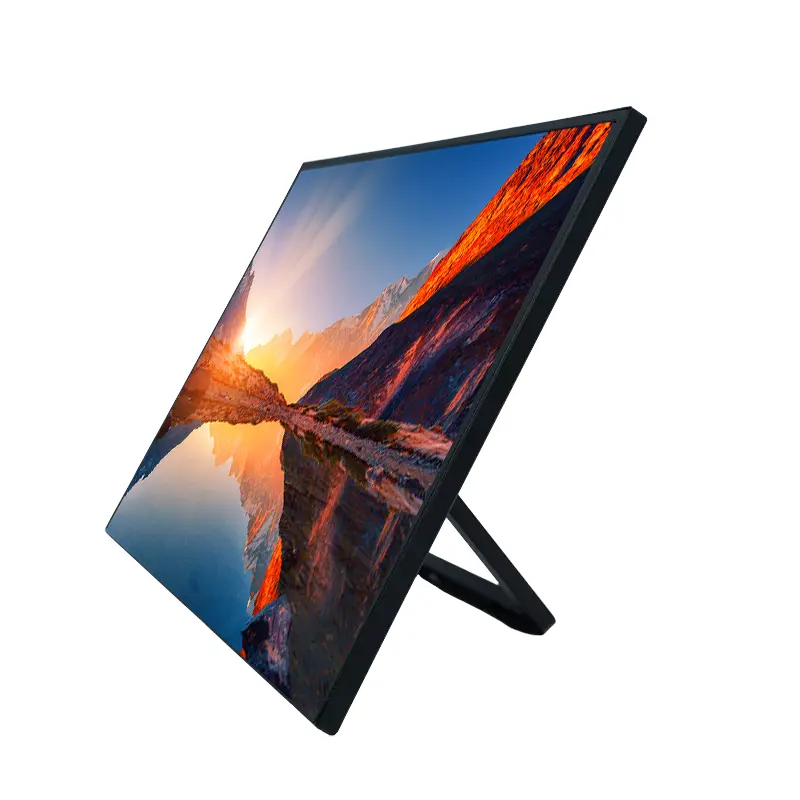
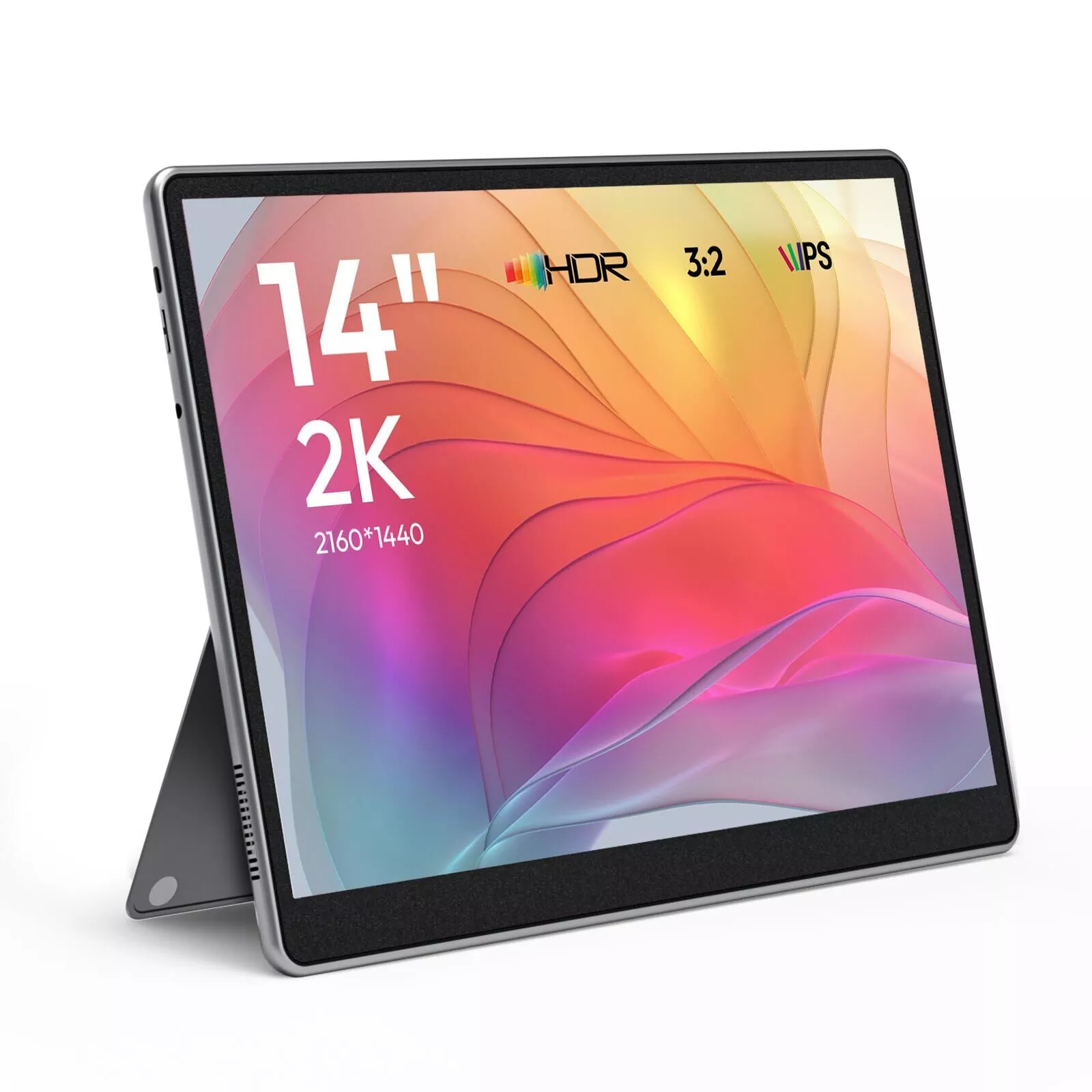
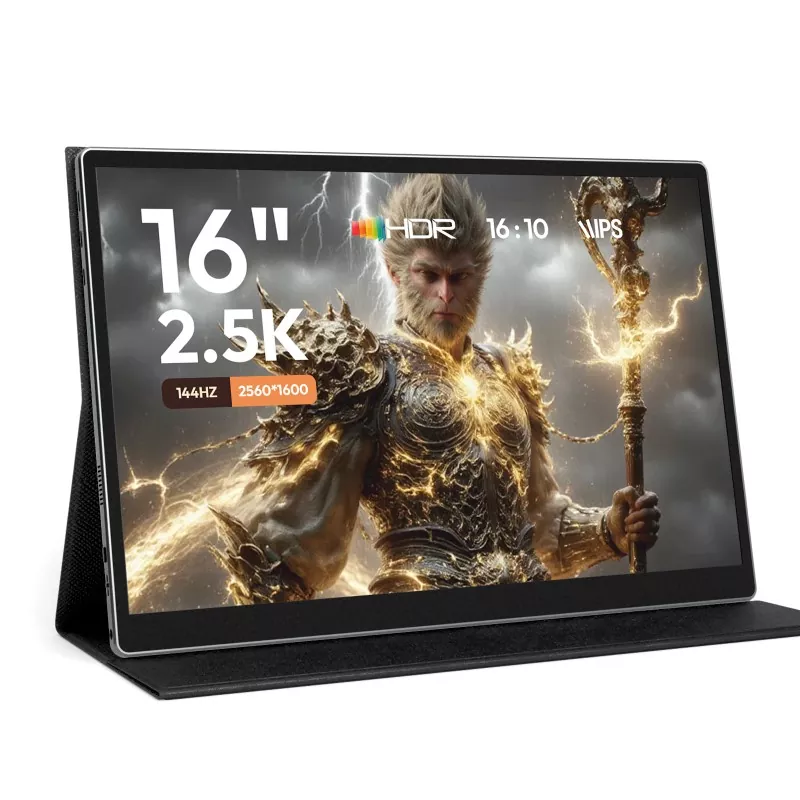
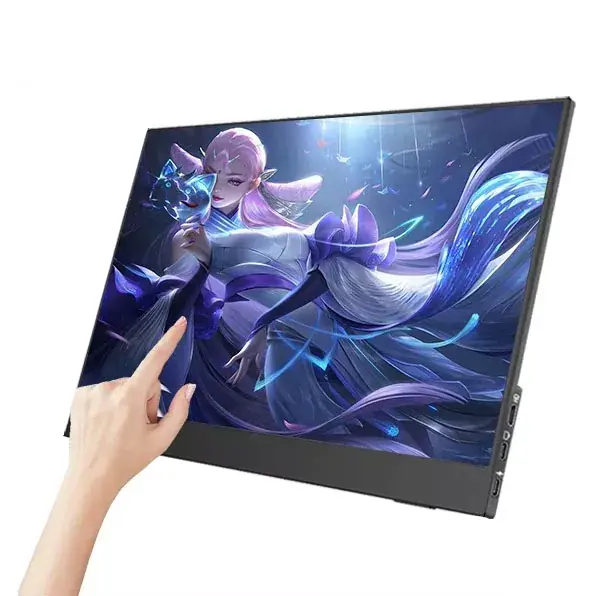
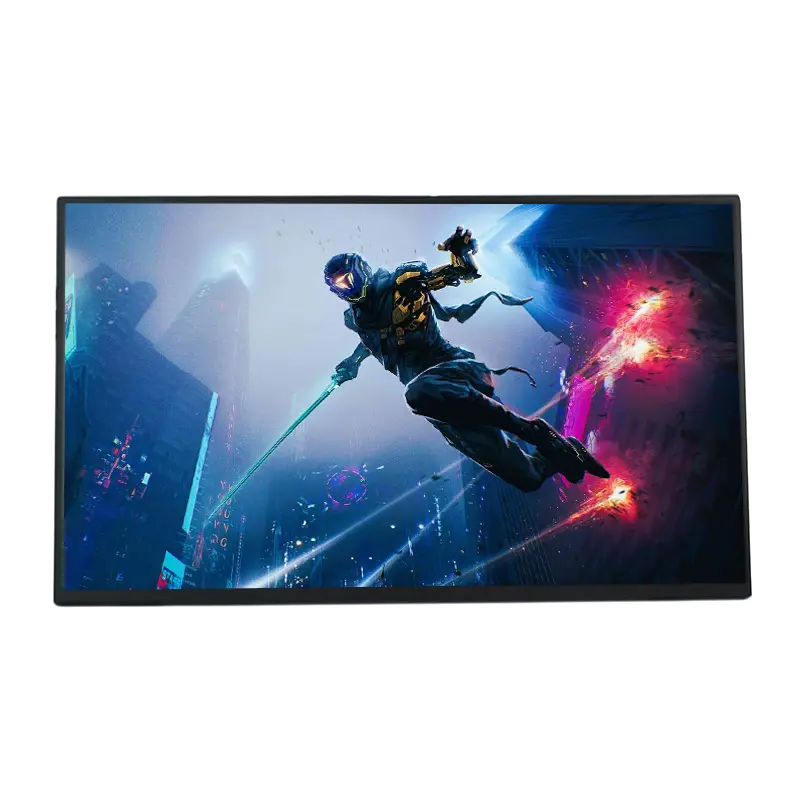
A second screen shouldn’t feel like a second job. If you’ve ever tried to juggle spreadsheets, meetings, messages, and research on a single laptop display, you already know the pain points: constant window switching, cramped layouts, neck strain, and the slow drain of productivity. That’s exactly where 14 Inch Portable Monitors shine—big enough to be genuinely useful, compact enough to travel, and flexible enough to fit into modern hybrid work.
At Shenzhen Sixing Technology Holding Co., Ltd., we see the same question from customers again and again: “Will a 14-inch portable screen really improve my setup?” This article breaks it down in a practical, buyer-friendly way—no fluff, just what matters when you’re trying to solve real workflow problems.
This guide explains how 14 Inch Portable Monitors help you work faster, stay organized, and reduce setup friction—whether you’re traveling, working from home, studying, or presenting to clients. You’ll learn the most important specs to prioritize, common mistakes to avoid, and how to choose a model that matches your devices and daily tasks. A comparison table and a practical checklist are included, along with FAQs that answer the questions buyers usually ask before they commit.
Most people don’t buy a portable monitor because it looks cool. They buy it because something is annoying them every day. Here are the most common pain points a 14-inch portable screen fixes:
The sweet spot of 14 Inch Portable Monitors is that they improve your working surface without demanding a permanent desk setup. You can pack it, plug it, and get the “two-screen brain” instantly.
A portable display isn’t a one-size-fits-all gadget. It’s a tool. The best fit usually depends on how you work and where you work.
You don’t need to memorize a spec sheet to buy well. You just need to focus on the parts that change your daily experience. The table below explains what to look for and why it matters.
| Feature | What it affects | What to prioritize |
|---|---|---|
| Resolution | Text clarity and workspace feel | Crisp text for documents and spreadsheets |
| Panel quality | Viewing angles and comfort | Stable colors and wide viewing angles |
| Brightness | Usability in bright rooms or near windows | Comfortable visibility in your typical environment |
| Ports | Compatibility with your devices | USB-C and HDMI options for flexibility |
| Power method | Setup simplicity and portability | Single-cable setups when possible |
| Stand and cover | Comfort, angles, travel protection | Stable angles and protective design |
| Touch option | Workflow style | Only pay for it if you truly use touch |
The most common mistake is overbuying the “flashiest” features while ignoring the basics. For most people, a reliable connection, comfortable brightness, and stable angles matter more than anything else.
If you want 14 Inch Portable Monitors to feel effortless, treat connectivity as the first decision. A “great” monitor that doesn’t pair smoothly with your laptop becomes a frustration magnet.
A quick practical tip: before buying, confirm what ports you actually use daily. Many people discover too late that their laptop needs an adapter, or their phone cannot output video without specific support.
The best portable monitor is the one you enjoy using repeatedly. Comfort features decide that.
These details are why many buyers choose 14 Inch Portable Monitors over bigger options—they strike a balance between comfort and mobility without turning your bag into a burden.
Use this checklist to match your needs with the right portable monitor configuration. It keeps you focused on outcomes instead of marketing jargon.
Portable monitors are supposed to be plug-and-play, but “small” mistakes can create big friction. These practical habits help you get a smooth experience from day one:
Shoppers often ask whether they should go bigger. The best answer depends on how often you travel and how much you value a lightweight setup.
| Size | Best for | Trade-off to consider |
|---|---|---|
| 13-inch class | Ultra-light travel and quick note-taking | Less workspace for serious multitasking |
| 14 inch | Balanced productivity and portability | May not replace a large desktop monitor for heavy editing |
| 15.6-inch class | More visual space, stronger entertainment feel | Bulkier to carry and less convenient in tight spaces |
For most people who travel or move between rooms, 14 Inch Portable Monitors hit the “always worth bringing” zone. That’s the real win.
Because portable monitors move around more than typical screens, basic care goes a long way:
The goal is simple: you want your monitor to be dependable. A second screen only improves your day if it’s consistently ready when you need it.
The best portable monitor purchase is the one that removes friction from your day. If you want fewer interruptions, faster comparisons, cleaner multitasking, and a more comfortable posture, 14 Inch Portable Monitors are one of the simplest upgrades you can make—especially if you work across multiple apps and documents.
If you’re ready to build a smoother mobile workstation with reliable options and practical configurations, contact us today. Tell us your devices and use case, and we’ll help you choose a 14-inch portable monitor solution that fits your workflow without unnecessary extras.
-