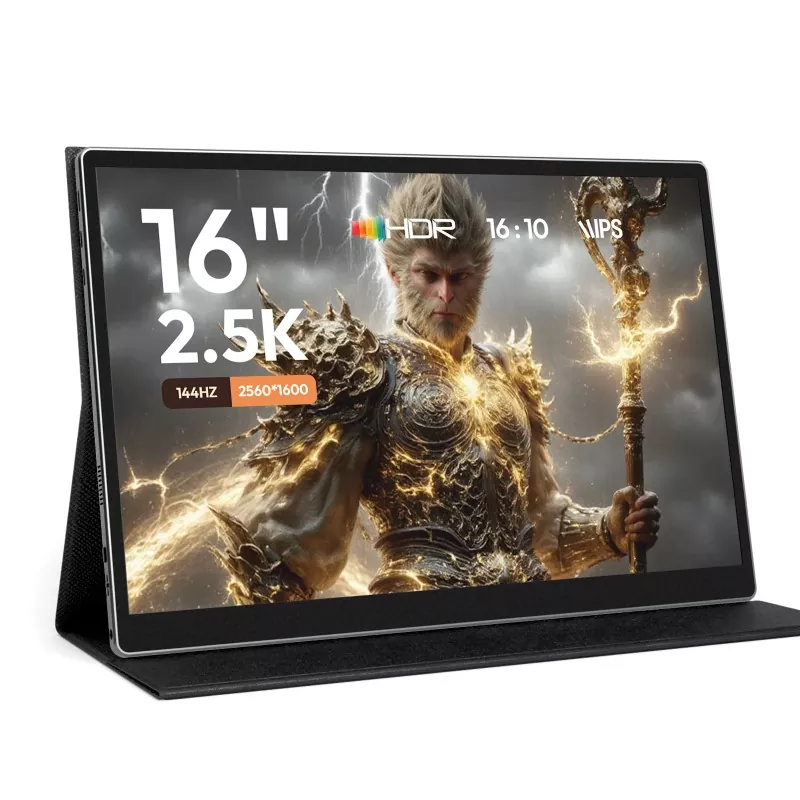
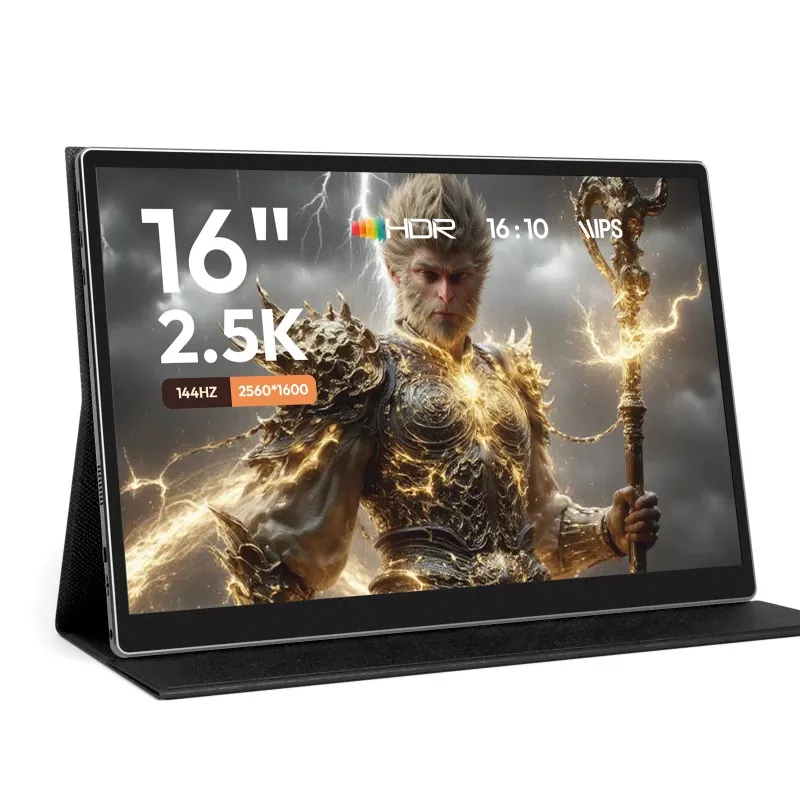
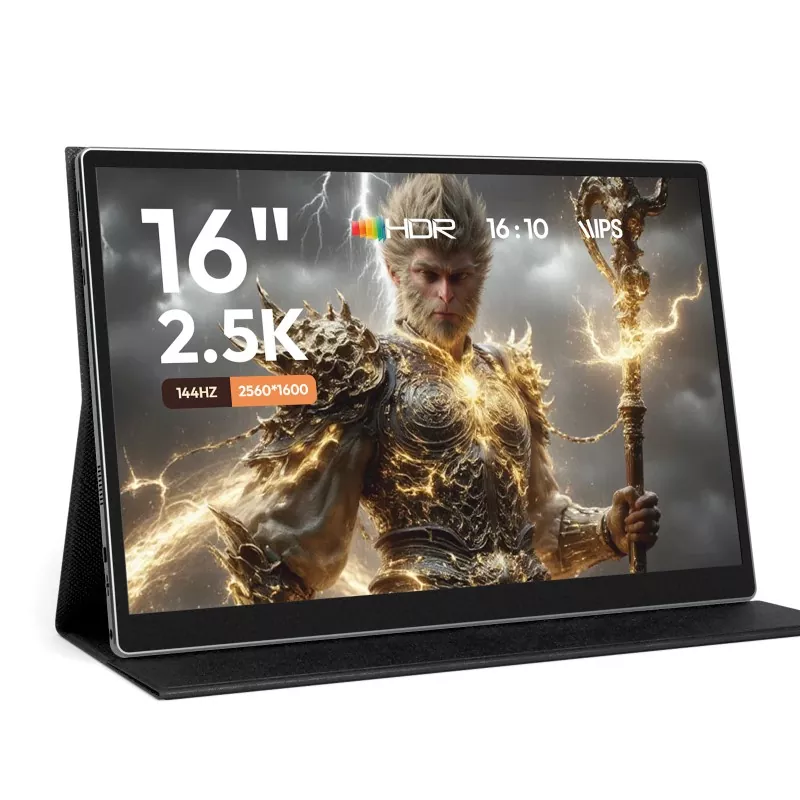
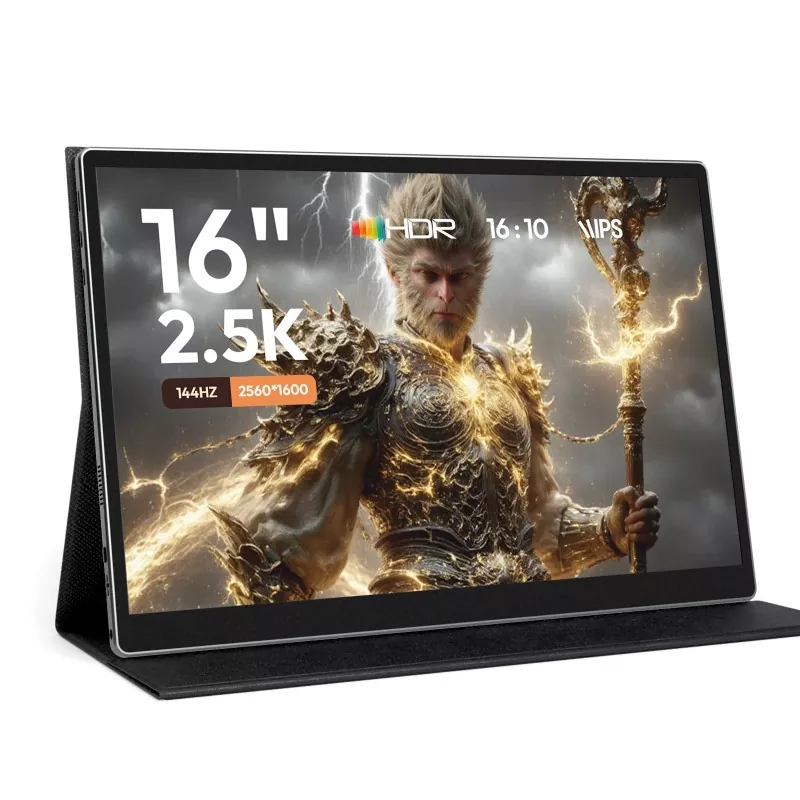
Article Abstract
If you’ve ever tried to work (or game) seriously on a single laptop screen, you already know the pain: constant tab switching, cramped spreadsheets, tiny timelines, and that “my neck is becoming a question mark” posture by hour two. A 15.6 Inch Portable Monitor is one of the simplest upgrades you can add to your daily routine—without committing to a full desk setup. In this guide, you’ll learn what actually matters when choosing one, how to avoid the most common frustrations (dim screens, unstable stands, messy cables, “why won’t it connect?” moments), and how to get a reliable dual-screen experience whether you’re at home, in a café, on a business trip, or moving between client sites. We’ll also share a practical checklist, a comparison table, setup tips, and FAQs—so you can buy once and use confidently.
Table of Contents
Outline
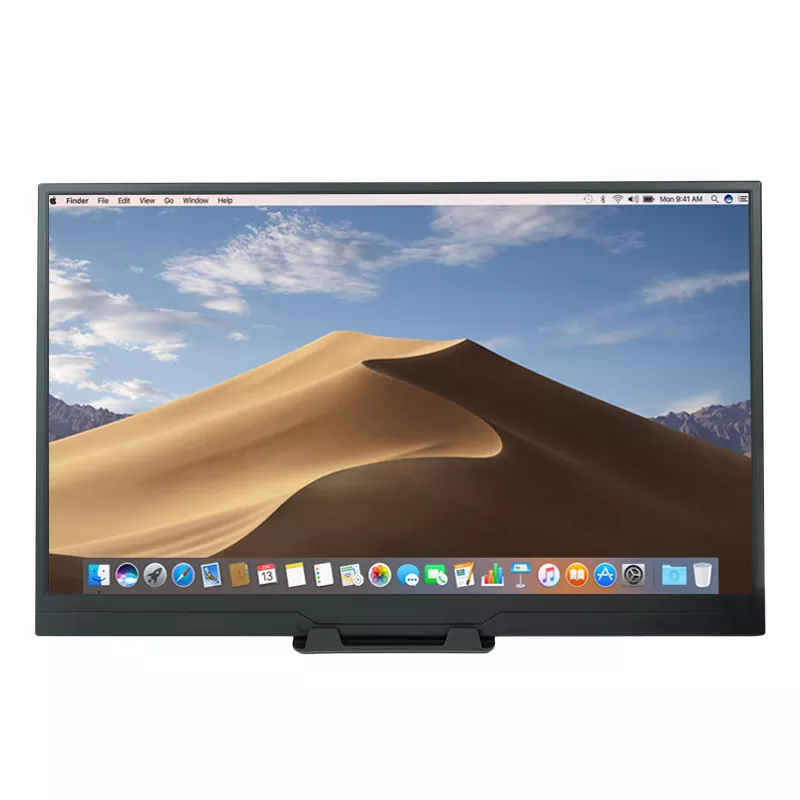
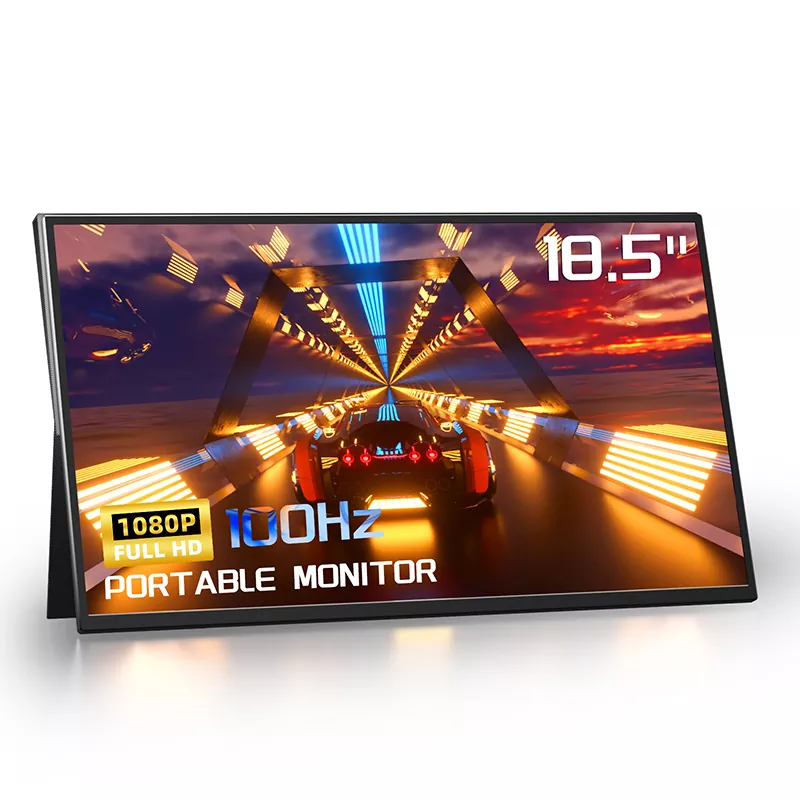
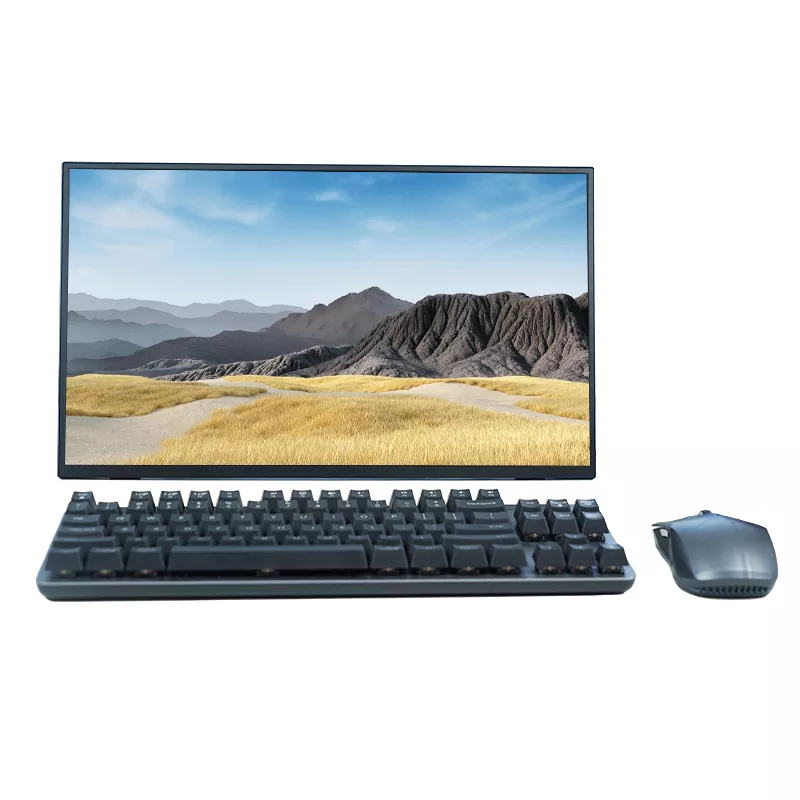
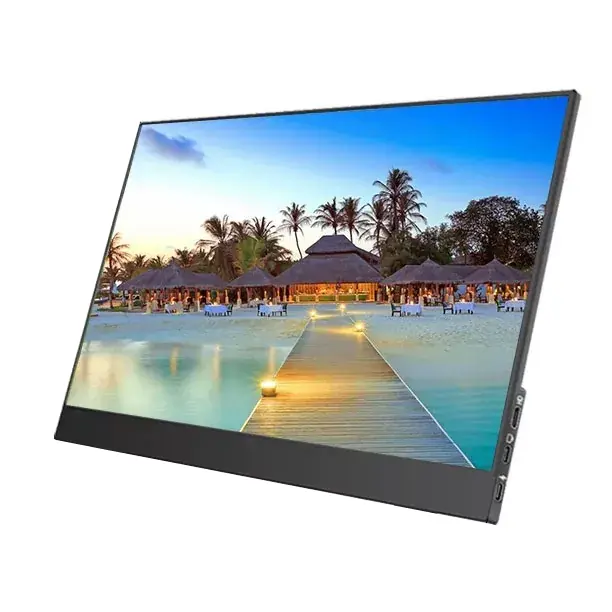
Let’s be blunt: most people don’t “need” a second monitor—until they try one, and then going back feels like willingly choosing inconvenience. A 15.6 Inch Portable Monitor is popular because it hits the sweet spot: big enough to feel like a real workspace, small enough to carry without hating your life.
In short: the second screen isn’t about showing off. It’s about reducing friction—the hidden tax you pay every day with a cramped display.
Different users get different wins. Here’s the practical match-making:
If your day involves any combination of documents + communication + tools, a portable second screen quickly becomes a “why didn’t I do this sooner?” upgrade.
This is where people get burned: they buy on looks alone, then hit connectivity issues, dim screens, or unstable stands. Use this checklist to avoid the classic regrets.
One more practical note: if you plan to use a phone as the source device, you’ll want to confirm your phone supports video output (some do, some don’t). That single detail can be the difference between plug-and-play and disappointment.
| Feature | Why It Matters | Best For | Common Pitfall |
|---|---|---|---|
| USB-C (single-cable possibility) | Cleaner setup and faster deployment | Frequent travelers, café workers | Device USB-C may be power-only, not video |
| HDMI option | Works with more devices and adapters | Consoles, older laptops, mixed environments | May still need separate power |
| Brightness and anti-glare comfort | Reduces squinting and fatigue | Bright rooms, commuting, hotel lobbies | Looks fine at night, unusable in daylight |
| Stable stand/cover | Controls viewing angle and prevents wobble | Long sessions and typing-heavy work | “Cute” design that collapses too easily |
| Color consistency | More reliable visuals for creative tasks | Design, photo/video work | Washed-out colors or uneven brightness |
Here are the most reliable ways to set up a 15.6 Inch Portable Monitor without turning your desk into a cable museum.
Tip that saves time: If the screen stays black, don’t panic. Try swapping cables, using a different port, and checking your device’s display settings. Many “dead screen” moments are actually “wrong cable/port” moments.
A portable monitor shines when you assign it a purpose instead of treating it as “just more space.” Here are workflows that feel immediately useful:
For a lot of people, the biggest win isn’t “more screen.” It’s “less chaos.” Two screens let your brain breathe.
Portable monitors live a tougher life than desk monitors. Treat it like a travel item, not a stationary appliance.
If you want a portable setup that feels dependable, durability habits matter as much as specs.
Q: Will a 15.6 Inch Portable Monitor work with any laptop?
A: Most modern laptops can work with one, but the connection method matters. Some laptops support USB-C video output, while others require HDMI for video. Always check your laptop’s ports and capabilities.
Q: Can I power it with a single cable?
A: Sometimes, yes. If your laptop supports video over USB-C and provides enough power, a single cable can handle both. Otherwise, you’ll typically use a second cable for power.
Q: Is 15.6 inches big enough to feel like a real second monitor?
A: For most people, yes. It’s large enough for documents, dashboards, and multi-window work while still being portable. If you want a travel-friendly “real screen” size, 15.6 inches is a common sweet spot.
Q: Will it help with eye strain?
A: It can—if you set it up correctly. Position it near eye level, match brightness to your environment, and avoid extreme viewing angles.
Q: Can I use it for presentations?
A: Absolutely. Many people use a portable monitor to show content to a client or teammate at a small table, especially when there’s no external display available.
Q: What if I want one that feels business-ready?
A: Look for stable support, reliable connectivity options, and a screen that stays readable in bright environments. A product-backed manufacturer can also make support smoother if you use it frequently.
A 15.6 Inch Portable Monitor is one of those upgrades that quietly changes your daily rhythm: fewer interruptions, cleaner multitasking, and a setup you can carry anywhere. If your work or study life depends on juggling documents, tools, communication, and content, a portable second screen isn’t a luxury—it’s a friction-removal tool.
Shenzhen Sixing Technology Holding Co., Ltd. develops portable display solutions designed for real-world daily use, from flexible work setups to travel-friendly productivity. If you’re exploring options and want a model that fits your devices and scenarios, contact us for product details and a practical recommendation based on how you actually plan to use it.