News

Why Choose a 16 Inch Portable Monitor for Work and Play?

2025-12-31 0 Leave me a message

Abstract

A 16 Inch Portable Monitor can solve a surprisingly wide range of daily frustrations: cramped laptop screens, messy multi-window workflows, unreliable meeting setups, and travel workstations that never feel “complete.” But the market is full of look-alike options, confusing port claims, and vague brightness promises. This guide breaks down what actually matters—screen size and resolution trade-offs, power and connectivity, ergonomics, durability, and real-life use cases—so you can buy once and feel good about it. You’ll also get a practical checklist, a decision table, and an FAQ to avoid the most common mistakes.


Article outline

  • Identify the most common “second-screen” problems and what solutions actually work.
  • Explain why a 16 Inch Portable Monitor is often the best balance of visibility and portability.
  • List the features that change your day-to-day experience (not just marketing buzzwords).
  • Simplify ports, cables, and power so your setup doesn’t fail at the worst time.
  • Map real user scenarios to practical buying choices with a quick comparison table.
  • Share setup tips and an FAQ that prevents buyer’s remorse.

The real pain points a portable monitor fixes

People don’t buy a portable display because it’s “cool.” They buy it because their current workflow keeps punishing them. If any of these sound like your daily reality, you’re the target audience.

Common frustrations (and what a 16-inch screen changes):

  • Constant window switching: Keeping email, chat, code, or research on a second screen reduces mental load.
  • Spreadsheets that feel like keyholes: Extra width and height means fewer hidden columns and less scrolling.
  • Presenting from a tiny laptop in meetings: A dedicated display helps you preview slides while sharing cleanly.
  • Hotel desks and cafés that never fit your setup: A travel-friendly second screen restores your “home” workflow anywhere.
  • Neck and shoulder tension: When you can place a monitor at a better height, your posture improves quickly.
  • Multi-device chaos: One portable monitor can serve a laptop, mini PC, camera, or game console depending on inputs.

The big shift is this: a second display isn’t just “more pixels.” It’s fewer interruptions, fewer mistakes, and less fatigue—especially when you’re moving between tasks all day.


Why 16 inches is the “sweet spot” for most people

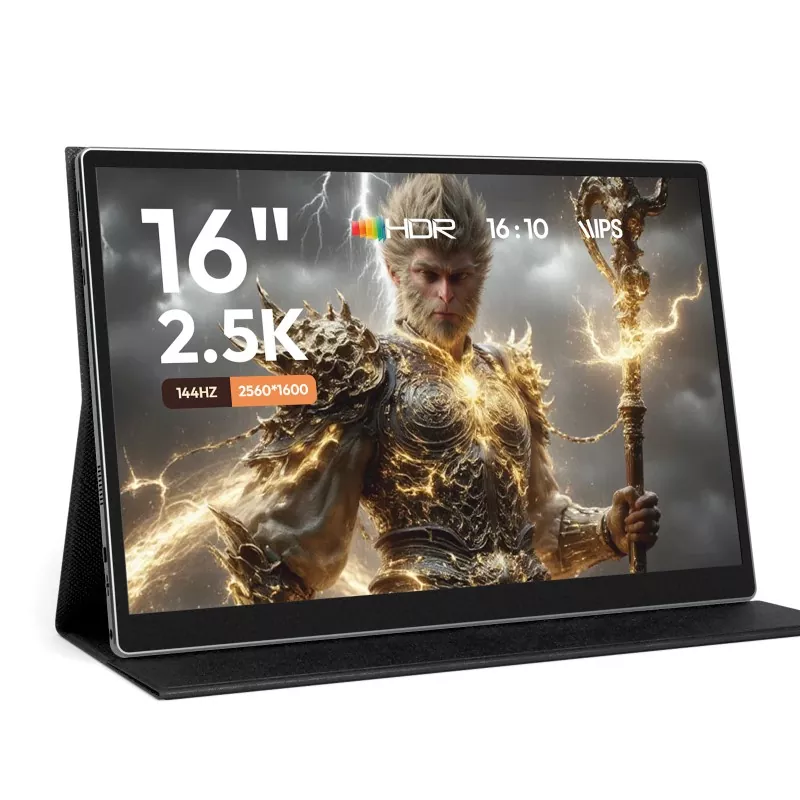
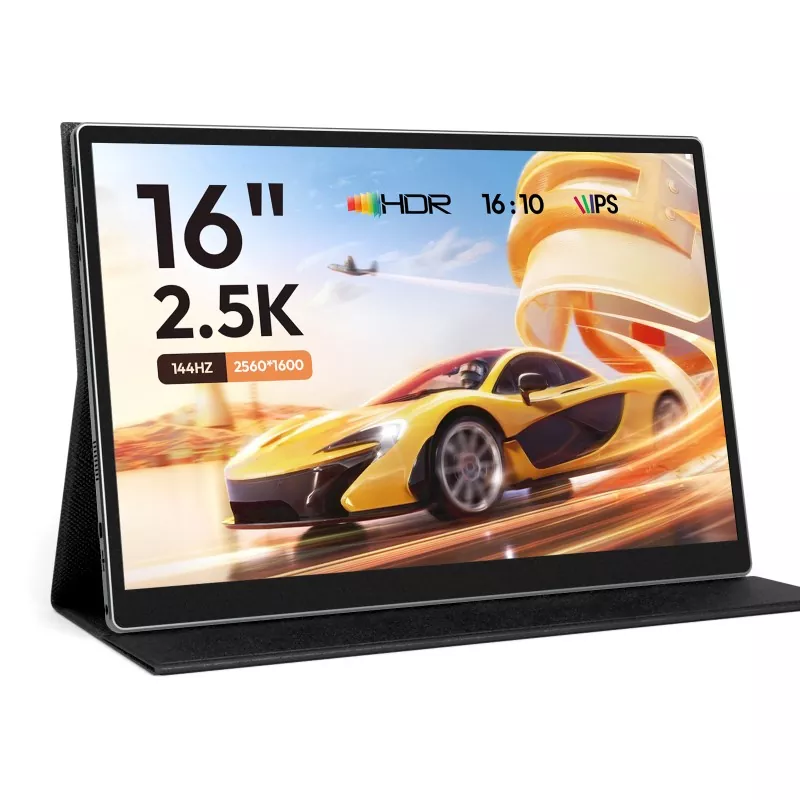
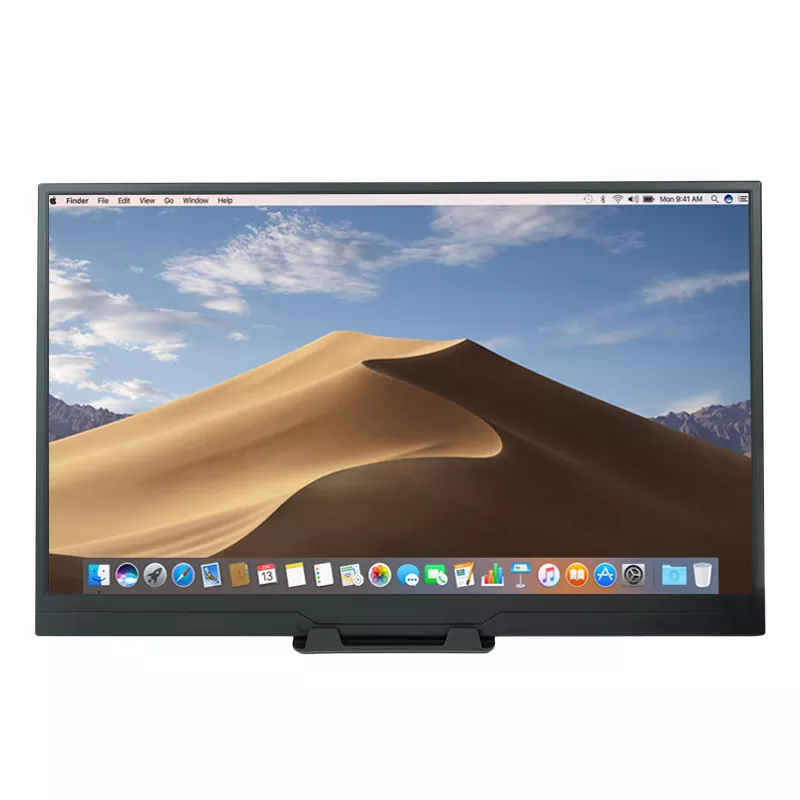
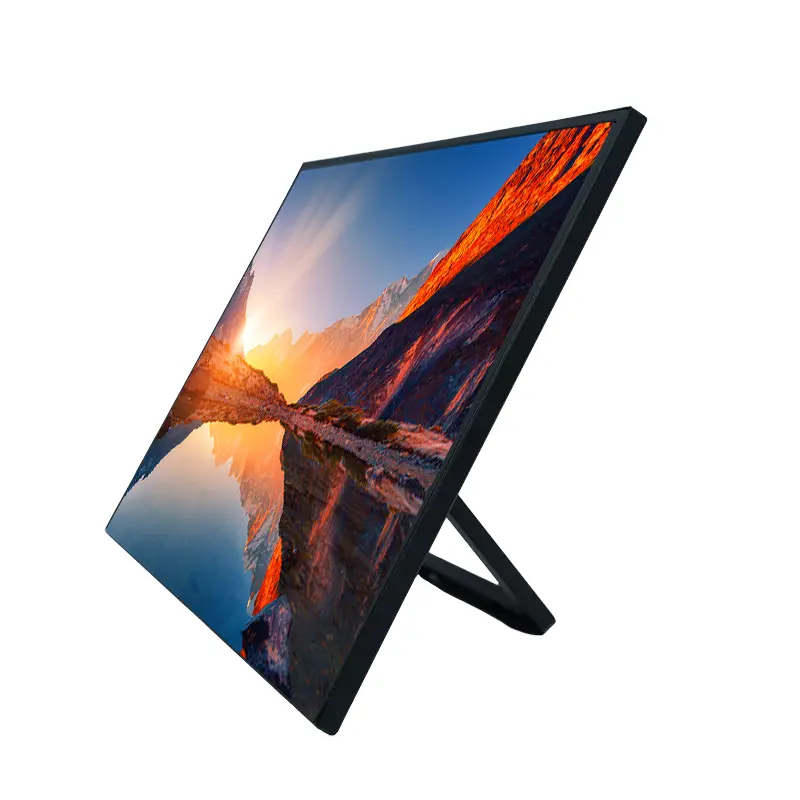
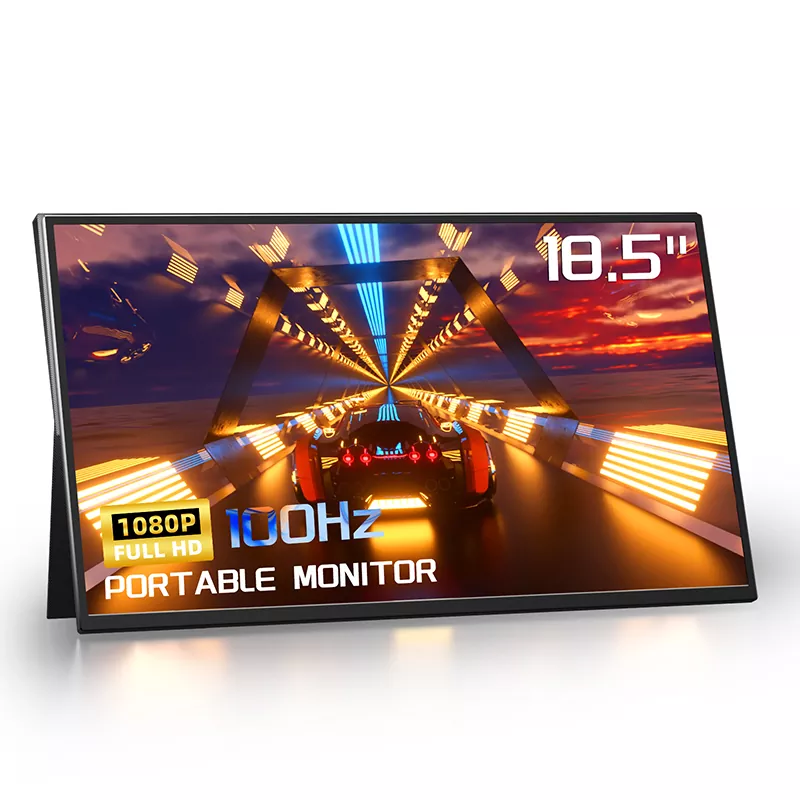
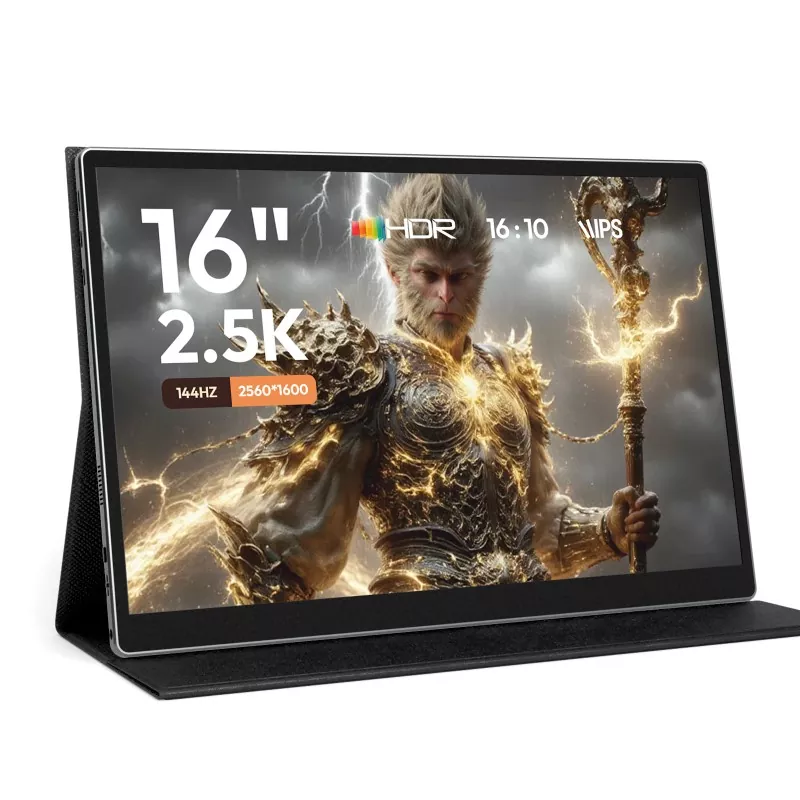
16 Inch Portable Monitor

A 16 Inch Portable Monitor usually lands in the “portable but not tiny” zone. Smaller screens can feel like an accessory; larger screens can feel like luggage. Sixteen inches tends to be the size where you can genuinely work for hours without squinting, while still slipping it into a backpack.

What makes 16 inches practical:

  • Readable multitasking: Side-by-side documents feel usable instead of cramped.
  • Better meeting confidence: You can keep notes visible while presenting.
  • Portable ergonomics: The screen area is large enough to position higher without feeling “mini.”
  • Versatile for entertainment: Movies, casual gaming, and photo review are simply more enjoyable.

One more subtle benefit: a 16-inch display often matches modern laptop proportions well, so the second screen feels like a natural extension rather than an awkward add-on.


Must-have features that actually matter

Specs can be a trap if you don’t connect them to real usage. Here’s what tends to separate “I love this” from “why did I buy this?”

1) Panel comfort (the thing you feel every day)

  • Viewing angles: Useful when you’re collaborating, presenting, or shifting posture.
  • Text clarity: If you read and write a lot, prioritize crisp text over flashy claims.
  • Anti-glare behavior: Bright rooms and cafés punish reflective screens.

2) Brightness and color (don’t overpay, don’t underbuy)

  • Brightness consistency: A dim screen is the fastest way to regret a purchase when you travel.
  • Color accuracy needs: Designers and editors should choose differently from spreadsheet users.
  • Comfort features: Blue-light reduction modes can help late-night work feel less harsh.

3) Build and stability (the “bag test”)

  • Protective cover or case: Your backpack is not gentle. A cover matters.
  • Stand reliability: Wobbly stands ruin productivity. Look for a stable angle range.
  • Weight and thickness: Light is nice, but too thin can feel fragile.

If you want one simple rule: buy the features that reduce friction every single day (comfort, connectivity, stability) before you chase “premium” bragging rights.


Connectivity and power made simple

Most portable-monitor disappointment comes from one thing: people assume “USB-C means everything.” Sometimes it does—sometimes it absolutely doesn’t. The good news is you can avoid confusion with a quick checklist.

Port reality check (use this before you buy):

  1. Does your laptop’s USB-C support video output? Some ports are data-only.
  2. Do you want one-cable setup? That usually requires USB-C that carries video + power.
  3. Do you need HDMI? If you use consoles, cameras, or older laptops, HDMI is a lifesaver.
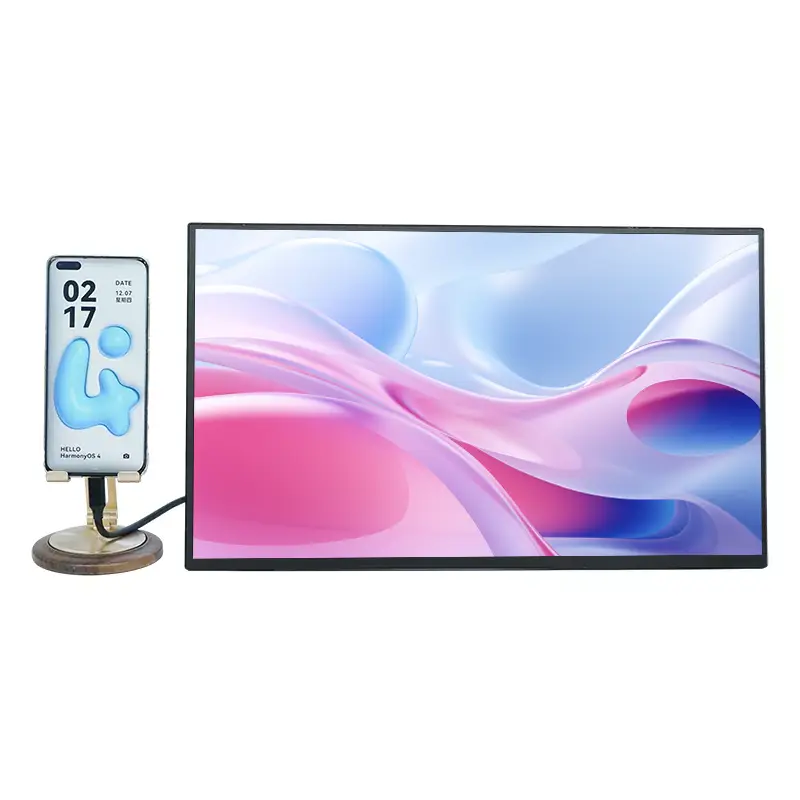
  4. How will you power it? Some setups draw from the laptop; others need a wall adapter or power bank.
  5. Do you need audio? Built-in speakers are convenient for calls, but headphones are often better for travel.

A simple setup that works for most people:

  • Use USB-C for video when your laptop supports it.
  • Keep an HDMI cable available as a backup for “surprise” devices.
  • Carry a compact charger or power bank if you travel often.

When you’re choosing a 16 Inch Portable Monitor, you’re not just choosing a screen—you’re choosing how painless your daily setup will be. If it takes five minutes and three adapters, you’ll stop using it. If it takes one cable, it becomes part of your life.


Use cases: work, study, gaming, travel

The “best” portable monitor is the one that matches your day. Here are the most common scenarios, plus what to prioritize.

Work and productivity

  • For analysts and finance: Choose clear text and stable brightness; prioritize comfortable viewing for long sessions.
  • For developers: A second screen for logs, docs, or a terminal reduces context switching.
  • For meetings: Your portable monitor can become the “notes screen” while the laptop shares content.

Study and research

  • Keep readings on the portable monitor and write on the laptop.
  • Reduce distractions by dedicating one screen to a single task (notes only, PDF only).

Gaming and entertainment

  • Console-friendly setups: HDMI support makes life easier.
  • Casual gaming: Focus on low-lag feel and stable image, not just headline numbers.
  • Streaming: A 16-inch screen is a solid sweet spot when you’re not on a full TV.

Travel and hybrid life

  • Prioritize portability, protective cover, and simple cabling.
  • Assume you’ll work in bright environments—choose accordingly.

Quick decision table

Your main goal Top priorities What to avoid
Spreadsheet + multitasking Text clarity, stable stand, comfortable viewing Wobbly stands, overly glossy screens
Meetings + presenting Reliable input options, quick setup, decent brightness Needing multiple adapters for basic use
Travel workstation Durability, protective cover, simple cabling, low hassle power Fragile build, confusing power requirements
Console + entertainment HDMI convenience, stable image, comfortable audio options Input limitations that lock you into one device

Setup tips for a clean, reliable daily workflow

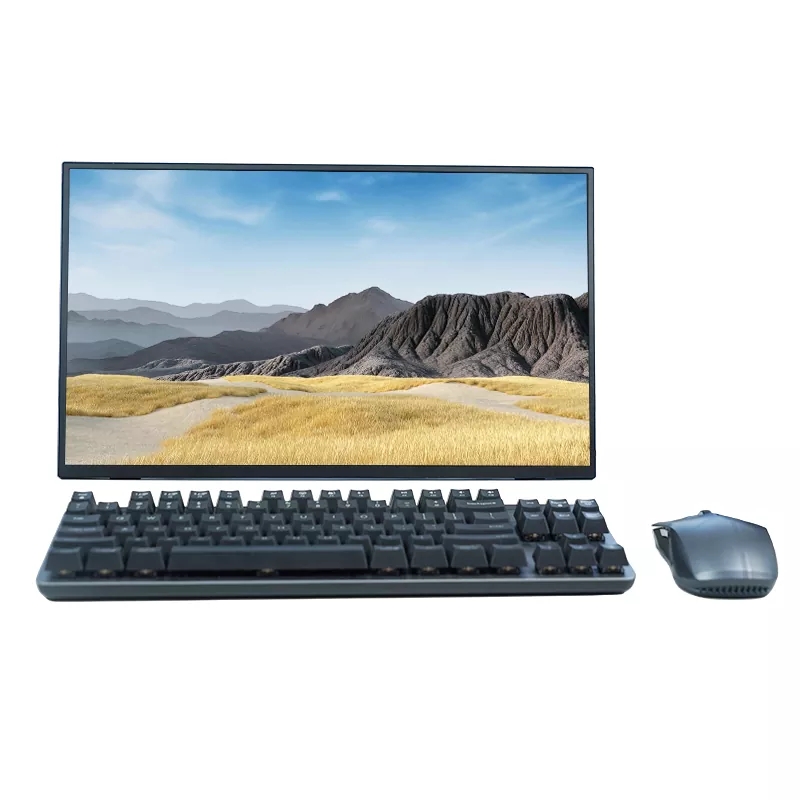
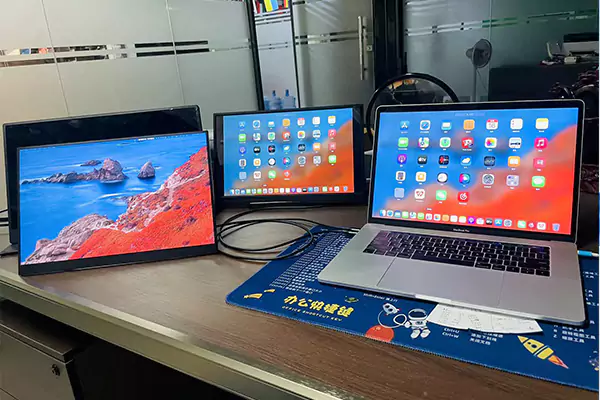
16 Inch Portable Monitor

A portable monitor should make life easier, not add ritual and cable anxiety. Here are practical habits that keep your setup smooth.

  • Create a “one pouch” cable kit: One USB-C cable, one HDMI cable, and one compact power option.
  • Decide your default layout: For example, laptop = writing, portable screen = reference. Consistency increases speed.
  • Raise the screen when possible: Even a small stand or a book reduces neck strain.
  • Use a single app per screen: Keeping one screen dedicated reduces constant resizing and distraction.
  • Test before important meetings: Plug in once the day before so you’re not troubleshooting on the call.

If you do this right, your 16 Inch Portable Monitor becomes the “quiet productivity upgrade” you don’t want to work without.


Choosing a reliable supplier

Buying a portable monitor isn’t only about a spec sheet—it’s also about consistency, quality control, and support. If you’re sourcing for a team, retail, or long-term projects, stability matters even more than a flashy feature list.

What to look for from a manufacturer or brand partner:

  • Clear product positioning: Models built for office work, travel, or entertainment should be easy to distinguish.
  • Stable production and consistency: Your second order should match your first order.
  • Responsive support: Fast answers on compatibility and accessories prevent delays.
  • Practical packaging and protection: Shipping damage is a hidden cost many buyers underestimate.

For buyers exploring 16-inch options, Shenzhen Sixing Technology Holding Co., Ltd. offers portable monitor solutions designed around modern daily needs—mobility, simple setup, and a more comfortable two-screen experience—so you can focus on work rather than fighting your gear.


FAQ

Will a 16-inch portable monitor work with my laptop?

In most cases, yes—but check whether your laptop’s USB-C port supports video output. If not, choose a monitor that also supports HDMI and keep a simple cable kit ready.

Can I power it from my laptop?

Many portable screens can draw power through USB-C, but it depends on your laptop’s output and the monitor’s requirements. If you travel or use older devices, plan for a compact charger or power bank as backup.

Is a 16-inch screen too big to carry daily?

For most people, it’s still backpack-friendly, especially with a protective cover. If you commute daily, prioritize lightweight build and a sturdy case so the screen survives the “bag test.”

Is a portable monitor good for spreadsheets and writing?

Yes—this is one of the best uses. A 16 Inch Portable Monitor gives you enough space to keep reference material open while you write, edit, or compare documents without constant switching.

What’s the biggest mistake buyers make?

Assuming any USB-C cable will “just work.” Confirm video support, keep an HDMI option if you need it, and prioritize a stable stand. The best screen is the one you can set up in seconds, every time.


Final thoughts

A 16 Inch Portable Monitor is one of those upgrades that feels small until you live with it—then it’s hard to go back. If you pick the right connectivity, comfort, and stability, you’ll get a reliable second screen that travels with you and makes every task lighter.

If you’re evaluating a 16-inch portable monitor solution for business sourcing, retail, or personal use, reach out to Shenzhen Sixing Technology Holding Co., Ltd. today—contact us to discuss models, features, and the best setup for your needs.

Related News
Leave me a message
X
We use cookies to offer you a better browsing experience, analyze site traffic and personalize content. By using this site, you agree to our use of cookies. Privacy Policy
Reject Accept