News

What Makes a 15.6 Inch 1080P Wireless Projection Portable Monitor the Best Choice for Mobile Productivity?

2025-12-10

In a world where remote work, mobile entertainment, and on-the-go presentations have become everyday needs, portable displays are no longer optional—they're essential. The 15.6 Inch 1080P Wireless Projection Portable Monitor has quickly become one of the most popular screen solutions thanks to its blend of size, clarity, and complete wireless convenience. Whether you're boosting laptop productivity, extending a smartphone display, or elevating travel entertainment, this monitor promises an all-in-one visual experience with minimal setup.

Before exploring its benefits, it's important to understand its core strength: true wireless projection combined with a full-HD 1080P panel, wrapped in a slim, ultra-portable form factor designed for both professionals and casual users.

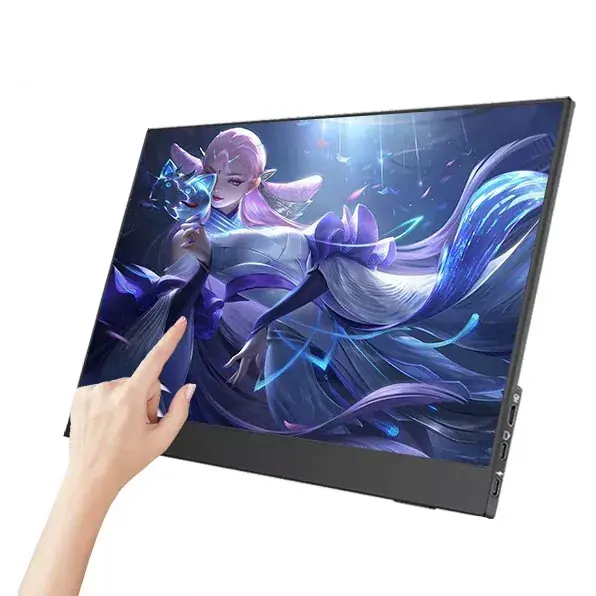
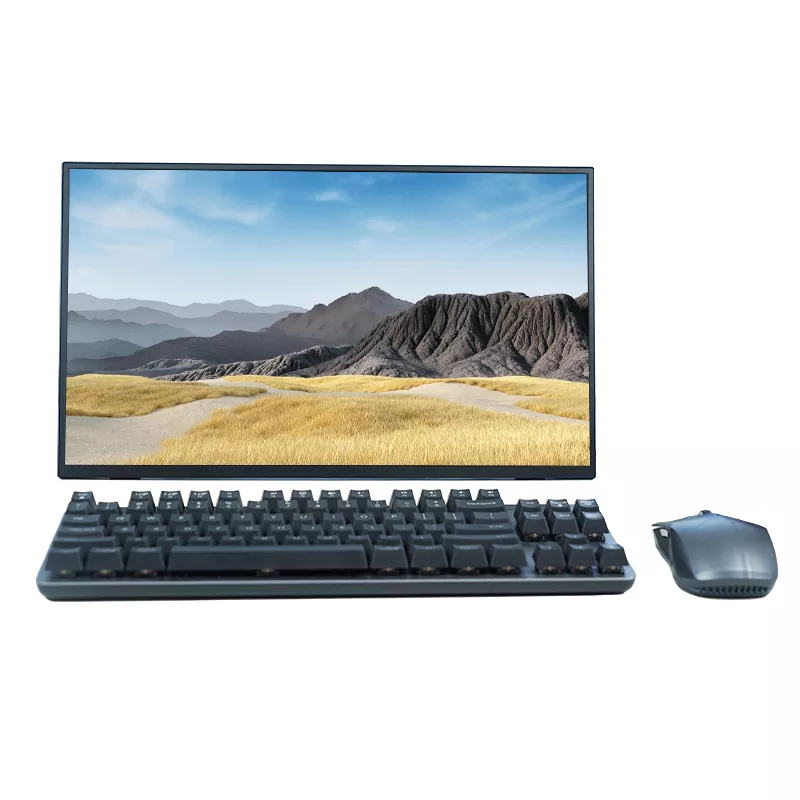
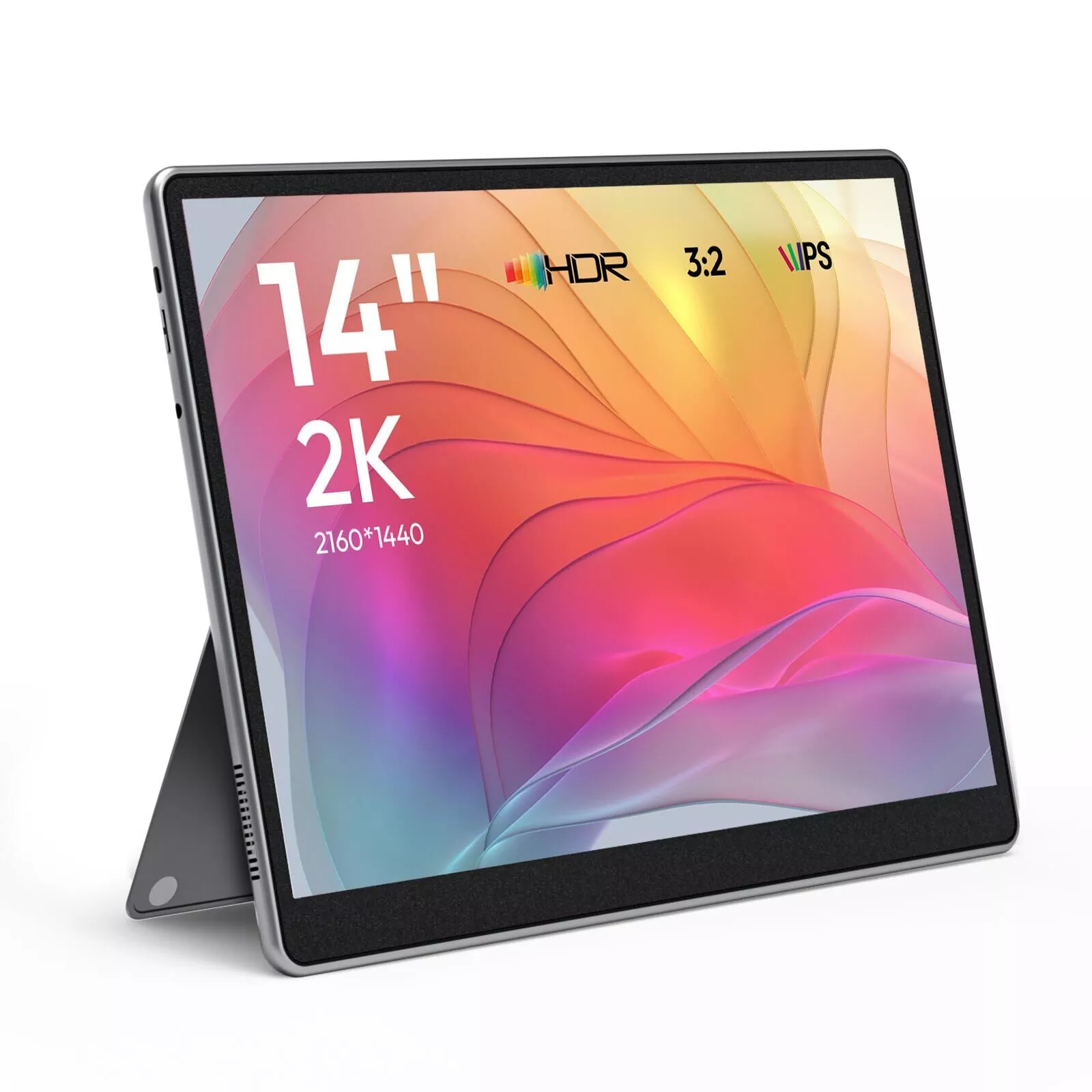
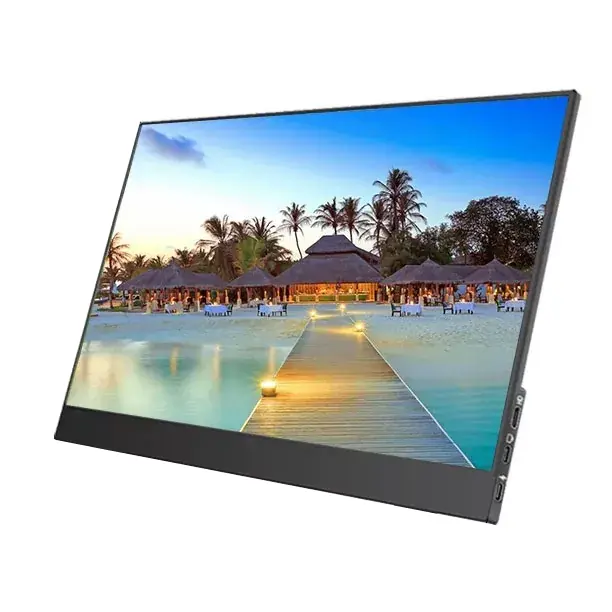
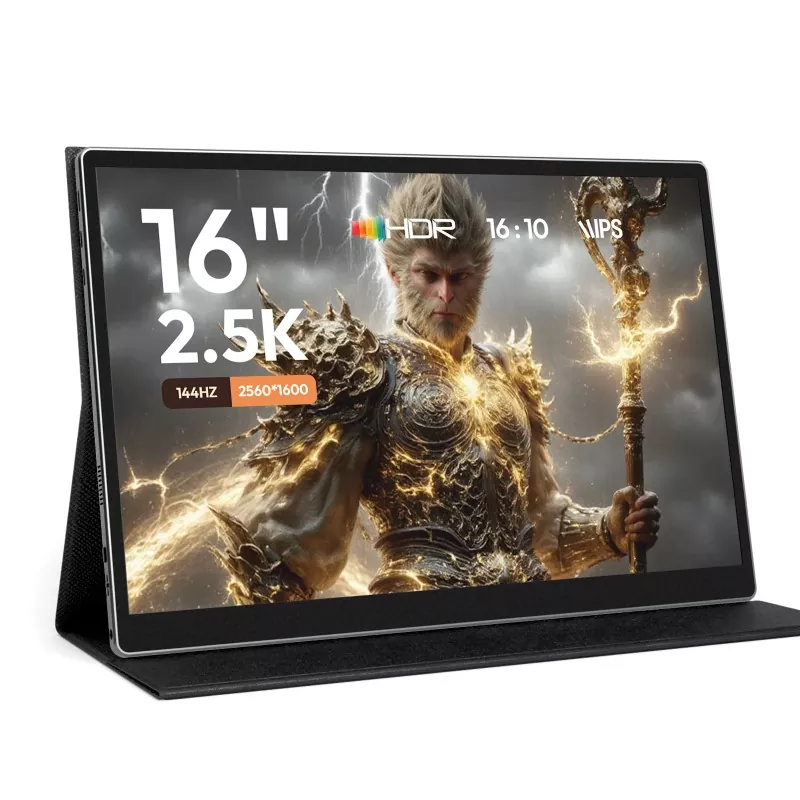
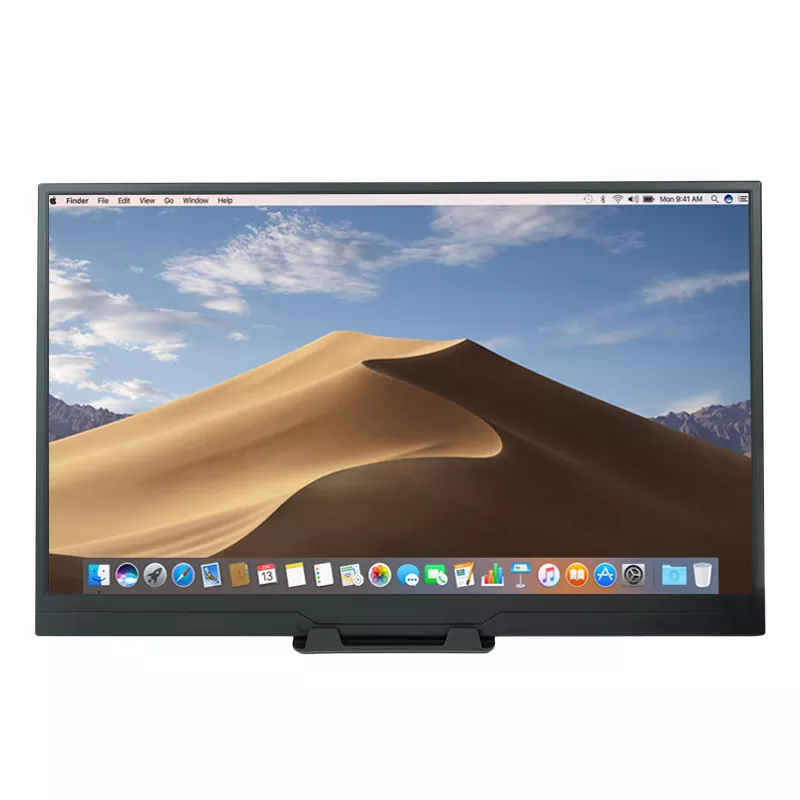
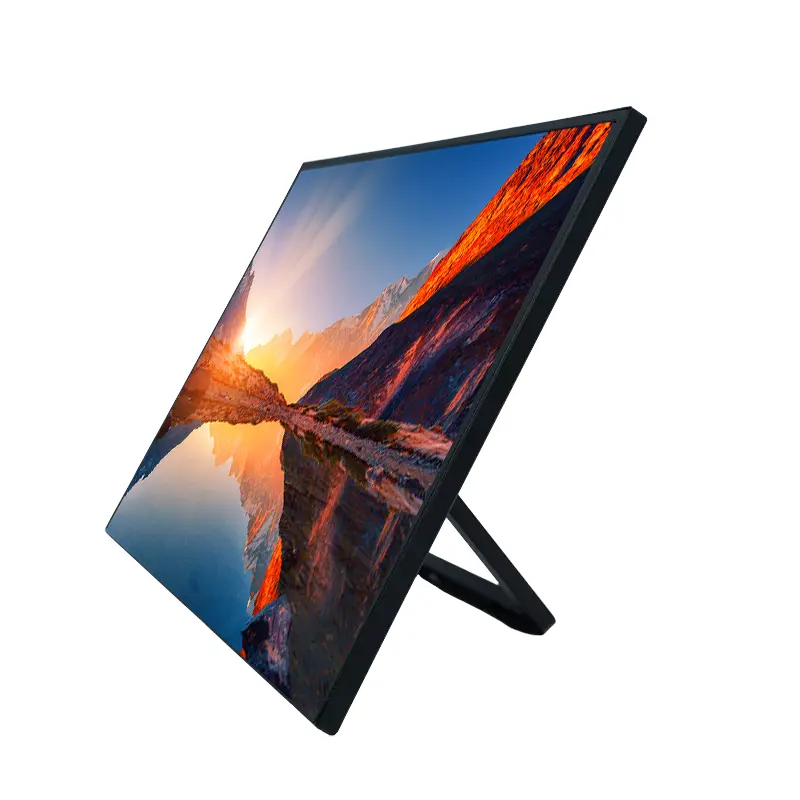
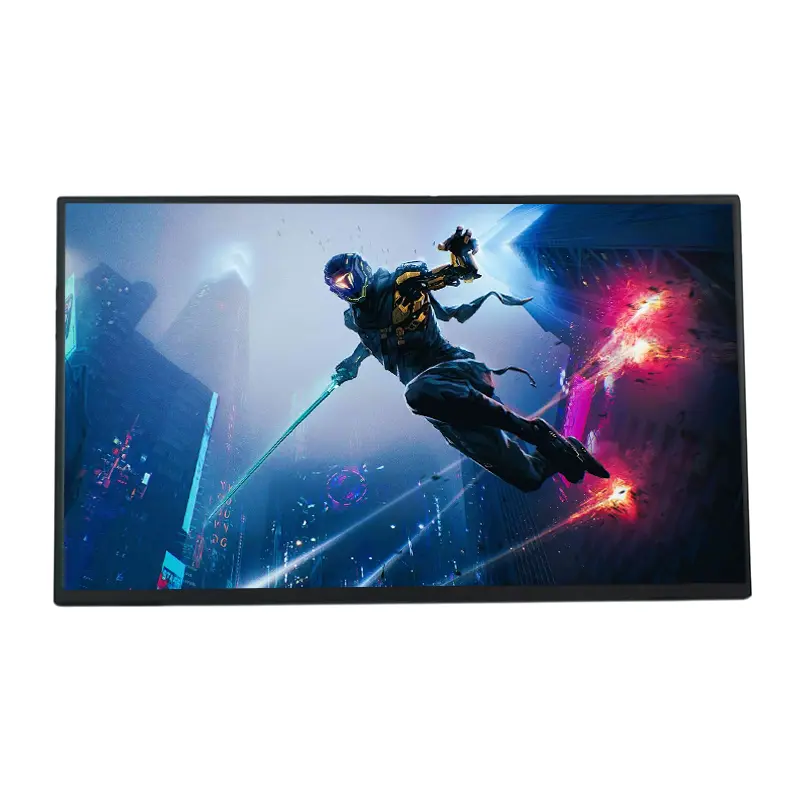
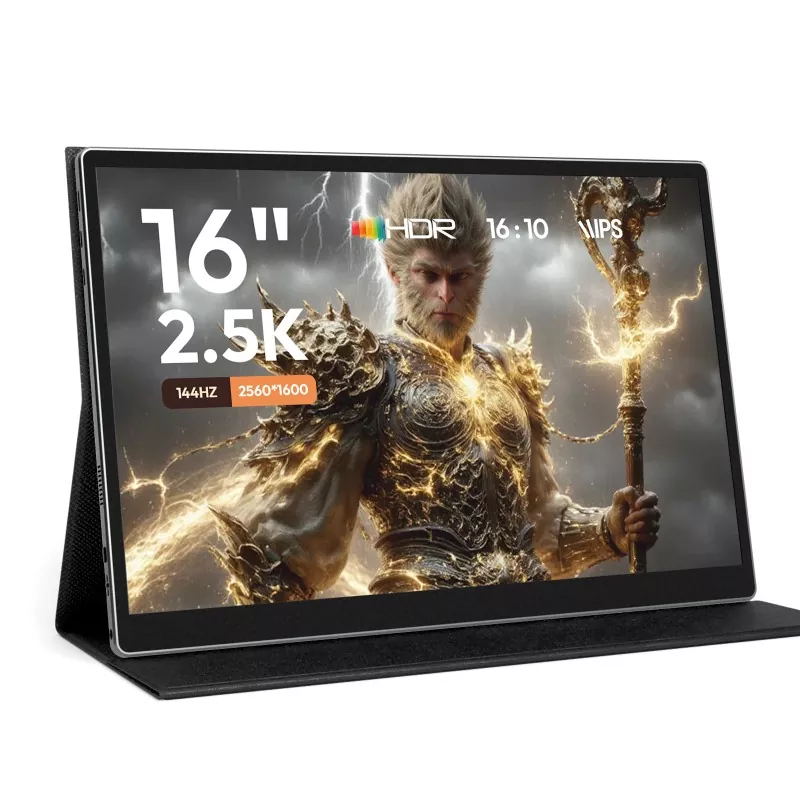
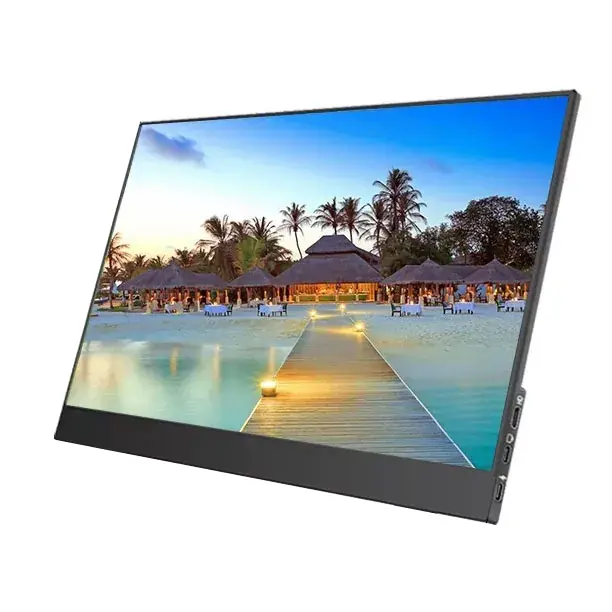
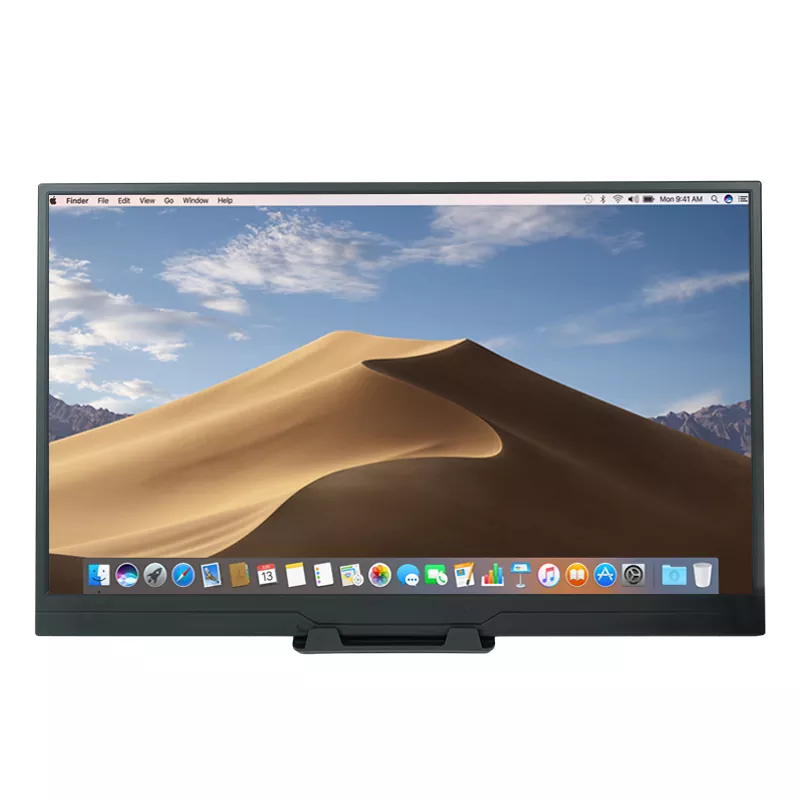
15.6 Inch 1080P Wireless Projection Portable Monitor


Why Choose a 15.6 Inch 1080P Wireless Projection Portable Monitor?

A 15.6-inch display hits the perfect balance between portability and usability. It's large enough to enhance productivity but small enough to slip into a backpack. When paired with wireless projection, the monitor becomes a seamless second screen that removes cable limitations and enables quick pairing with laptops, tablets, and smartphones.

Key Advantages

  • Cable-free operation for clean setups and easy mobility

  • 1080P HD resolution for sharp text and vivid streaming

  • Compact and lightweight design, suitable for travel

  • Highly compatible with Windows, macOS, Android, and gaming consoles

  • Built-in battery (if included) enabling true unplugged use

  • Touch and non-touch models available depending on the application


What Technical Specifications Define Its Performance?

To help you understand the capabilities of the 15.6 Inch 1080P Wireless Projection Portable Monitor, here is a professional, easy-to-read specification table:

Product Specifications

Feature Description
Screen Size 15.6 inches
Resolution 1920 × 1080 (Full HD)
Display Type IPS wide viewing angle
Wireless Projection Supports AirPlay, Miracast, DLNA
Interfaces USB-C (power & signal), HDMI, Micro USB
Brightness 250–300 cd/m²
Contrast Ratio 1000:1
Aspect Ratio 16:9
Refresh Rate 60Hz
Speakers Dual stereo speakers
Material Aluminum alloy or ABS shell (depending on model)
Weight Approx. 1–1.3kg
Compatibility Laptops, phones, tablets, cameras, consoles
Power Supply USB-C 5V/9V/12V depending on model
Accessories Included USB-C cable, HDMI cable, stand cover

How Does Wireless Projection Improve Workflow and Entertainment?

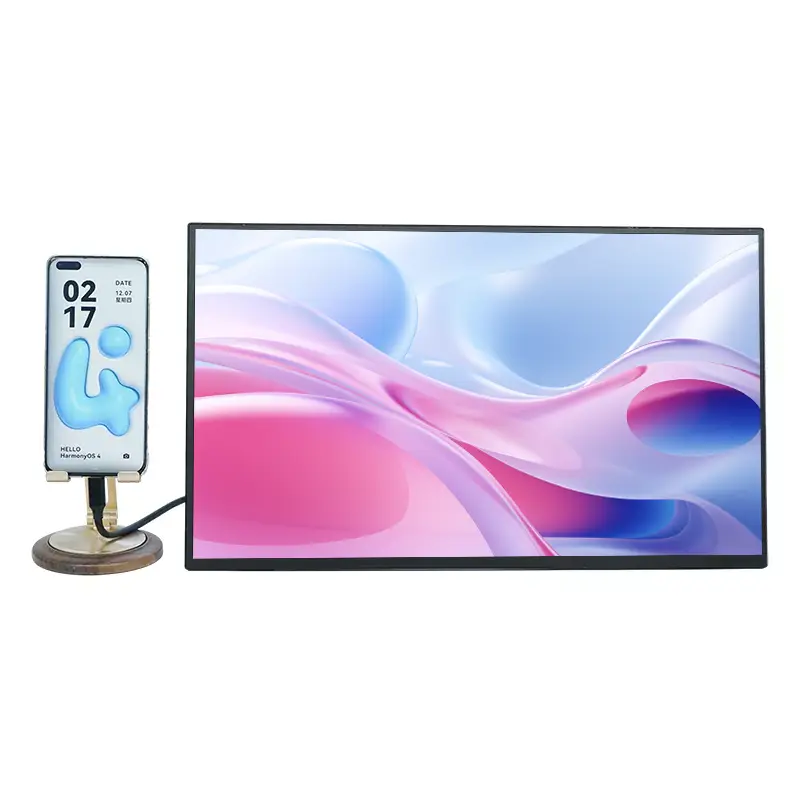
Wireless projection transforms the traditional portable monitor into a more dynamic productivity tool. Instead of relying on USB-C or HDMI connections, you can mirror your device screen instantly—perfect for fast presentations or watching videos without cables.

Benefits of Wireless Projection

  • Instant mirroring from smartphones and tablets

  • Ideal for business presentations without carrying extra adapters

  • No tangling cables when using the monitor in bed, on airplanes, or in cafés

  • Easier device switching—just disconnect and pair with another device

Whether you're displaying slides, coding with dual screens, watching movies, or gaming, the freedom of wireless projection makes the monitor usable in virtually any environment.


Which Users Benefit the Most from a 15.6 Inch 1080P Wireless Projection Portable Monitor?

This type of monitor serves a wide variety of users, each with different needs. Here's how it adapts:

For Remote Workers

  • Expand your laptop screen for spreadsheets, coding, video calls, and multitasking

  • Work efficiently from hotels, coworking spaces, or cafés

  • Keep your desk organized without cable clutter

For Business Travelers

  • Conduct presentations directly from your phone or laptop

  • Share content with clients instantly

  • Carry a lightweight second screen that fits in any backpack

For Students

  • Use as a screen for online classes and research simultaneously

  • Mirror content wirelessly from tablets

  • Study anywhere without relying on shared computers

For Gamers

  • Connect via HDMI for smooth console gaming

  • Use wireless projection for casual mobile games

  • Enjoy a larger screen during travel or dorm setups

For Creators

  • Use it as a reference screen for editing

  • Display preview windows, toolbars, or color palettes

  • Expand a drawing tablet workspace


How Does It Compare to Traditional Portable Monitors?

Here's a quick comparison showing why the 15.6 Inch 1080P Wireless Projection Portable Monitor stands out:

15.6" Wireless Projection Monitor vs. Standard Portable Monitor

Feature Wireless Projection Model Standard Model
Wireless Connectivity Yes No
Setup Time Instant Requires cables
Portability Higher (no cables) Medium
Presentation Flexibility Excellent Limited
Price Slightly higher Lower
Multi-device Switching Very convenient Manual cable swapping

Overall, the wireless projection model delivers significantly better mobility and workflow efficiency.


What Applications Make This Monitor a Must-Have Device?

The versatility of this product allows it to thrive in both personal and professional scenarios.

Common Uses

  • Dual-screen productivity while traveling

  • Wireless content sharing in meetings

  • Watching movies on a larger display

  • Gaming on consoles or mobile devices

  • Extending smartphone interfaces

  • Previewing photos and videos for creative work

Outdoor and Travel-Friendly

Many models include:

  • Low-power design

  • Anti-glare screens

  • Durable housings

This ensures reliable performance during travel, commuting, and outdoor activities.


Why Is Full HD 1080P Resolution Important for a 15.6-Inch Screen?

A Full HD 1080P panel is ideal for a 15.6-inch size because it delivers sharpness without overloading device power consumption. Text is crisp, multimedia content is immersive, and colors remain accurate due to IPS technology.

Advantages of 1080P on 15.6 Inches

  • Balanced clarity suitable for both work and entertainment

  • Lower battery consumption compared to 2K/4K

  • Smoother wireless streaming

  • Ideal for document editing and reading


FAQ: 15.6 Inch 1080P Wireless Projection Portable Monitor

Q1: What devices can connect to a 15.6 Inch 1080P Wireless Projection Portable Monitor?
A1: It connects to laptops, tablets, smartphones, and gaming consoles through USB-C, HDMI, or wireless protocols like AirPlay, Miracast, and DLNA. This ensures broad compatibility with Windows, macOS, Android, and many gaming platforms.

Q2: How does wireless projection work on a 15.6 Inch 1080P Wireless Projection Portable Monitor?
A2: Wireless projection enables your device to mirror its display over WiFi without cables. Simply activate the monitor's wireless mode, choose AirPlay, Miracast, or DLNA, and pair your device. The screen mirrors instantly, making presentations and video playback effortless.

Q3: What are the benefits of using a 15.6 Inch 1080P Wireless Projection Portable Monitor for travel?
A3: Its slim design, light weight, and wireless projection make it ideal for travel. It eliminates cable clutter, enables quick setup anywhere, and supports productivity on the move—whether in hotels, airports, or cafés.

Q4: Why is a 1080P portable monitor suitable for multitasking and office work?
A4: The 1080P resolution provides enough clarity for spreadsheets, web browsing, video conferencing, and editing tasks. Combined with the 15.6-inch viewing area, it creates an efficient workspace that increases multitasking speed and reduces eye strain.


Contact Information

For product customization, wholesale inquiries, or technical support, please reach out to:

Shenzhen Sixing Technology Holding Co., Ltd.
Contact: Available upon request for global customers

We are committed to delivering high-quality portable display solutions tailored to your business needs.

Related News
X
We use cookies to offer you a better browsing experience, analyze site traffic and personalize content. By using this site, you agree to our use of cookies. Privacy Policy
Reject Accept