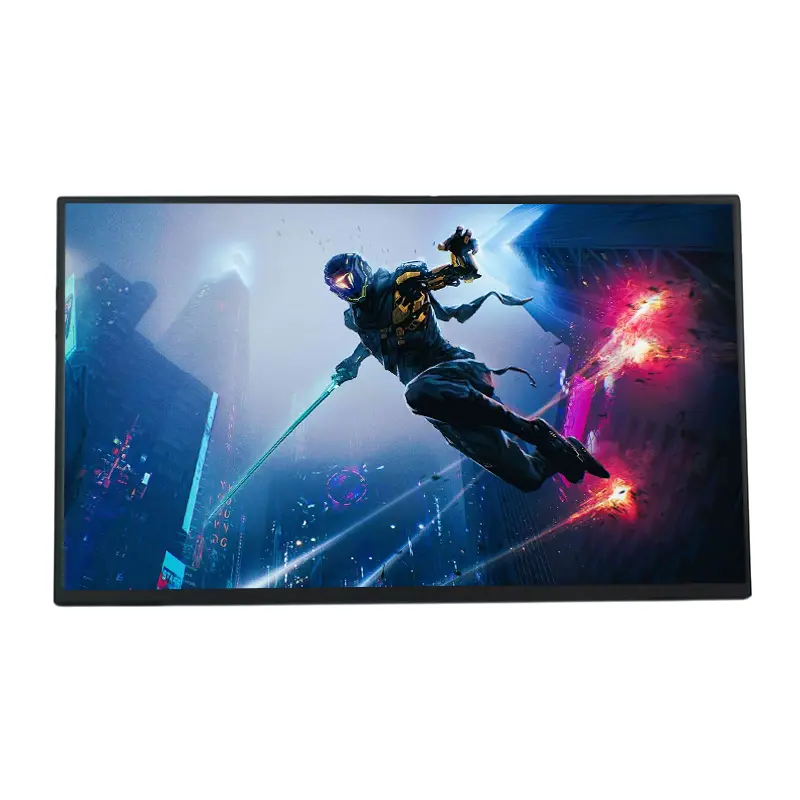
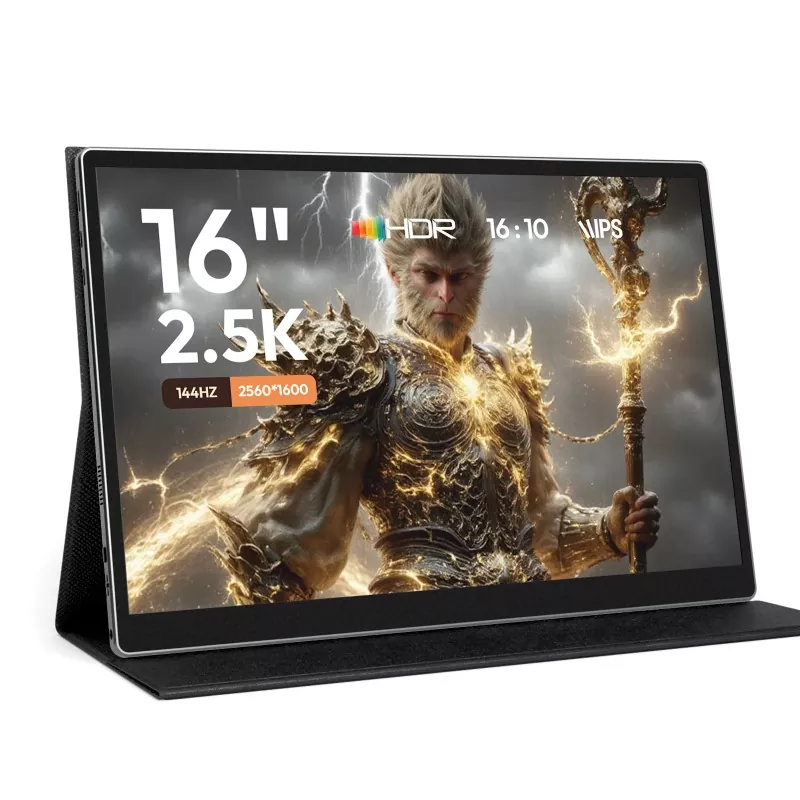
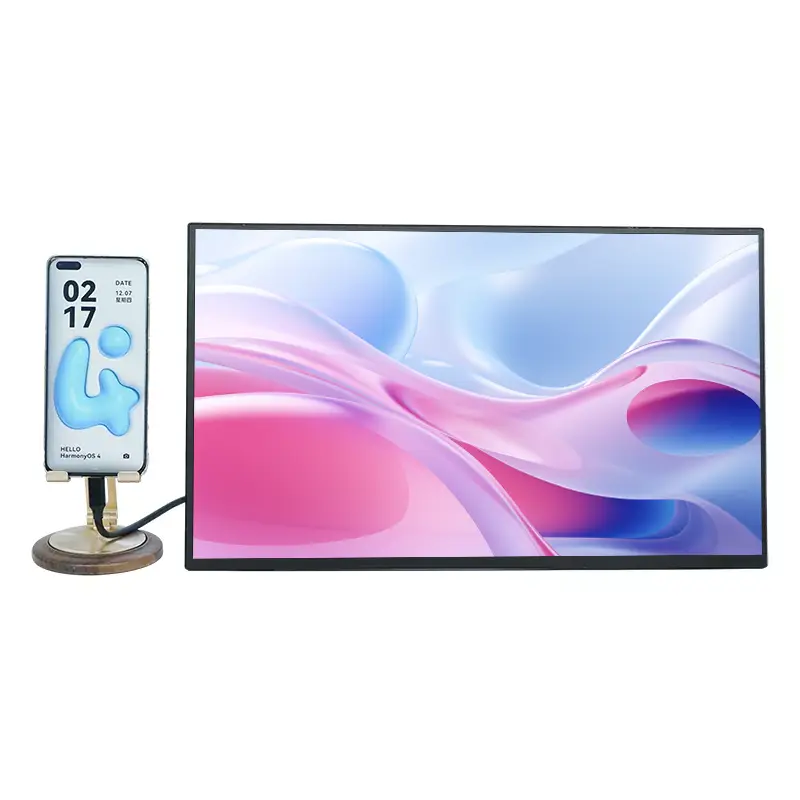
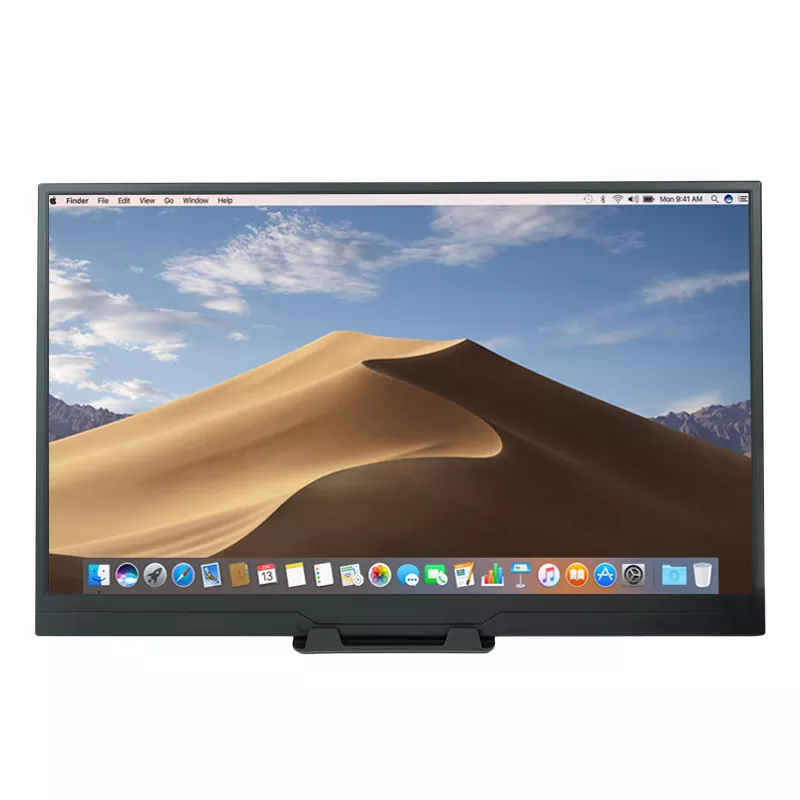
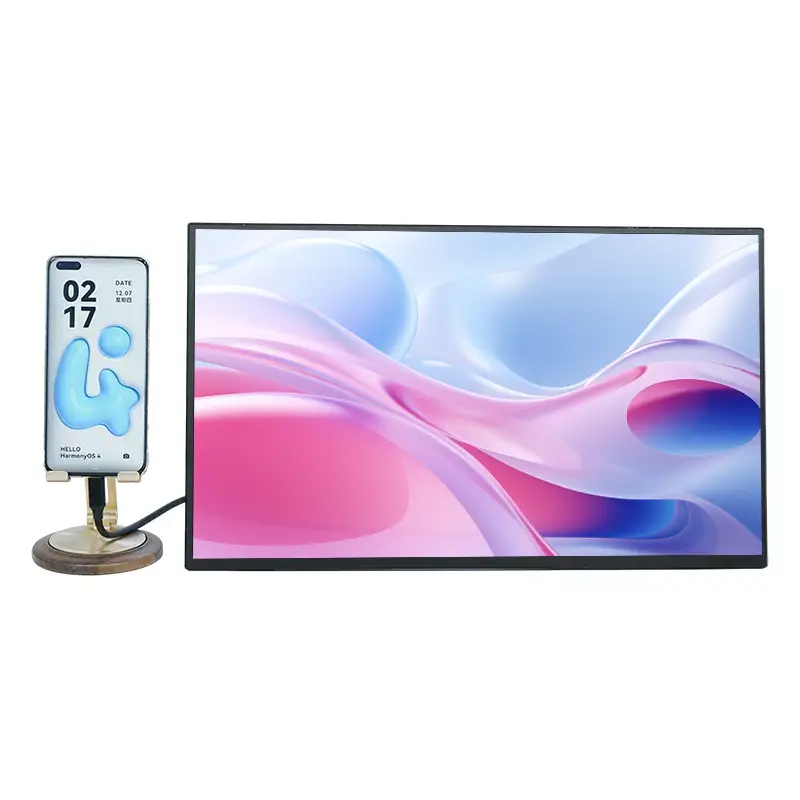
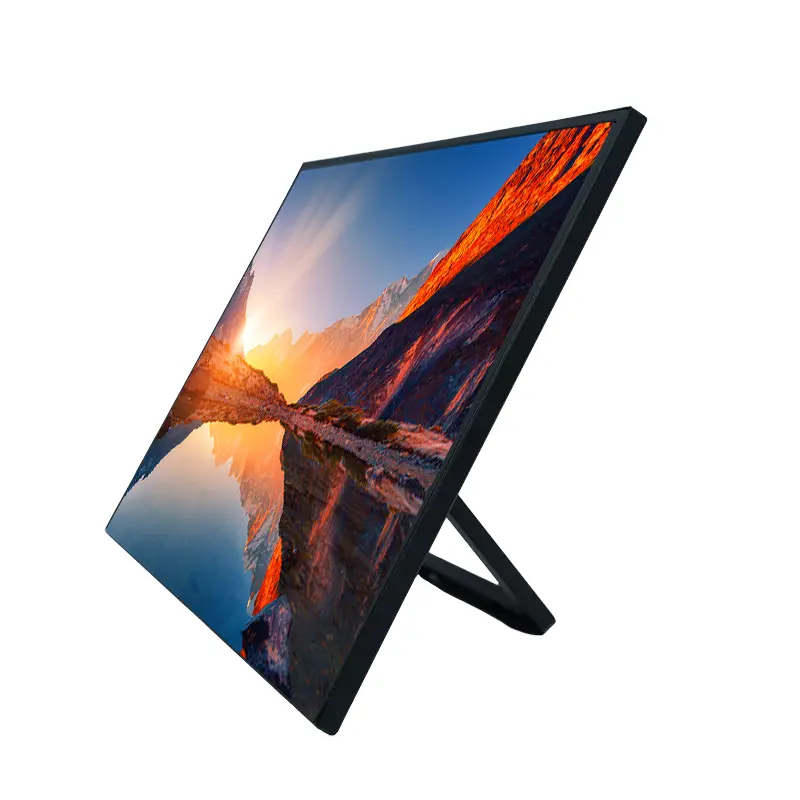
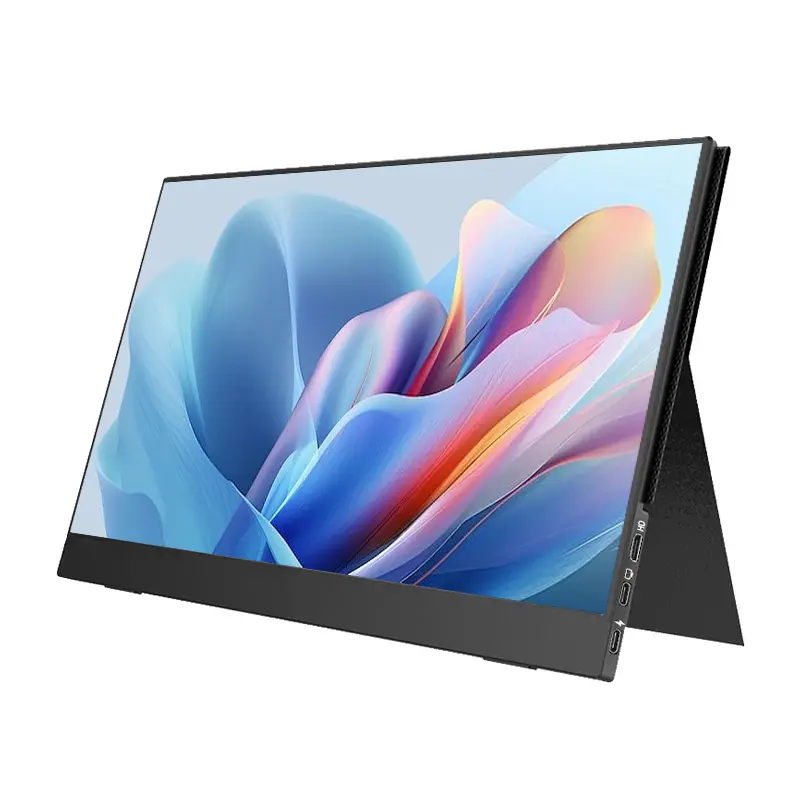
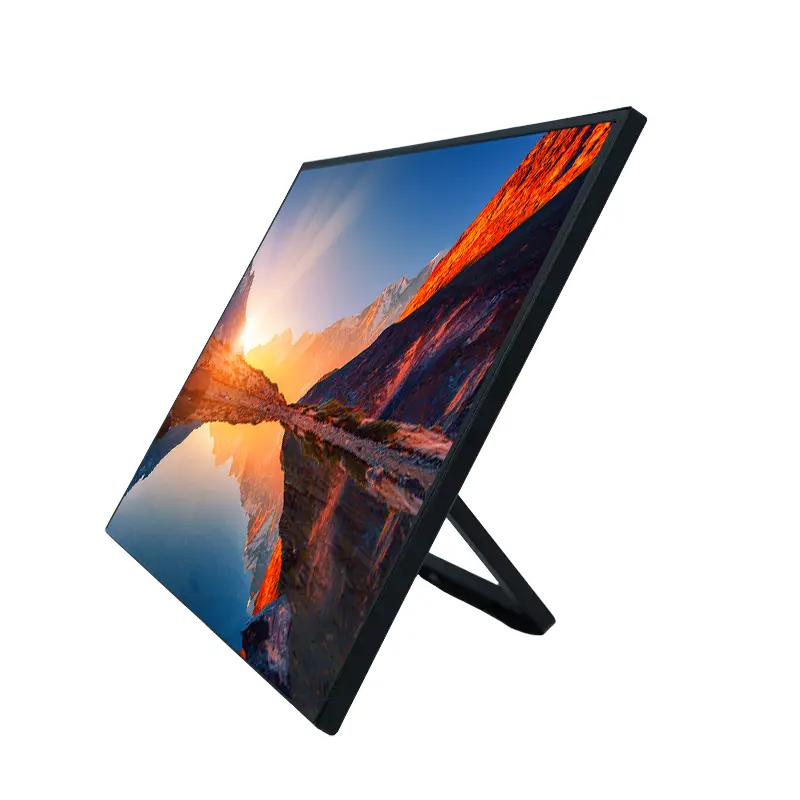
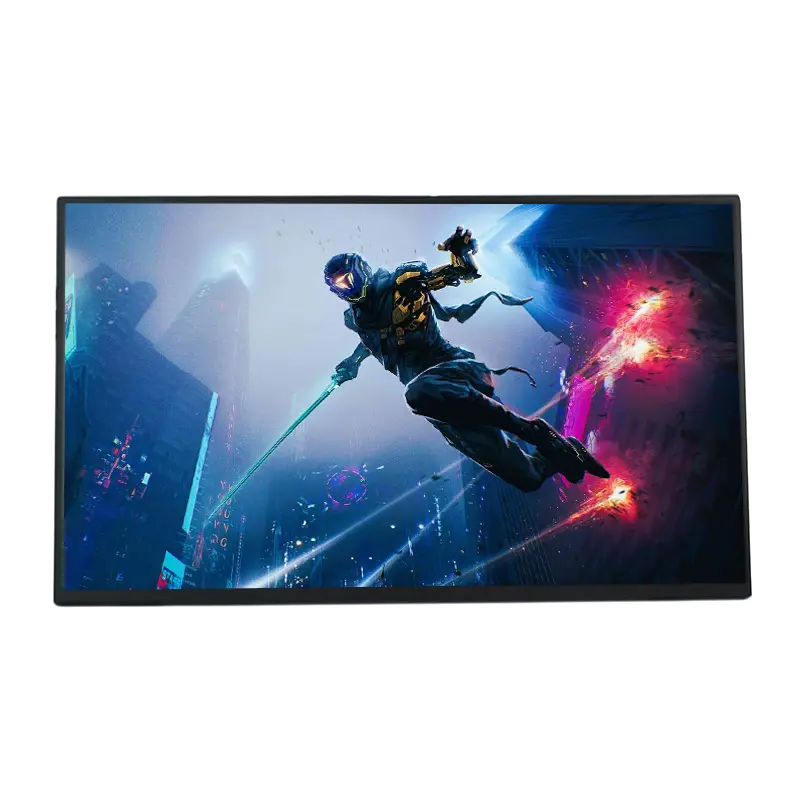
When a larger workspace is needed without sacrificing mobility, the 15.6 Inch 1080P Touch Screen Portable Monitor from Sixing offers a practical solution for professionals, travelers, students, and digital creators. Combining a 15.6-inch IPS display, Full HD resolution, 10-point capacitive touch, flexible connectivity, and a portable design, it is engineered to extend the functionality of laptops and compatible devices wherever work takes place.
A portable monitor can transform a compact laptop setup into a more productive multi-screen workstation. The 15.6 Inch 1080P Touch Screen Portable Monitor combines a 1920 × 1080 resolution, 60Hz refresh rate, 178° viewing angle, 1200:1 contrast ratio, HDR support, and 10-point capacitive touch technology. It supports Windows and macOS devices and can use USB-C or HDMI-based connections depending on the host device.
For business travel, remote work, presentations, entertainment, gaming, and interactive applications, this type of display provides a useful balance between screen area, portability, connectivity, and user interaction. For buyers evaluating a China manufacturer or supplier, understanding these specifications and compatibility requirements is essential before placing an order.
Modern professionals often work between offices, homes, hotels, customer sites, classrooms, and transportation hubs. A conventional desktop monitor can provide additional screen space, but it is not designed for frequent movement. A portable monitor addresses this gap by adding a larger secondary display without requiring a permanent workstation.
The 15.6-inch format is particularly practical because it provides substantially more working space than a smartphone or tablet while remaining suitable for transportation. With a Full HD resolution of 1920 × 1080, users can comfortably display documents, spreadsheets, dashboards, browser windows, design references, or presentation materials.
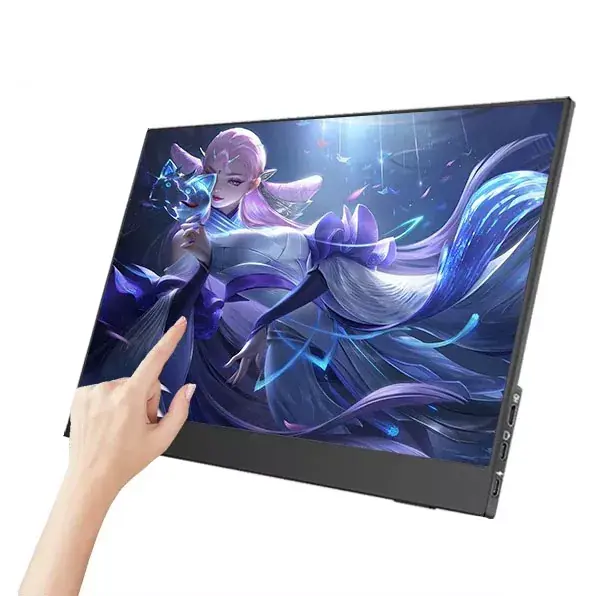
The integrated touch layer adds another dimension. Instead of relying exclusively on a mouse or trackpad, users can interact directly with supported applications through gestures such as tapping, swiping, pinching, and zooming.
When evaluating a portable touch monitor, specifications should be considered as a complete system rather than individually. Resolution determines image detail, viewing angle affects visibility from different positions, while connectivity determines whether video, power, and touch data can be transmitted effectively.
| Specification | Product Information | Practical Benefit |
|---|---|---|
| Display Size | 15.6 inches | Provides a spacious portable workspace |
| Resolution | 1920 × 1080 | Delivers Full HD image detail |
| Refresh Rate | 60Hz | Suitable for everyday work and multimedia |
| Viewing Angle | 178° | Maintains visibility from wider positions |
| Touch Technology | 10-point capacitive touch | Supports intuitive multi-touch interaction |
| Contrast Ratio | Up to 1200:1 | Helps produce deeper blacks and clearer visual separation |
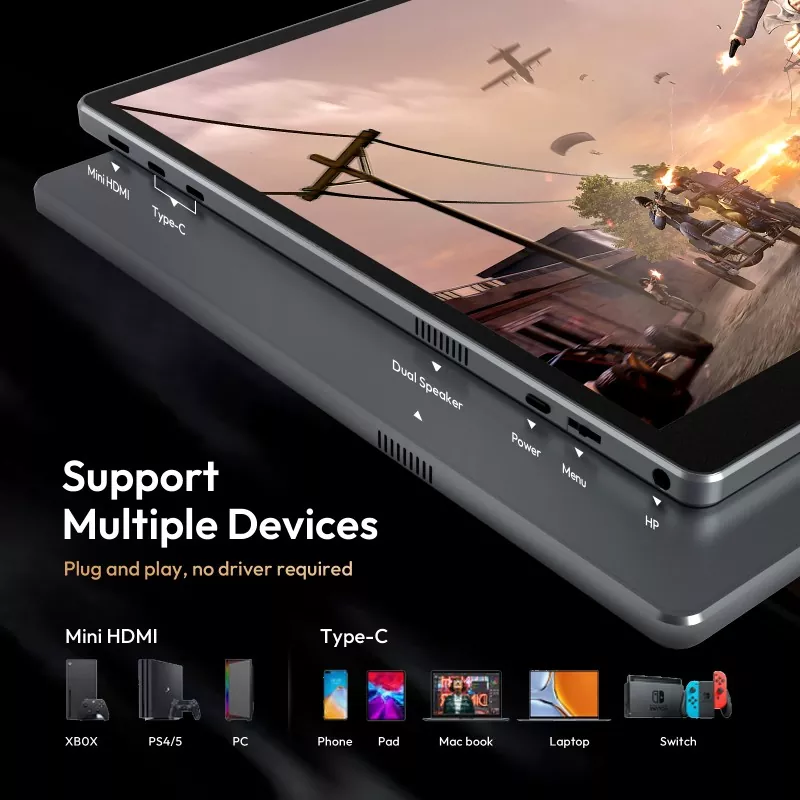
| Connectivity | 2 full-function USB-C + HDMI | Supports different host-device connection methods |
| Compatible Systems | Windows and macOS | Suitable for a broad range of computers |
This specification combination makes the monitor suitable for buyers seeking a portable display that goes beyond basic screen mirroring and provides interactive functionality.
Touch functionality can make a second screen more intuitive, especially when applications are designed for direct interaction. The 10-point capacitive touchscreen supports simultaneous touch input and common gestures, creating a more natural interface for compatible operating systems and applications.
For example, a designer can use touch gestures to zoom into visual content, a presenter can navigate slides directly, and an office worker can interact with compatible dashboards without constantly switching between a mouse and keyboard.
However, buyers should distinguish between a general-purpose touch display and a professional pressure-sensitive drawing tablet. The monitor supports touch interaction and simple sketching, but it is not primarily designed as a pressure-sensitive graphics tablet.
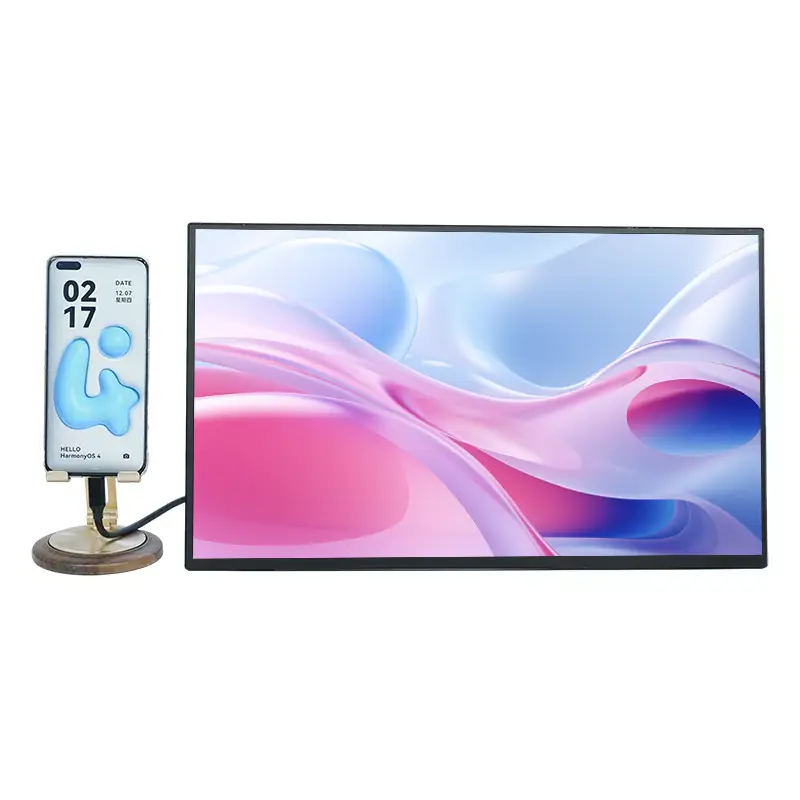
Connectivity is one of the most important considerations when purchasing a 15.6 Inch 1080P Touch Screen Portable Monitor. A compatible USB-C connection can simplify the setup by carrying power, video, and touch data through one cable when the host device supports the required DisplayPort Alt Mode or compatible Thunderbolt interface.
For devices without a full-function USB-C port, an HDMI connection can provide the video signal while additional USB connectivity supplies power and touch data.
Buyers should always verify the ports and operating-system limitations of their specific host device. Some gaming consoles and certain mobile devices may restrict external touch input even when the monitor itself supports touch.
Visual quality directly affects the usability of a portable display. This model uses an IPS panel with a 178° viewing angle, helping maintain consistent visibility when the user is not directly centered in front of the screen.
The 1920 × 1080 Full HD resolution provides a practical balance between clarity and compatibility. Combined with a contrast ratio of up to 1200:1 and HDR technology, the display is designed to deliver richer visual separation and more vivid images.
For people who spend extended periods working with documents, dashboards, presentations, or multimedia content, eye-comfort features can also be important. Low-blue-light filtering and flicker-free technology are incorporated to support more comfortable long-duration viewing.
These features are especially relevant to mobile professionals who may use the monitor for several hours without access to a conventional desktop display.
The combination of portability, Full HD resolution, touch interaction, and flexible connectivity allows the monitor to serve multiple use cases.
Professionals can carry the display alongside a laptop and create a dual-screen workspace in a hotel, temporary office, meeting room, or coworking environment. Email, spreadsheets, research materials, and video conferencing can be separated across two screens.
Teachers, trainers, and students can use the touch interface for interactive demonstrations, digital presentations, annotation, and compatible educational software.
For basic graphic interaction, image review, presentation preparation, and visual reference work, direct touch input can make navigation and zooming more convenient. Professional artists should nevertheless confirm whether pressure sensitivity is required for their workflow.
The monitor can connect with various compatible laptops, phones, tablets, and gaming devices for additional-screen applications. However, compatibility varies by device, and some systems restrict external touch functionality.
Portable interactive displays can also be considered for demonstrations, temporary workstations, mobile control interfaces, exhibitions, training systems, and other projects where portability and user interaction are important.
Whether purchasing one unit or sourcing products in bulk from a China supplier, buyers should evaluate more than screen size and resolution. A reliable purchasing decision should consider technical compatibility, quality consistency, customization capability, and after-sales support.
Sixing's portable monitor manufacturing operation combines product development, production, and sales capabilities. Its Shenzhen manufacturing base is designed to support global demand, while its experience in integrating touch layers with LCD panels provides a foundation for interactive display production.
The product information indicates that the company works with A-grade display resources from suppliers such as BOE and Innolux. This type of panel sourcing can help support consistent display performance and color quality across production batches.
For business customers, Sixing also provides OEM/ODM capabilities. Depending on project requirements, customization can include branding, bezel design, and other product-level solutions based on drawings or samples.
For buyers comparing a 15.6 Inch 1080P Touch Screen Portable Monitor manufacturer, these factors can be valuable when moving from individual product evaluation to long-term commercial sourcing.
Yes. The monitor is designed to support Windows systems, including Windows 10 and Windows 11, with touch functionality available when the appropriate video and USB data connection is established.
Yes. The product is designed for compatibility with macOS. Users should still verify the available ports and the specific capabilities of their Mac before connecting.
On compatible devices with a full-function USB-C interface supporting video output, a USB-C to USB-C connection can provide power, video, and touch data through a single cable.
HDMI can provide the video connection, but touch functionality requires an additional USB data connection. In compatible configurations, an HDMI cable, power connection, and USB-A to USB-C cable may be required.
The 10-point capacitive touchscreen supports navigation, gestures, and basic sketching. However, it is primarily an interactive portable display rather than a professional pressure-sensitive graphics tablet.
For commercial projects, OEM/ODM customization may be available, including options such as logo branding and specialized bezel designs. Buyers should discuss detailed specifications, quantities, and customization requirements with the manufacturer before placing an order.
A well-designed portable display should provide more than an additional screen; it should improve productivity without creating unnecessary complexity. With a 15.6-inch IPS panel, 1920 × 1080 Full HD resolution, 60Hz refresh rate, 178° viewing angle, 10-point capacitive touch, HDR, low-blue-light and flicker-free technologies, the 15.6 Inch 1080P Touch Screen Portable Monitor offers a balanced solution for mobile professionals, education, entertainment, and commercial applications. If you are looking for a reliable China manufacturer or supplier for portable touch monitors, or need OEM/ODM solutions for a larger project, contact us to discuss your requirements, specifications, customization options, and sourcing plans.
-