News

How Does a 15.6 Inch Portable Monitor Fix Everyday Work and Travel Friction?

2026-01-06 0 Leave me a message
Article Summary

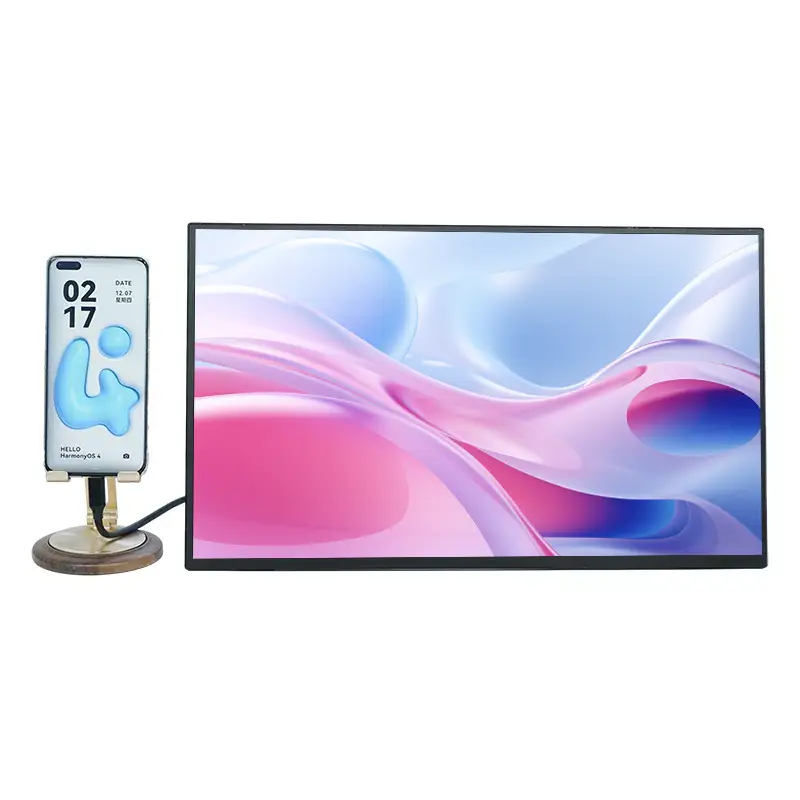
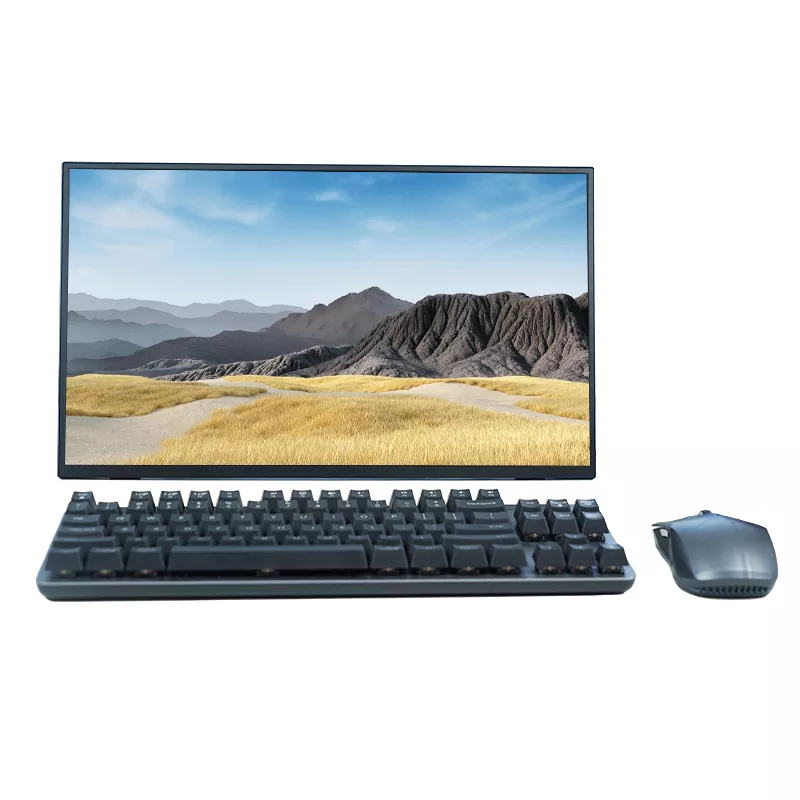
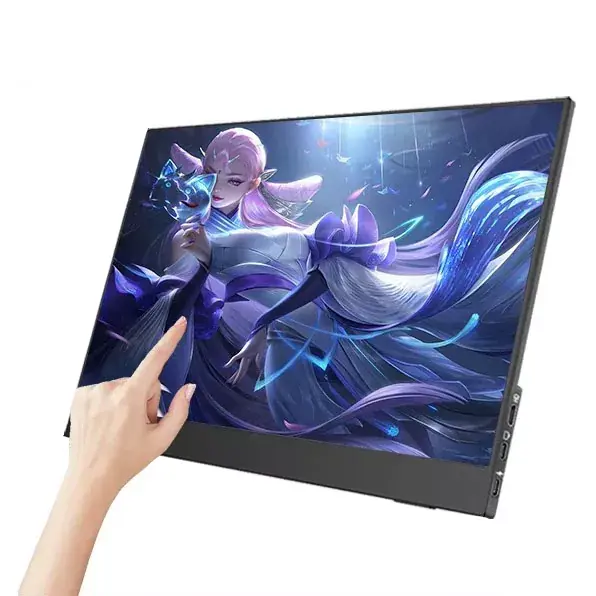
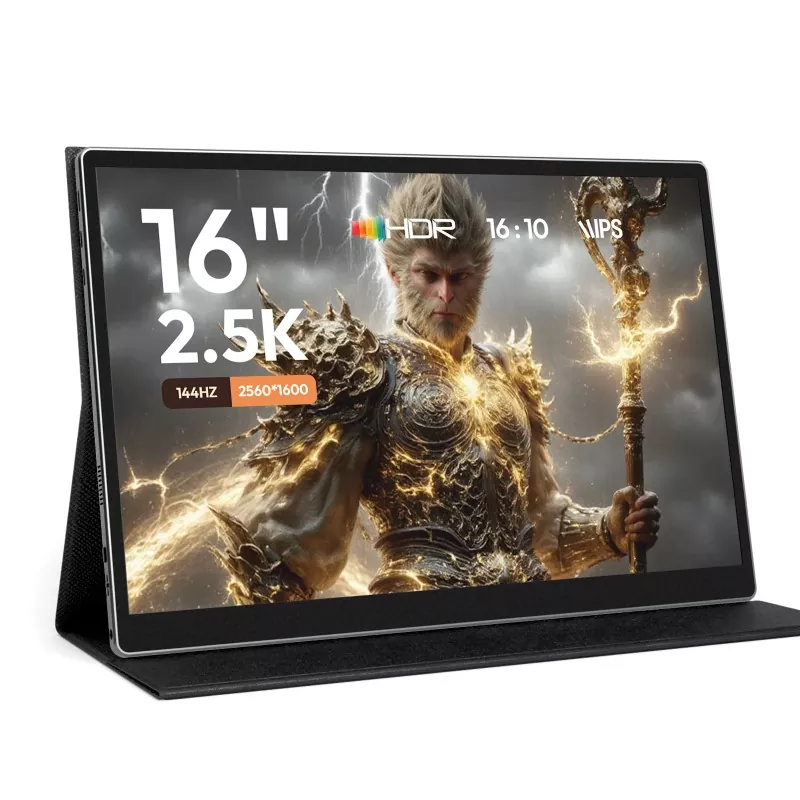
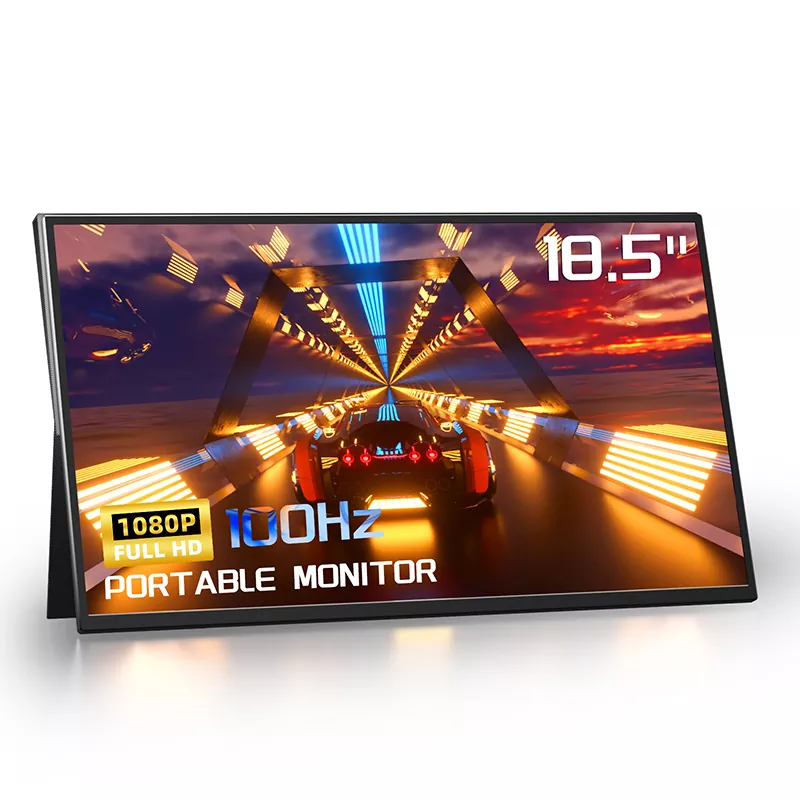
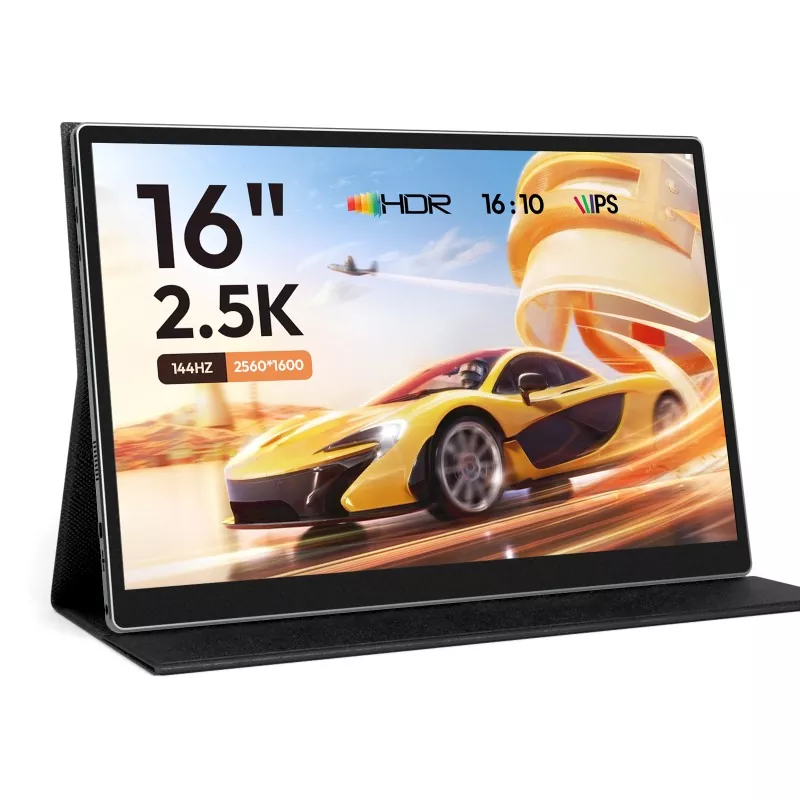
If you’ve ever tried to be productive on a laptop in a hotel, coffee shop, or shared office, you know the pain: tiny screens, constant window-switching, neck strain, and “I can’t see the spreadsheet and the call notes at the same time.” A 15.6 Inch Portable Monitor is often the simplest upgrade: it adds a true second screen without committing you to a bulky desktop setup.

In this guide, I’ll break down the everyday problems portable monitors solve, what to look for before you buy, and how to set one up so it actually feels effortless. I’ll also point out where buyers get burned (power draw, cable confusion, dim screens, weak stands), and how to avoid those traps.


Outline

  • Diagnose the friction: why one screen slows you down more than you think.
  • Pick the right fit: the “must-have” features for your devices and workflow.
  • Read specs like a buyer: how brightness, ports, and panel type affect daily use.
  • Set it up cleanly: simple cable logic, power tips, and posture-friendly placement.
  • Use it with intent: proven layouts for work, study, creativity, and play.

The real pain points a second screen removes

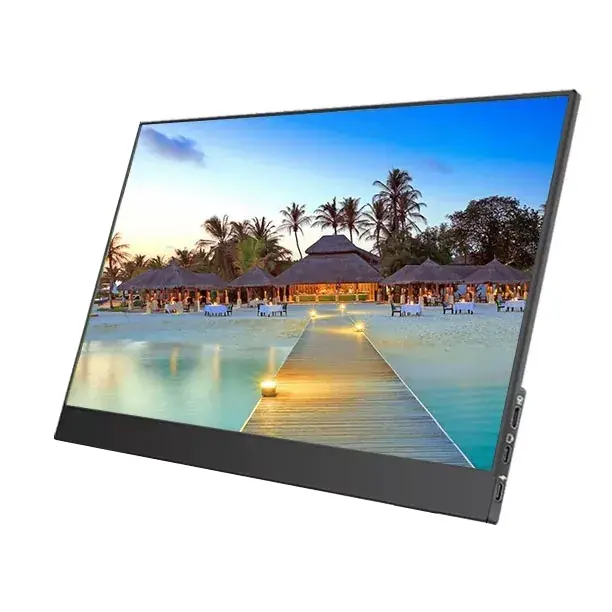
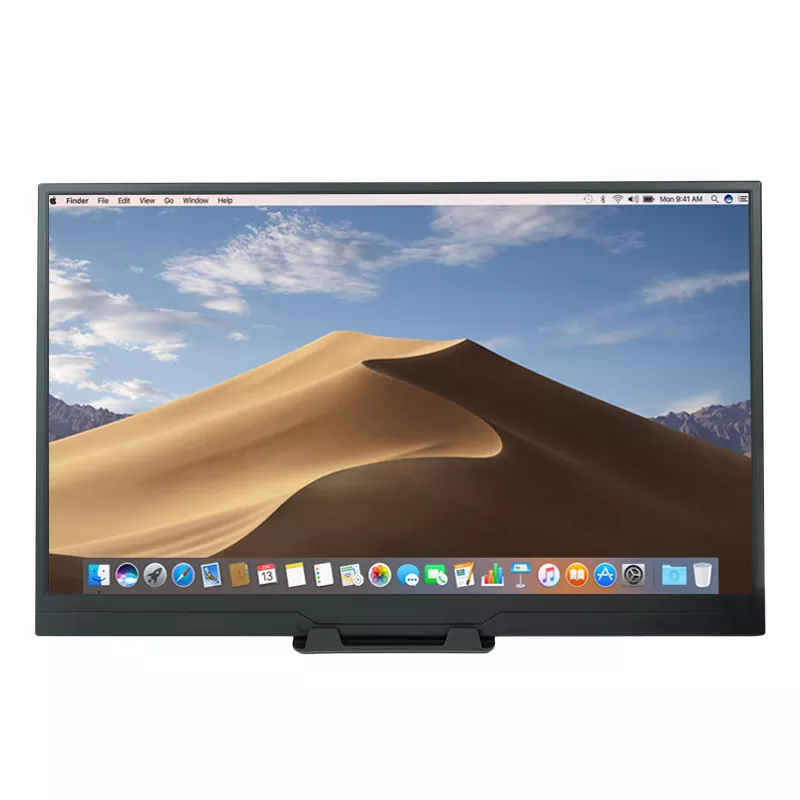
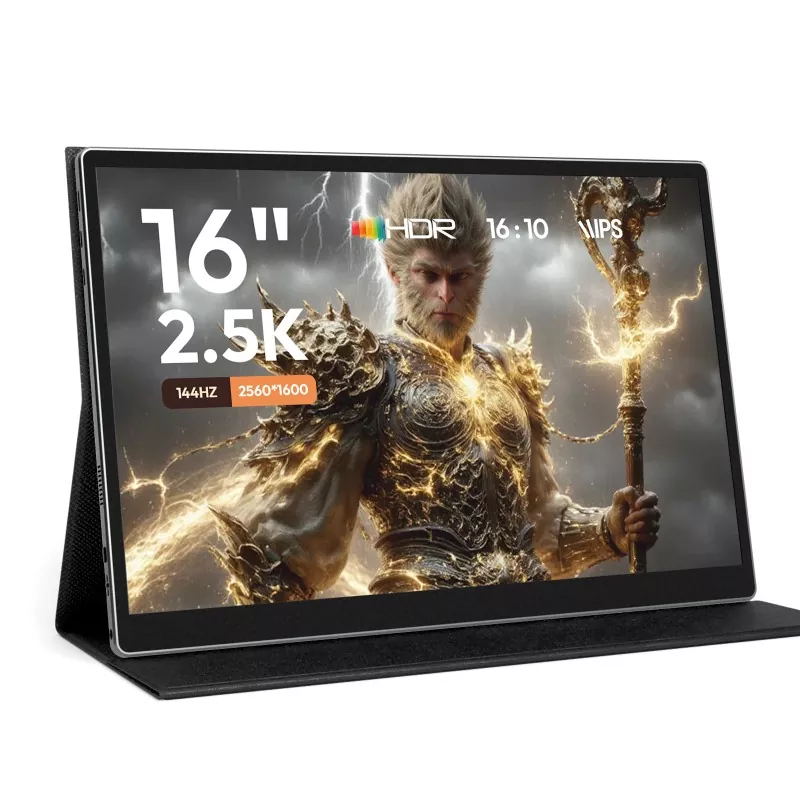
Most people don’t “need” a second monitor—until they experience it. The moment you have two screens, you stop doing the digital equivalent of shuffling papers every 10 seconds. A 15.6 Inch Portable Monitor is the sweet spot for many buyers because it’s large enough to feel like a real workspace, yet still compact enough to travel with comfortably.

Common frustrations it solves
  • Constant window switching: keeping a meeting on one screen and notes/CRM on the other.
  • Tiny spreadsheets: real columns, real rows, fewer mistakes.
  • Creative workflow bottlenecks: timeline on one screen, preview on the other.
  • Neck and eye strain: better layout beats cramming everything into one panel.
  • Shared spaces: quickly build a “micro workstation” anywhere.

Who benefits most from a 15.6 Inch Portable Monitor

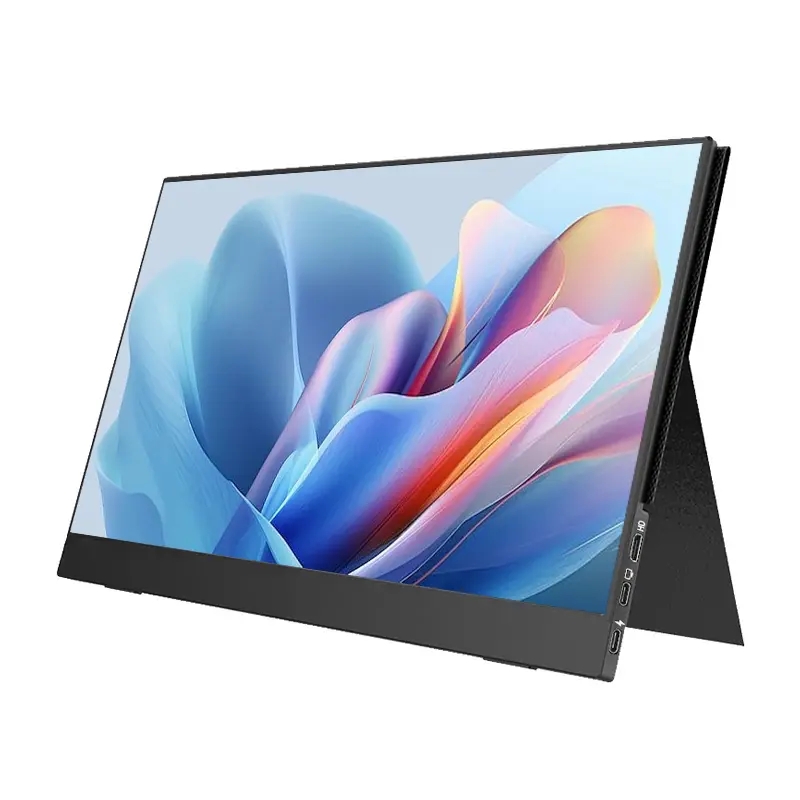
15.6 Inch Portable Monitor

Portable monitors aren’t a niche gadget anymore. They’re a practical tool for people who work across apps, devices, and locations. Here are the profiles that see the fastest payoff:

  • Remote and hybrid professionals: meetings + notes + email is a constant split-screen battle.
  • Sales and operations: CRM, quotes, inventory, and chat windows work better side-by-side.
  • Students and researchers: paper on one screen, writing on the other.
  • Developers and analysts: code or dashboards on one screen, docs/logs on the other.
  • Creators: editing timeline, reference material, and preview panes become less cramped.
  • Gamers and console users: a lightweight display for travel, dorms, or tight setups.
Quick reality check: If you frequently say “hold on, I need to find that tab,” a second display is already trying to enter your life.

What to check before buying

Not every 15.6 Inch Portable Monitor feels good to live with. The difference is usually not one “hero spec,” but a handful of details that determine whether it becomes your daily tool or a forgotten accessory.

Buyer checklist
  • Connection type: USB-C (video + power) can be wonderfully simple, but confirm your device supports video over USB-C.
  • HDMI support: ideal for consoles, older laptops, and docking setups.
  • Power behavior: can it run from your laptop, or does it need a separate adapter for stable brightness?
  • Brightness in real life: indoor office lighting is easy; bright cafés and windows demand more.
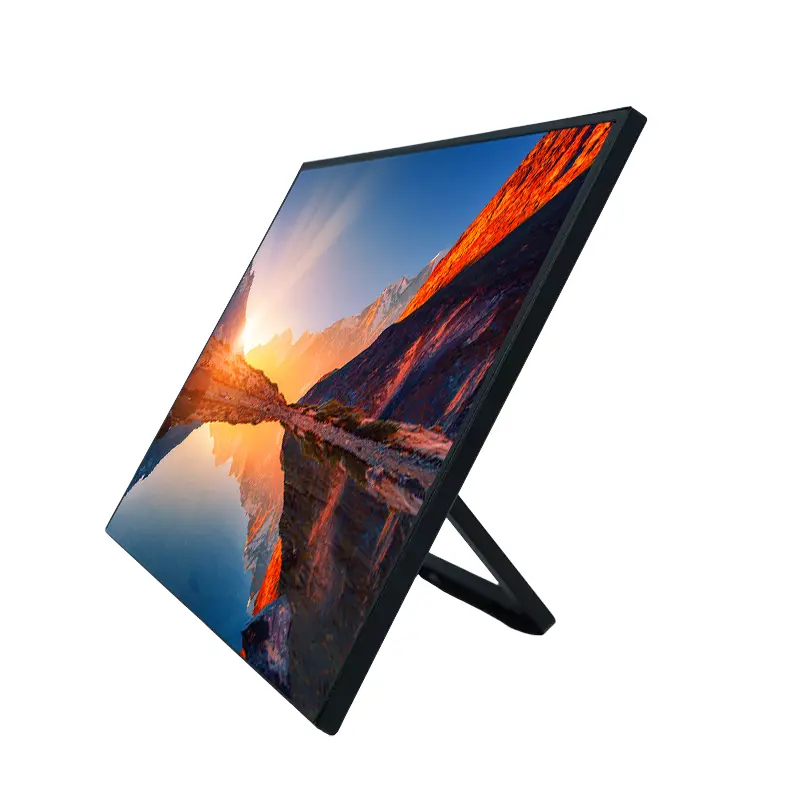
  • Stand/case quality: the “included cover stand” is either a lifesaver or an ongoing annoyance.
  • Audio and controls: built-in speakers are convenient, but don’t expect room-filling sound.
  • Eye comfort: look for features that reduce flicker and help with long sessions.
  • Warranty and support: you want a brand that answers when something goes wrong.

If your primary goal is productivity, prioritize stable connectivity and comfortable viewing. If your goal is entertainment, prioritize ports, response feel, and a stand that works on uneven surfaces.


A practical spec-to-life translation table

Specs are only useful when you can map them to your day-to-day reality. Here’s a simple translation:

What you see on the spec sheet What it means for you Best for
15.6-inch screen size Big enough for true two-window work; still travel-friendly Work + travel balance
Resolution (e.g., Full HD) Text clarity and how much you can fit on screen without squinting Documents, spreadsheets, web work
Brightness rating Whether the screen looks washed out near windows or in bright rooms Cafés, trade shows, mobile use
USB-C with video support Potential “one cable” setup; fewer adapters and fewer headaches Laptop-first users
HDMI input Compatible with consoles and many desktop docks Gaming and mixed devices
Panel type / viewing angles Color consistency when you move or share your screen with someone nearby Collaboration, design, photo viewing
Stand/cover design How stable it feels on a bed tray, tiny desk, or airplane table Real-world portability

Tip: If you work long hours, don’t treat the stand as an afterthought. Stability and angle control are comfort features, not luxury.


Setup that doesn’t waste your time

The best portable monitor setup is the one you can repeat without thinking. Here’s a clean approach that prevents the most common “why isn’t it working?” moments.

Simple setup logic
  1. Start with your main device: laptop, phone/tablet, or console. Identify the ports you actually have.
  2. Use the fewest adapters possible: fewer links in the chain = fewer failure points.
  3. For USB-C: confirm your USB-C port supports video output (some ports are charging/data only).
  4. For HDMI: HDMI carries video; you may still need a power cable depending on the monitor design.
  5. Place it intentionally: put the portable monitor slightly higher or angled up to reduce neck flexion.
Troubleshooting in 30 seconds
  • No signal: swap cable first (cables vary a lot), then try another port.
  • Dim display: power may be insufficient—test with an external power source if available.
  • Flicker or dropouts: reduce cable length, avoid loose hubs, and check power stability.
  • No audio: verify the output device in your system settings.

Use-cases that justify the purchase fast

15.6 Inch Portable Monitor

A 15.6 Inch Portable Monitor pays for itself when you use it with a repeatable “layout habit.” Below are layouts that consistently reduce friction:

  • Meeting mode: video call on the portable display, notes and calendar on the laptop screen.
  • Spreadsheet mode: sheet full-width on the portable display, email/chat on the laptop screen.
  • Writing and research mode: source material on the portable display, document editor on the main screen.
  • Design and review mode: tools on the laptop, clean preview on the portable monitor for better judgment.
  • Travel entertainment mode: console/streaming device to the monitor, keep the laptop free for other tasks.
Small habit, big impact: Decide your default second-screen job (calls, reference, timeline, chat) and stick to it for a week. That consistency is where the productivity bump shows up.

A note on Shenzhen Sixing Technology Holding Co., Ltd.

If you’re comparing options in this category, it helps to look at the company behind the product—not just the headline specs. Shenzhen Sixing Technology Holding Co., Ltd. focuses on portable display solutions, and their 15.6 Inch Portable Monitor category is designed around everyday usability: straightforward connectivity, a travel-friendly form factor, and a feature set that fits both work and leisure.

When you’re buying a monitor you’ll carry between rooms, offices, or cities, practical details matter: durable construction, stable accessories, and support that answers quickly. That’s the difference between a “cool device” and a tool you rely on.


FAQ

  • Will a 15.6 Inch Portable Monitor work with my laptop?
    In most cases, yes. The simplest experience is when your laptop supports video over USB-C, because one cable can handle display and power. If not, HDMI usually works well, though you may need an additional power connection depending on the monitor.
  • Does a portable monitor need its own power adapter?
    Sometimes. Many models can draw power from a laptop via USB-C, but brightness may be limited if the laptop can’t supply enough power. For the most stable performance, having a dedicated power option is useful—especially in bright environments.
  • Is 15.6 inches too big to travel with?
    For most people, it’s the sweet spot: large enough to feel like a real workspace, yet still slim enough for backpacks and laptop bags. If you fly frequently and need ultra-compact gear, smaller sizes can be easier—but you’ll lose working area.
  • Can I use a 15.6 Inch Portable Monitor with a phone or tablet?
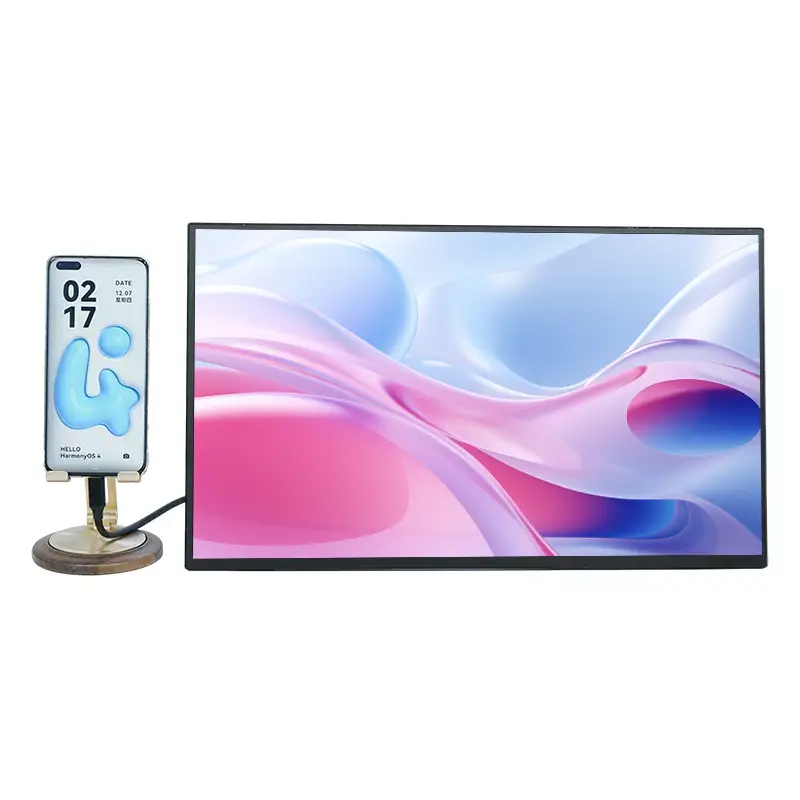
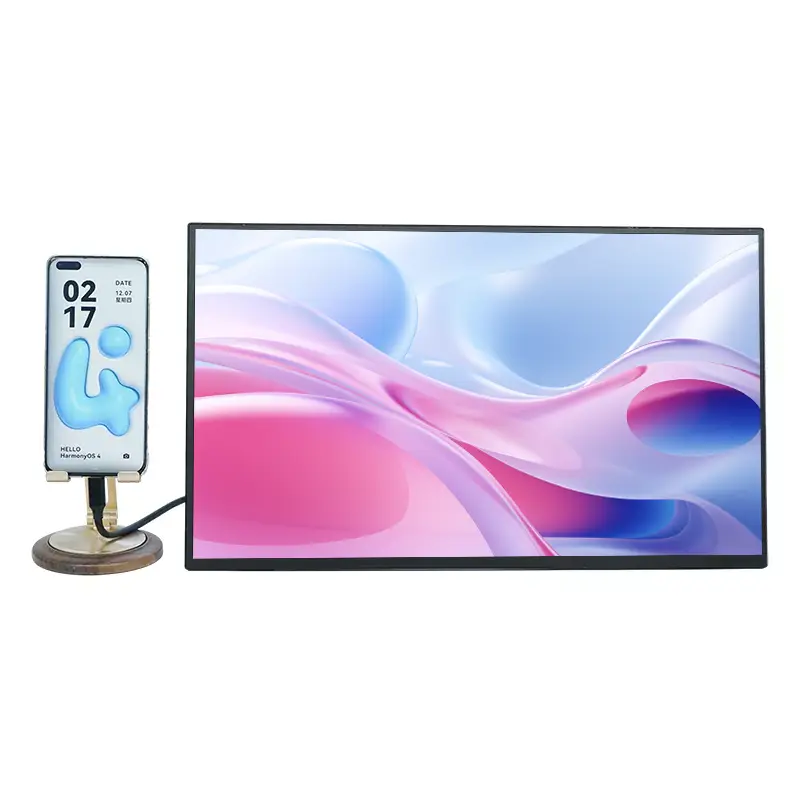
    Often yes, if your device supports video output (typically via USB-C). Some phones/tablets mirror the screen easily, while others require specific settings or adapters. It’s best to confirm your device’s video-out capability before purchasing.
  • Is it good for gaming?
    It can be, especially for console travel setups and casual gaming. If you’re competitive, pay attention to responsiveness and overall feel, and make sure the monitor has the ports you need (HDMI is common for consoles).
  • What’s the biggest mistake people make when buying?
    Assuming any USB-C cable will work for video. Many cables charge and transfer data but do not support video properly. A reliable, video-capable USB-C cable and a stable power source prevent most issues.

Conclusion

A 15.6 Inch Portable Monitor isn’t just “an extra screen.” It’s a way to make your workflow calmer: fewer interruptions, fewer mistakes, and less physical strain from cramped layouts. If you choose based on your devices, your typical locations, and the reality of cables and power, you’ll end up with something you actually enjoy using.

Ready to build a cleaner, faster setup?

If you want help choosing the right configuration for your laptop, phone, or console—or you’re comparing options from Shenzhen Sixing Technology Holding Co., Ltd.—tell us what devices you use and where you work most often.

For pricing, specs confirmation, and bulk purchase support, contact us and we’ll recommend a setup that fits your workflow without guesswork.

Related News
Leave me a message
X
We use cookies to offer you a better browsing experience, analyze site traffic and personalize content. By using this site, you agree to our use of cookies. Privacy Policy
Reject Accept