News

How Does a 14 Inch 100%sRGB IPS A-Level Touch Screen Monitor Improve Display Performance?

2026-11-11 0 Leave me a message

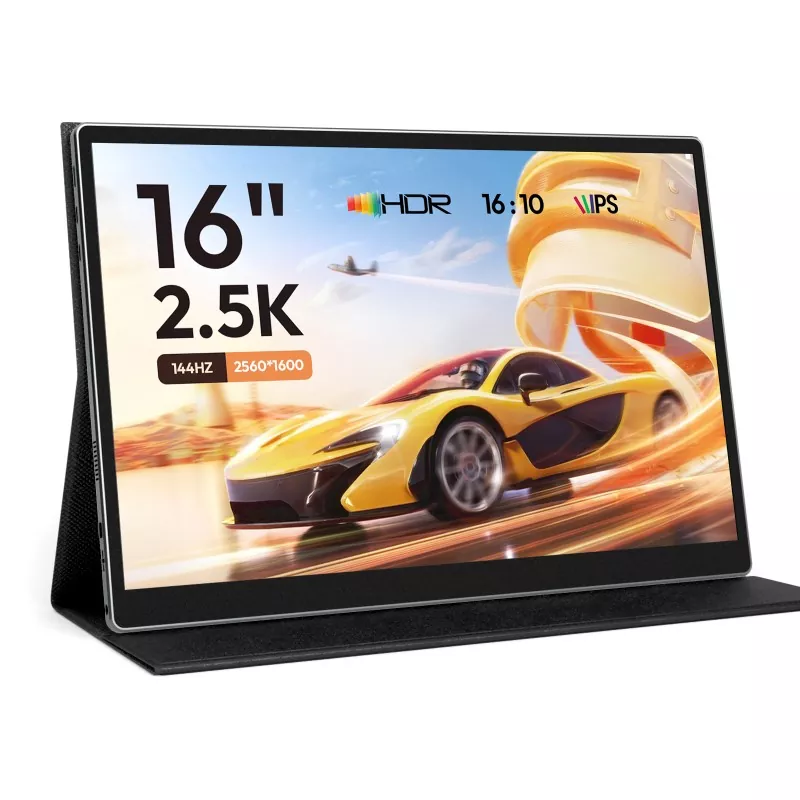
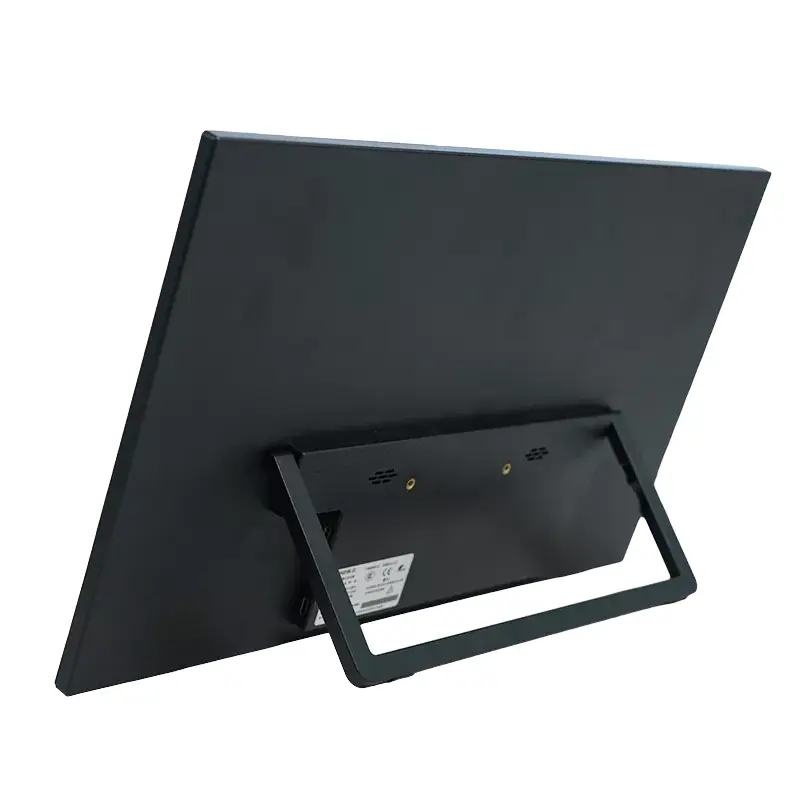
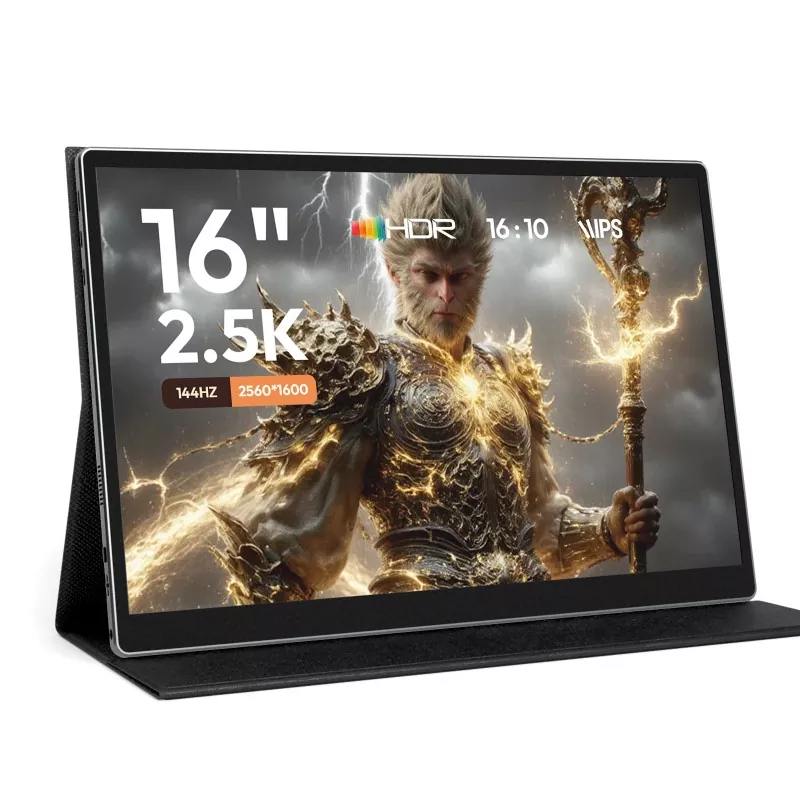
Choosing a compact touchscreen monitor involves more than comparing screen sizes and prices. Display clarity, color accuracy, touch responsiveness, panel quality, and device compatibility all influence the final user experience. A 14-inch monitor featuring 100% sRGB color coverage, IPS technology, and an A-Level panel can be an attractive solution for users who need reliable visuals and convenient touch interaction in a compact form.

Whether used for portable workstations, interactive equipment, industrial applications, digital presentations, or customized electronic devices, understanding the specifications behind this display helps buyers make more informed purchasing decisions.

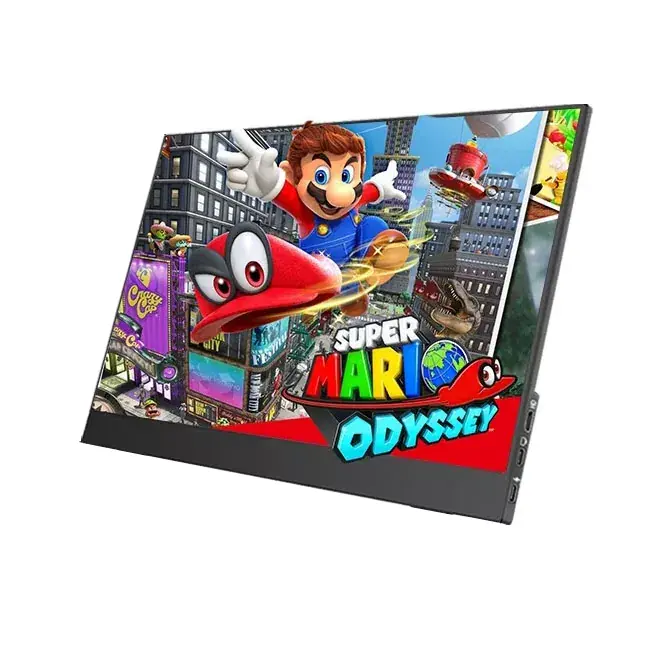
 A 14-inch monitor featuring 100% sRGB color coverage,

1. Understanding the 14 Inch 100%sRGB IPS A-Level Touch Screen Monitor

A 14-inch touchscreen monitor is designed to balance portability, usable screen space, and convenient interaction. Compared with smaller displays, it offers a more comfortable viewing area for documents, control interfaces, multimedia content, and interactive applications. At the same time, its compact dimensions make integration into space-limited environments easier than with many larger monitors.

The complete product description contains several important specifications:

  • 14-inch display: Provides a practical screen area for portable and integrated applications.
  • 100% sRGB: Indicates full coverage of the standard sRGB color gamut when measured and specified accordingly.
  • IPS technology: Supports consistent color reproduction and wide viewing angles.
  • A-Level panel: Refers to a higher-grade LCD panel classification used in the display supply chain. Buyers should confirm the supplier's grading criteria and inspection standards.
  • Touch screen: Allows users to interact directly with displayed content through finger or compatible stylus input, depending on the touch technology.

These specifications address different requirements rather than serving as interchangeable features. Color gamut relates to color reproduction, IPS describes the LCD panel technology, panel grade concerns quality classification, and touch functionality determines how users interact with the device.

Key consideration: A product's actual performance depends on the complete display configuration, including resolution, brightness, contrast, touch technology, interface, controller, and manufacturing quality. Buyers should review the full specification sheet instead of relying on the product name alone.

2. Why 100% sRGB Color Coverage Matters

Color reproduction is an important consideration for users working with digital images, product demonstrations, visual interfaces, and multimedia content. A display with 100% sRGB coverage is designed to reproduce the full range of colors within the sRGB color space, making it suitable for many common digital content workflows.

2.1 More Complete Color Representation

The sRGB color space is widely used across websites, digital images, consumer electronics, and everyday computer applications. When a monitor covers 100% of this color gamut, it can reproduce the full range of colors defined by the sRGB standard, assuming appropriate calibration and implementation.

This is particularly useful when displaying:

  • Product images and online catalogs.
  • Digital marketing materials.
  • Presentation slides and business graphics.
  • Educational diagrams and visual content.
  • Application interfaces with multiple color elements.

2.2 Better Support for Digital Content Workflows

For businesses that frequently display product images or brand materials, color consistency helps maintain a professional presentation. A display with full sRGB coverage offers a suitable color gamut for many standard digital workflows.

However, gamut coverage alone does not guarantee accurate colors. White balance, gamma, color temperature, calibration, and panel uniformity also influence the final image. Buyers who require precise color work should request additional color performance information from the manufacturer.

2.3 What Buyers Should Ask About Color Performance

When evaluating a 100% sRGB monitor, consider asking for:

  • Measured sRGB coverage rather than an unsupported marketing claim.
  • Color accuracy data, such as Delta E values, when available.
  • Factory calibration availability.
  • Brightness and color uniformity test results.
  • Color performance under the intended operating conditions.

These details help distinguish between a display that simply advertises a wide color gamut and one that offers documented color performance.


3. How IPS Technology Improves Viewing Quality

IPS stands for In-Plane Switching, a liquid crystal display technology developed to improve viewing-angle performance and color consistency compared with many traditional twisted nematic LCD panels.

For a touchscreen monitor that may be viewed from different positions, these characteristics can make a meaningful difference.

3.1 Wide Viewing Angles

One of the best-known advantages of IPS technology is its wide viewing angle. Users can generally view content from different horizontal and vertical positions without experiencing the same degree of color shifting or contrast deterioration associated with some alternative LCD technologies.

This can be beneficial in:

  • Shared workstations used by multiple operators.
  • Retail displays viewed by customers from different positions.
  • Interactive kiosks in public environments.
  • Portable workstations used in changing positions.

3.2 Consistent Visual Presentation

Color consistency is important when a screen is used to display product information, technical diagrams, or interface elements. IPS panels generally provide more stable color presentation across wider viewing angles, helping users view the same content more consistently.

3.3 Comfortable Everyday Viewing

A well-designed IPS monitor can provide a clear and balanced viewing experience for extended daily use. Nevertheless, visual comfort also depends on brightness settings, screen reflections, refresh rate, resolution, and ambient lighting.

Purchasing tip: Do not evaluate an IPS display by panel technology alone. Compare its actual brightness, contrast ratio, resolution, response time, and surface treatment to determine whether it suits your application.

4. What Makes an A-Level Panel Important?

Panel grading is another specification that buyers may encounter when sourcing LCD monitors. A-Level is commonly used in the display industry to describe a higher-grade panel classification, but grading definitions and acceptance criteria can differ among suppliers and manufacturers.

For commercial buyers, understanding what the supplier means by A-Level is more important than relying on the label itself.

4.1 Panel Appearance and Quality Inspection

Display quality can be affected by defects such as dead pixels, bright pixels, dark spots, uneven brightness, visible scratches, and other cosmetic or functional abnormalities.

A professional supplier should be able to explain its panel inspection standards and the acceptance criteria applied to finished products.

4.2 Why Quality Consistency Matters for Bulk Orders

For distributors, equipment manufacturers, and project buyers, consistency between units is essential. A sample that performs well does not automatically guarantee that every unit in a production batch will meet the same requirements.

Before placing a bulk order, discuss:

  • Pixel defect acceptance standards.
  • Brightness uniformity requirements.
  • Cosmetic inspection criteria.
  • Functional testing procedures.
  • Batch inspection and quality documentation.
  • Warranty and after-sales arrangements.

Clear quality agreements reduce misunderstandings and help establish measurable expectations between buyers and suppliers.


5. How Touch Screen Technology Enhances Interaction

Touch functionality transforms a conventional display into a more interactive interface. Instead of relying exclusively on a mouse or keyboard, users can select icons, navigate menus, enter information, and operate compatible software directly on the screen.

5.1 More Direct User Interaction

Touch operation is especially convenient for applications that require frequent selections or simple commands. For example, a user operating an information kiosk can browse categories and access content with direct screen input.

5.2 Understanding Capacitive and Resistive Touch

Two common touchscreen technologies are capacitive and resistive touch. Each has different operating characteristics and application requirements.

Feature Capacitive Touch Resistive Touch
Input method Detects changes in electrical capacitance. Detects pressure between conductive layers.
Touch experience Generally smooth and responsive. Requires physical pressure.
Multi-touch Commonly supported, depending on configuration. Often more limited.
Input compatibility Usually designed for fingers or compatible conductive styluses. Can work with fingers, gloves, or styluses depending on design.
Typical applications Consumer devices, kiosks, and interactive terminals. Industrial control and specialized equipment.

Neither technology is universally better. The correct choice depends on the operating environment, required touch accuracy, glove usage, software requirements, and expected service conditions.

5.3 Touchscreen Compatibility Is Essential

A touchscreen may require a separate USB connection for touch data even when the display uses HDMI or another video interface. Buyers should verify both video transmission and touch communication before purchasing.

Operating system support, driver requirements, touch controller compatibility, and available ports should also be confirmed.


6. Practical Applications of a 14-Inch Touch Monitor

The combination of compact dimensions, IPS viewing characteristics, and touch interaction makes a 14-inch display suitable for a range of commercial and professional applications.

6.1 Portable Workstations

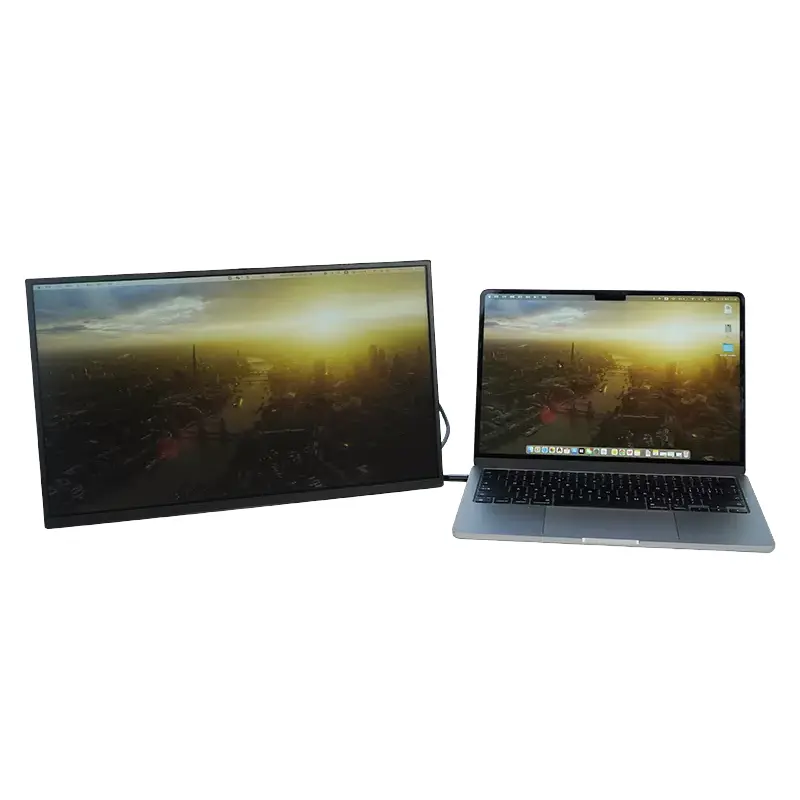
A 14-inch monitor can provide additional screen space for users who need a compact secondary display. It can support document review, data visualization, online meetings, and multitasking when paired with a compatible computer.

6.2 Industrial Equipment and Control Interfaces

Industrial equipment manufacturers may integrate touchscreen displays into control panels, monitoring systems, and specialized machinery. The display size can be suitable where operators need accessible information without taking up excessive installation space.

For industrial environments, buyers should additionally evaluate temperature range, vibration resistance, mounting structure, operating lifetime, and electrical requirements. An ordinary touchscreen monitor should not automatically be assumed to meet industrial-grade standards.

6.3 Retail and Interactive Kiosks

Retail systems and information kiosks often require displays that allow customers to browse information or complete simple interactions. Touch functionality can simplify these operations, while IPS technology supports viewing from different positions.

6.4 Education and Training

Interactive displays can support teaching demonstrations, digital learning materials, and collaborative training activities. A compact 14-inch screen may be useful for personal learning terminals or specialized training equipment.

6.5 Customized Electronic Devices

OEM and ODM manufacturers may need a display that fits a particular enclosure, product design, or user interface. A 14-inch touch display can serve as a component in customized electronic systems, provided its mechanical and electrical specifications match the project.


7. Important Specifications to Check Before Buying

Although the product name highlights screen size, color gamut, panel technology, and panel grade, several additional specifications determine whether a monitor is suitable for a particular project.

Specification Why It Matters What to Confirm
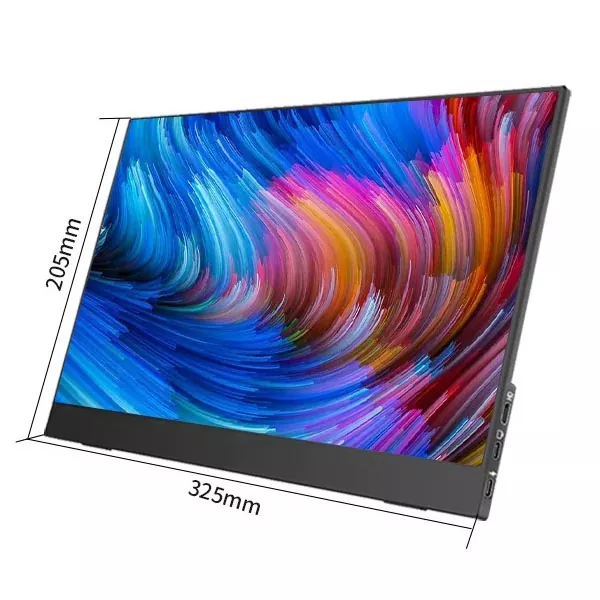
Screen Size Determines the available viewing area. 14 inches and actual display dimensions.
Resolution Affects image sharpness and workspace. Native resolution and supported input signals.
Color Gamut Determines the range of reproducible colors. 100% sRGB coverage and test conditions.
Panel Technology Influences viewing angles and color presentation. IPS panel specifications.
Brightness Affects visibility in different lighting conditions. Measured brightness in cd/m².
Contrast Ratio Influences the difference between dark and bright areas. Typical contrast ratio.
Touch Technology Determines touch operation and input compatibility. Capacitive or resistive technology.
Interfaces Determine connection compatibility. HDMI, USB, Type-C, or other supported ports.
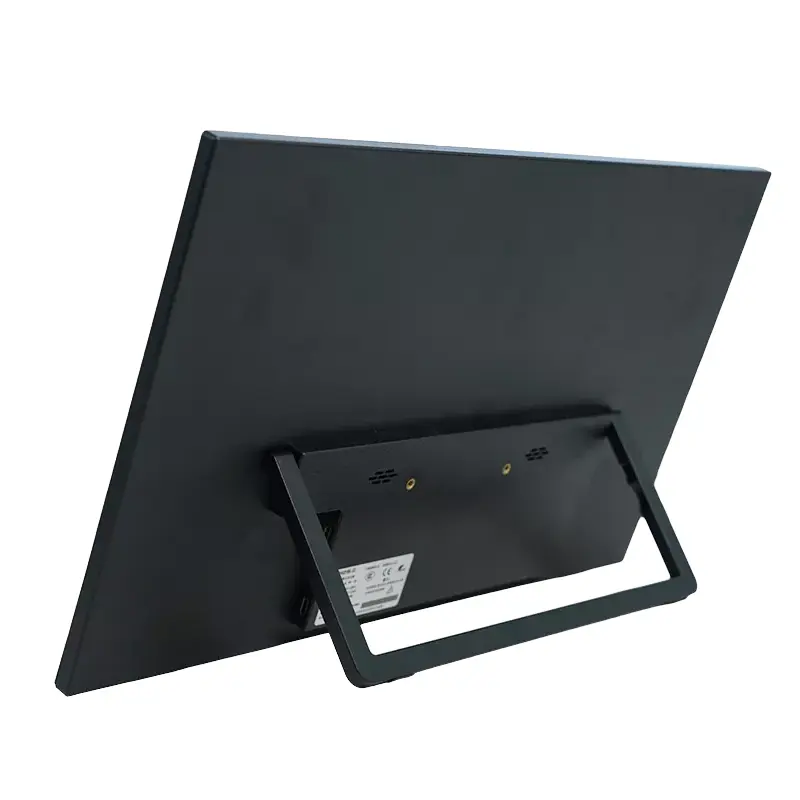
Mounting Affects installation and equipment integration. Stand, mounting holes, dimensions, and structure.
Operating Conditions Determine environmental suitability. Temperature, humidity, and power requirements.

7.1 Resolution and Screen Clarity

Resolution determines how many pixels are used to create an image. A higher resolution can provide more detailed visuals and additional workspace, but it should be considered alongside screen size, software scaling, and the viewing distance.

Ask the supplier for the native resolution rather than assuming a particular resolution based on the 14-inch size.

7.2 Brightness and Contrast

Brightness is particularly important when the monitor will operate in environments with strong ambient lighting. A display intended for indoor office use may have different brightness requirements from one installed in a brightly illuminated retail area.

Contrast ratio also influences the visibility of dark and light image details. Buyers should compare documented specifications under consistent measurement conditions.

7.3 Connectivity and Power Supply

Before ordering, identify the devices that will connect to the monitor. Confirm the required video interface, touch-data connection, power input, and supported operating systems.

USB-C connectivity should not be assumed to support video transmission simply because a device has a USB-C port. The host device and monitor must both support the required video mode.


8. How to Choose the Right Monitor for Your Project

Selecting a touchscreen monitor should begin with the intended application rather than the specification list alone. A monitor that works well for portable office use may not be appropriate for a specialized industrial control system.

Step 1: Define the Application

Determine whether the monitor will be used for office work, retail interaction, industrial equipment, education, or integration into another electronic product. This establishes the essential performance requirements.

Step 2: Identify the Required Display Performance

Consider whether 100% sRGB coverage is necessary, what resolution is required, and how much brightness the working environment demands.

Step 3: Select the Appropriate Touch Technology

Evaluate whether users will operate the screen with bare fingers, gloves, or a stylus. Also consider whether multi-touch support is necessary.

Step 4: Confirm Mechanical and Electrical Compatibility

Check the monitor's overall dimensions, active display area, mounting points, connectors, power requirements, and operating system compatibility.

Step 5: Request a Product Sample

For OEM projects and bulk purchases, sample evaluation is a valuable step. Test the display with the intended hardware and software before approving mass production.

Step 6: Review Supplier Quality and Support

Discuss production capacity, inspection procedures, delivery arrangements, warranty terms, and technical support. A reliable supplier should be able to provide clear answers and relevant product documentation.

Procurement recommendation: Prepare a written specification checklist and use the same requirements when comparing suppliers. This makes quotations easier to evaluate and helps prevent unexpected differences between samples and delivered products.

9. Common Problems and Practical Solutions

Even a well-specified touchscreen monitor may encounter installation or operating issues. Understanding common problems can help users and equipment integrators troubleshoot more efficiently.

9.1 Touch Function Does Not Work

Possible causes: The USB touch cable is disconnected, the controller is not recognized, or the operating system requires additional configuration.

Practical solutions:

  • Check whether the touch-data cable is connected correctly.
  • Confirm that the host device recognizes the touch controller.
  • Check driver and operating system compatibility.
  • Test the monitor with another compatible device.

9.2 Colors Look Different from Another Display

Possible causes: Different color profiles, brightness settings, color temperatures, or calibration conditions.

Practical solutions:

  • Check the selected display color profile.
  • Adjust brightness and color temperature.
  • Use a suitable calibration process for color-sensitive work.
  • Compare displays using the same source content and settings.

9.3 The Screen Does Not Display an Image

Possible causes: Incorrect input selection, incompatible resolution, loose video cables, or insufficient power.

Practical solutions:

  • Verify the selected input source.
  • Check all video and power connections.
  • Confirm that the host device supports the monitor's resolution.
  • Test with a known-compatible computer or video source.

9.4 Touch Accuracy Is Inconsistent

Possible causes: Incorrect calibration, unsuitable touch settings, electrical interference, or an incompatible controller configuration.

Practical solutions:

  • Recalibrate the touch screen if supported.
  • Check the controller settings.
  • Inspect cable connections and grounding.
  • Contact the supplier if the problem continues.

10. Why Work with a Professional Display Supplier?

Choosing a display supplier involves more than finding a product with the right specifications. Technical communication, quality management, customization capabilities, and long-term support all contribute to a successful purchasing relationship.

For businesses sourcing a 14 Inch 100%sRGB IPS A-Level Touch Screen Monitor, a professional supplier should be able to help with several important requirements.

10.1 Clear Technical Documentation

Reliable product documentation allows buyers to review panel specifications, touch technology, interface configurations, mechanical dimensions, and operating conditions before making a purchasing decision.

10.2 Customization Support

Different projects may require customized connectors, display structures, touch configurations, mounting solutions, or other product adjustments. Buyers should discuss feasibility, development timelines, and minimum order quantities before proceeding.

10.3 Consistent Quality Management

Quality inspection should cover both the display panel and the complete assembled monitor. Functional testing, appearance inspection, touch testing, and packaging checks can help reduce product-related issues.

10.4 Responsive Communication

Clear communication is important when dealing with international B2B orders. Suppliers should provide understandable quotations, technical responses, sample arrangements, production updates, and after-sales support.

Shenzhen Sixing Technology Holding Co., Ltd. is the company name buyers can refer to when making inquiries about display solutions and product sourcing. For project-specific requirements, buyers should confirm available models, technical specifications, customization options, and commercial terms directly with the company.


11. Frequently Asked Questions

Q1: What are the main advantages of a 14 Inch 100%sRGB IPS A-Level Touch Screen Monitor?

Its key characteristics include a compact 14-inch format, full sRGB color gamut coverage, IPS viewing-angle performance, an A-Level panel classification, and touchscreen interaction. Together, these features can support portable work, interactive equipment, and customized display applications.

Q2: Does 100% sRGB mean the monitor displays every color accurately?

No. It means the display covers the full sRGB color gamut under the specified measurement conditions. Actual color accuracy also depends on calibration, white balance, gamma, panel uniformity, and other display characteristics.

Q3: Is an IPS panel suitable for professional applications?

IPS panels are suitable for many professional applications because they generally offer wide viewing angles and consistent color presentation. Color-critical applications should also consider calibration performance, color accuracy, and uniformity.

Q4: What does A-Level mean in an LCD monitor?

A-Level generally refers to a higher-grade LCD panel classification. However, grading standards may vary among suppliers. Buyers should request the supplier's specific panel inspection criteria and defect acceptance standards.

Q5: Can a 14-inch touchscreen monitor work with a laptop?

Yes, provided the monitor and laptop support compatible video and touch connections. Depending on the configuration, video may connect through HDMI or USB-C, while touch data may require a separate USB connection.

Q6: What is the difference between capacitive and resistive touch screens?

Capacitive touch screens detect changes in electrical capacitance and commonly support smooth finger-based interaction and multi-touch. Resistive touch screens respond to physical pressure and may support different input methods depending on their design.

Q7: Is a 14-inch monitor suitable for industrial equipment?

It can be suitable for industrial equipment when its electrical, mechanical, and environmental specifications meet the application's requirements. Temperature range, vibration resistance, mounting structure, and operating lifetime should be checked before selection.

Q8: What specifications should I confirm before placing a bulk order?

Confirm the native resolution, brightness, contrast ratio, sRGB coverage, panel classification, touch technology, interfaces, power requirements, dimensions, quality inspection standards, warranty, and delivery arrangements.

Q9: Can the monitor be customized for OEM or ODM projects?

Customization may be available depending on the supplier's product platform and production capabilities. Buyers should discuss mechanical dimensions, connectors, touch configurations, mounting requirements, and order quantities with the supplier.

Q10: How can I evaluate the quality of a touchscreen monitor before purchasing?

Request a sample and test image clarity, color reproduction, touch accuracy, connection stability, brightness uniformity, and compatibility with the intended device. Also review the supplier's quality inspection standards and product documentation.

Looking for a Reliable 14-Inch Touch Screen Monitor?

The right display solution can make a difference in product performance, user interaction, and long-term project reliability. If you are sourcing a 14 Inch 100%sRGB IPS A-Level Touch Screen Monitor for distribution, equipment integration, or an OEM/ODM project, choosing the right technical configuration is the first step.

Contact Shenzhen Sixing Technology Holding Co., Ltd. to discuss your application requirements, product specifications, customization possibilities, and bulk purchasing needs.

Contact Us
Related News
Leave me a message
X
We use cookies to offer you a better browsing experience, analyze site traffic and personalize content. By using this site, you agree to our use of cookies. Privacy Policy
RejectAccept