News

Which 14 Inch 4K Ultra HD Portable Monitor Delivers the Best Balance of Clarity and Portability?

2026-11-18 0 Leave me a message

Portable Display Technology Guide

Article Summary

As remote work, mobile productivity, digital content creation, and multi-device applications continue to develop, portable monitors have become valuable tools for professionals who need additional screen space without carrying a traditional desktop display. A 14 Inch 4K Ultra HD Portable Monitor combines a compact screen size with high-resolution visual output, making it an attractive option for users who prioritize image detail and mobility.

However, choosing the right portable monitor involves more than checking its resolution. Buyers also need to consider panel technology, color reproduction, brightness, connectivity, power consumption, compatibility, physical durability, and long-term reliability. This guide explores the essential features and practical considerations of a 14-inch 4K portable display, helping individual users, distributors, and business purchasers make informed decisions.

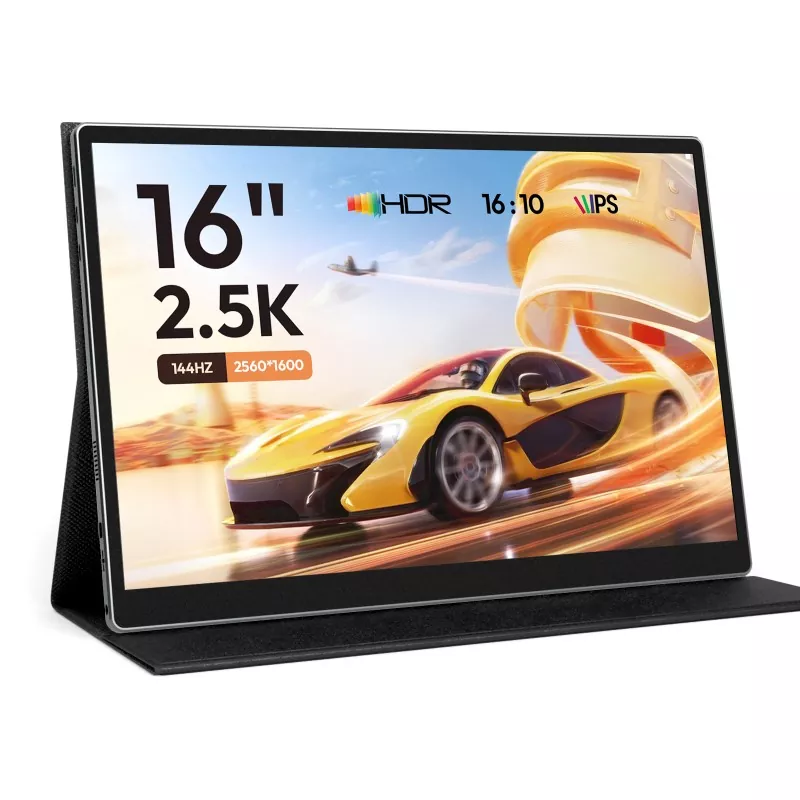
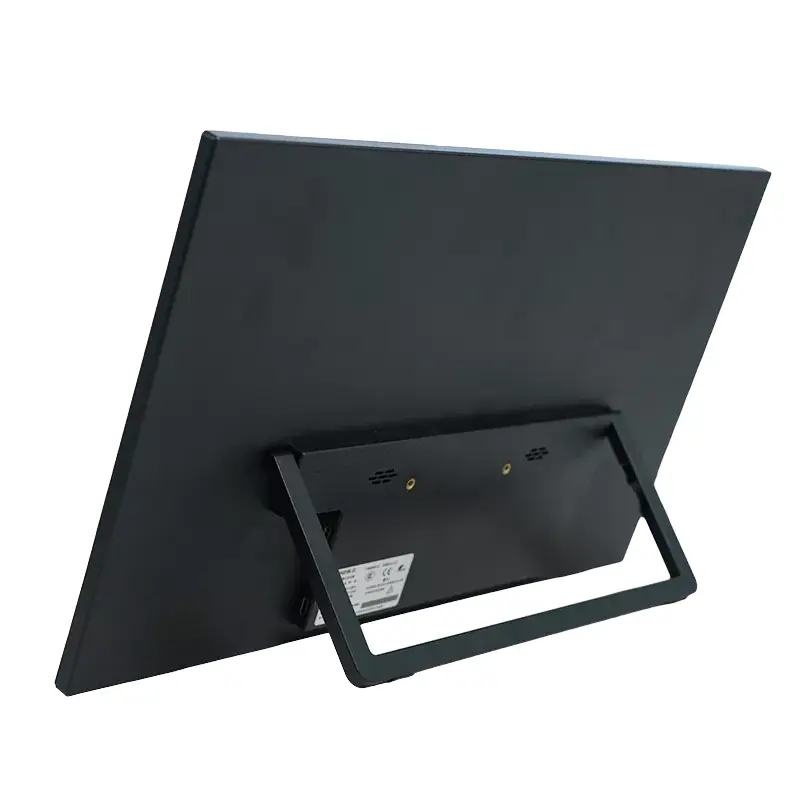
14 Inch 4K Ultra HD Portable Monitor


1. What Is a 14 Inch 4K Ultra HD Portable Monitor?

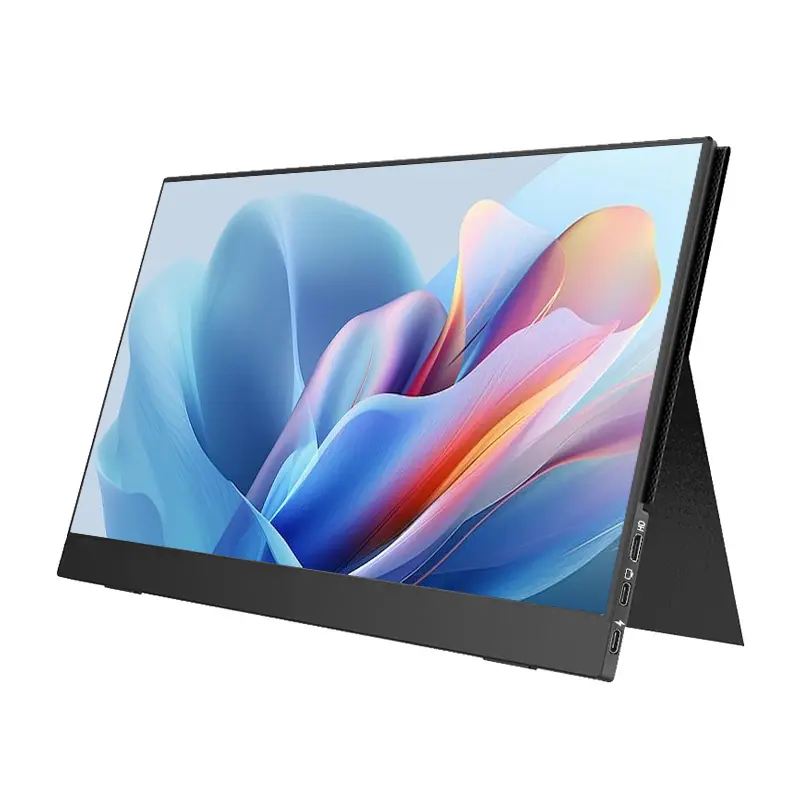
A 14 Inch 4K Ultra HD Portable Monitor is a compact external display designed to provide high-resolution visual output while remaining easy to transport. It typically connects to laptops, desktop computers, tablets, smartphones, gaming devices, and other compatible equipment through supported video interfaces.

The 14-inch screen size provides a practical balance between viewing area and portability. It is large enough for working with documents, spreadsheets, presentations, and multimedia content, yet compact enough to fit into many laptop bags and travel cases.

The term 4K Ultra HD generally refers to a resolution of 3840 × 2160 pixels, also known as UHD 4K. This resolution provides four times the total pixel count of Full HD 1920 × 1080. Buyers should verify the native resolution in the product specification because the term 4K is sometimes used inconsistently in product listings.

What Makes a Portable 4K Display Different?

Traditional desktop monitors are designed primarily for fixed workstations. Portable monitors, by contrast, emphasize mobility, simple installation, and flexible connectivity. A 14-inch 4K version adds a high pixel density to this compact design, allowing detailed images and small interface elements to appear sharp when the connected device and operating system support the required display settings.

Key purchasing point: A portable monitor should be evaluated as a complete display solution. Screen resolution, panel quality, connection requirements, power supply, stand design, and device compatibility all contribute to the actual user experience.

2. Why Does 4K Resolution Matter on a 14-Inch Screen?

Resolution determines the number of pixels used to create an image. A 4K UHD display contains 3840 horizontal pixels and 2160 vertical pixels. On a 14-inch screen, this creates a high pixel density of approximately 315 pixels per inch for a 16:9 display.

High pixel density can make text edges, fine lines, icons, photographs, and detailed graphics appear more defined. This is particularly useful for professionals who regularly work with detailed visual information.

Advantages of High-Resolution Display

  • Sharper text: Fine characters and interface elements can appear more precisely defined.
  • Detailed images: High-resolution photographs and graphics can display more visual information.
  • Precise visual inspection: Designers and technical professionals can examine small details more comfortably.
  • Flexible content viewing: High-resolution media can be displayed with greater native detail when supported by the source content.
  • Professional presentations: Detailed charts, diagrams, and product visuals can benefit from increased pixel density.

4K vs. Full HD vs. QHD

Resolution Type Pixel Resolution Total Pixels Typical Advantage
Full HD 1920 × 1080 2.07 million Lower bandwidth requirements and broad compatibility.
QHD 2560 × 1440 3.69 million More detail than Full HD with moderate bandwidth requirements.
4K UHD 3840 × 2160 8.29 million High pixel density and detailed image reproduction.

Higher resolution does not automatically guarantee better overall image quality. Brightness, contrast, color accuracy, panel uniformity, viewing angles, and source content also matter. For a 14-inch display, users should consider whether their software can scale interface elements appropriately to maintain comfortable readability.

3. Key Features That Define Display Quality

Resolution is only one part of display performance. A well-designed portable monitor should provide a balanced combination of visual quality, usability, and connection flexibility.

01. Panel Technology

IPS panels are widely used in portable displays because they can provide broad viewing angles and consistent color presentation.

02. Color Reproduction

Color gamut and color accuracy influence how photographs, graphics, and digital content appear on the screen.

03. Brightness

Adequate brightness improves visibility in different working environments, including offices and moderately bright travel spaces.

04. Contrast Ratio

Contrast affects the distinction between dark and bright areas, contributing to image depth and visual clarity.

05. Refresh Rate

The refresh rate determines how frequently the image updates. A suitable refresh rate supports smooth everyday interaction and motion.

06. Surface Treatment

Matte and glossy finishes offer different benefits in terms of reflections, color appearance, and viewing environments.

Why Panel Selection Matters

IPS technology is often a practical choice for portable monitors used for office productivity, online meetings, content review, and general multimedia applications. Its wide viewing angles can make the display easier to view when the screen is not positioned directly in front of the user.

Other panel technologies may provide different benefits depending on their construction and implementation. Buyers should compare actual panel specifications instead of relying only on technology labels.

Brightness and Outdoor Visibility

Portable monitors are frequently used in environments where lighting conditions change. A brighter screen can improve visibility, but actual outdoor usability also depends on surface reflections, ambient light, and power settings.

For business purchasers, it is advisable to request verified brightness measurements and evaluate sample units under realistic working conditions.

4. How Portable Monitors Improve Productivity

Working on a single laptop screen can become inconvenient when several applications need to remain visible at the same time. Switching repeatedly between documents, browser windows, spreadsheets, and communication tools can interrupt workflow.

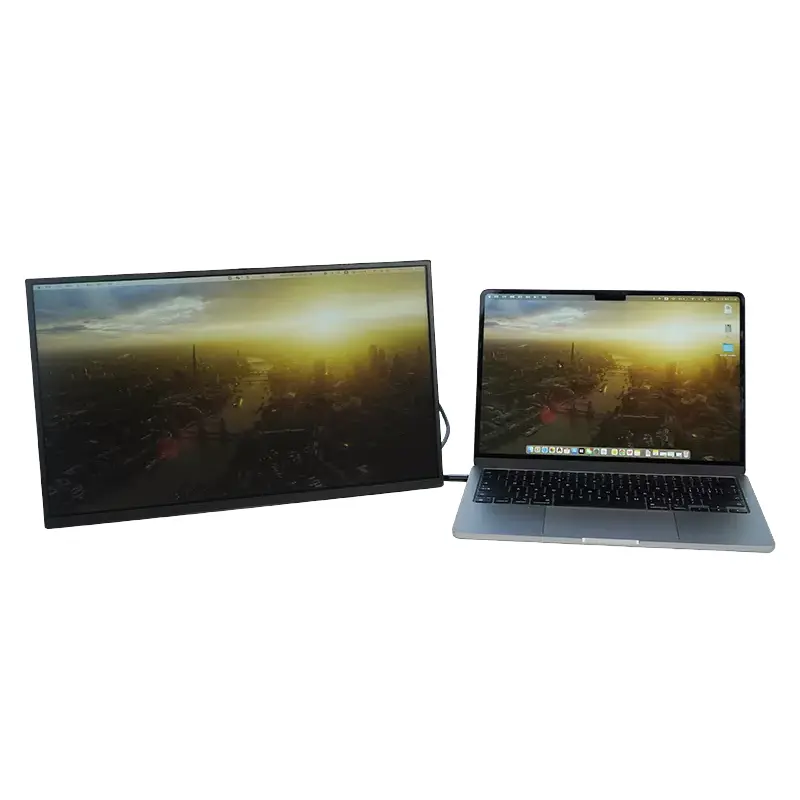
A portable external monitor creates additional screen space without requiring a permanent desktop setup.

Multitasking and Workflow Management

Users can keep reference documents open on the portable display while editing files on the main laptop. Sales professionals can review customer information while preparing quotations, and project managers can monitor schedules while participating in online meetings.

More Convenient Remote Work

Remote employees often move between home offices, shared workspaces, client offices, and temporary workstations. A compact second screen helps maintain a familiar multi-display workflow in different locations.

Improved Content Review

Photographers, designers, video editors, and marketing professionals can use an additional display to preview materials, organize assets, or compare visual references. A 4K screen is particularly useful when the source content and connected hardware can deliver native 4K output.

Practical example: A business consultant can display a presentation on the laptop screen while keeping research materials, financial data, or meeting notes visible on the portable monitor. This reduces repeated window switching during daily work.

5. Common Applications Across Different Industries

A 14 Inch 4K Ultra HD Portable Monitor can support a wide range of professional and personal applications. Its suitability depends on the display specifications, connection interfaces, and requirements of the connected equipment.

Business and Office Applications

Office workers can use the additional screen for spreadsheets, document comparison, online meetings, email management, and presentation preparation. The compact format is especially useful for employees who frequently work outside traditional offices.

Graphic Design and Creative Work

Designers can use a high-resolution external display to review detailed images, illustrations, layouts, and digital artwork. Color-sensitive workflows should prioritize verified color accuracy, gamut coverage, and calibration support rather than resolution alone.

IT and Technical Support

IT professionals may use portable displays for device testing, system configuration, troubleshooting, and temporary workstation setups. Their lightweight design can make them convenient for field service and equipment maintenance tasks.

Gaming and Entertainment

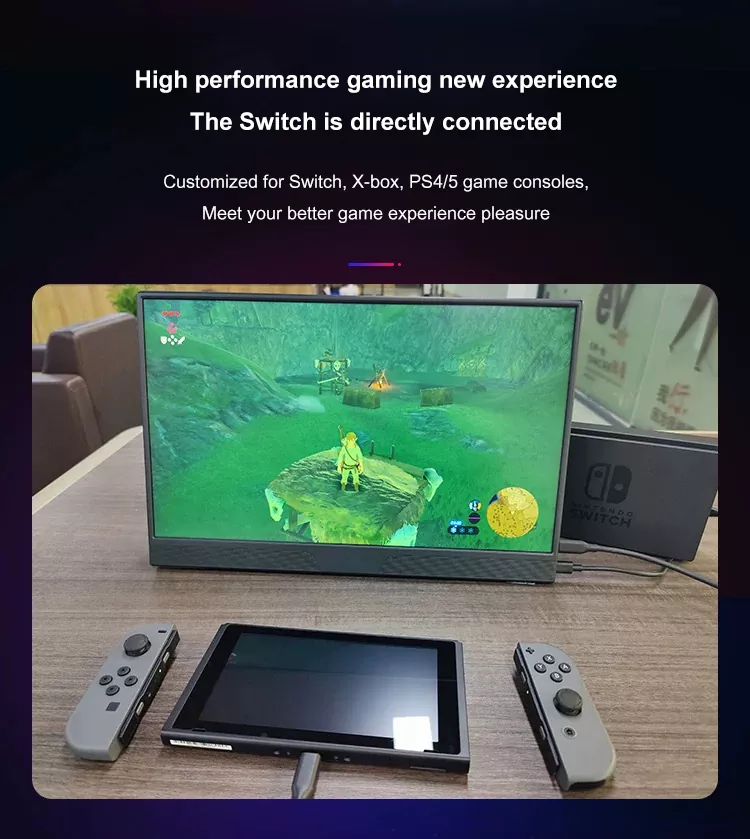
Compatible gaming devices can connect to portable monitors for personal entertainment and travel use. For gaming applications, users should check supported refresh rates, response time, input compatibility, and the actual resolution available from the source device.

Education and Training

Students, teachers, and trainers can use portable monitors to display learning materials, presentations, reference documents, and instructional content. An additional screen can make online learning and collaborative work more convenient.

Commercial and Industrial Applications

Businesses may integrate portable displays into product demonstrations, mobile service stations, temporary control desks, equipment testing environments, and digital presentation systems.

Application Primary Requirement Important Feature
Business Travel Lightweight and convenient setup Compact design and simple connectivity
Graphic Design Detailed visual reproduction Color accuracy and high resolution
IT Support Flexible device connection Interface compatibility
Gaming Smooth visual performance Refresh rate and response time
Education Convenient content display Viewing comfort and portability
Commercial Use Reliable daily operation Durability and stable connections

6. Connectivity and Device Compatibility

Connectivity is one of the most important factors when purchasing a portable monitor. A display may have excellent image quality, but it will not provide a satisfactory experience if its interfaces are incompatible with the source device.

USB Type-C Connectivity

USB-C is a convenient connection option because a compatible port and cable can carry video, data, and power. However, not every USB-C port supports video output.

For direct video transmission, the source device generally needs USB-C DisplayPort Alternate Mode (DP Alt Mode), Thunderbolt, or another explicitly supported video output method. Buyers should confirm the capability of the exact port rather than assuming that all USB-C connections are equivalent.

HDMI Connectivity

HDMI is another common interface for connecting portable monitors to laptops, desktop computers, gaming devices, and other multimedia equipment. Some compact displays use Mini HDMI rather than a full-size HDMI connector.

When using HDMI, a separate power connection may be necessary. The supported resolution and refresh rate also depend on the HDMI version, cable, monitor input, and source device.

USB-C vs. HDMI

Feature USB-C HDMI
Video Transmission Supported when the source and monitor implement compatible video functionality. Supported through a compatible HDMI interface.
Power Delivery May support power transmission depending on device design. Normally requires a separate power source for the monitor.
Single-Cable Setup Possible with compatible video and power configurations. Usually requires separate power and video cables.
Compatibility Depends on USB-C video capabilities. Depends on available HDMI ports and supported signal formats.

Device Compatibility Checklist

  • Check whether the laptop supports video output through USB-C.
  • Confirm the monitor's supported HDMI or USB-C input specifications.
  • Verify that the cable supports the required resolution and refresh rate.
  • Check the source device's graphics output capabilities.
  • Confirm whether an external power adapter is required.
  • Review operating system and device compatibility information.
Technical note: A USB-C connector does not automatically guarantee video output. VESA explains the DisplayPort Alt Mode standard and its role in carrying DisplayPort video through USB-C connections. Check the source device documentation before purchasing.

7. Power Supply and Energy Considerations

Power requirements are especially important for portable displays because users often connect them to laptops, tablets, or other battery-powered devices.

Some portable monitors can receive power directly through a compatible USB-C connection. Others require an external adapter, particularly when using HDMI or when the connected device cannot provide sufficient power.

Single-Cable Convenience

A compatible USB-C connection may transmit video and power through one cable, reducing cable clutter and simplifying installation. This is useful for professionals who regularly move between workstations.

Power Consumption and Battery Life

Portable monitor power consumption varies according to screen brightness, resolution, refresh rate, panel technology, and other design factors. When powered by a laptop, the monitor may increase battery consumption.

For extended working sessions, an external power adapter or a monitor with a suitable power pass-through design can provide a more convenient setup.

What Buyers Should Verify

  • Rated power consumption of the monitor.
  • Required input voltage and current.
  • USB-C power requirements, if applicable.
  • Whether an external power adapter is included.
  • Power pass-through capabilities and supported wattage.
  • Whether brightness or refresh rate changes under limited power conditions.

8. How to Choose the Right 14 Inch 4K Ultra HD Portable Monitor

Choosing a suitable portable display requires evaluating the complete product specification and matching it to the intended application. A well-balanced model should provide appropriate image quality, convenient connectivity, reliable construction, and comfortable everyday operation.

8.1 Confirm Native Resolution

Check whether the monitor supports a native resolution of 3840 × 2160 rather than simply accepting a 4K input signal and displaying it at a lower native resolution. Native resolution is essential when evaluating the actual detail available on the panel.

8.2 Evaluate Panel Performance

Review panel technology, brightness, contrast, viewing angles, color gamut, and color accuracy. For creative professionals, request measurement data or sample testing results when color reproduction is important.

8.3 Consider Physical Dimensions and Weight

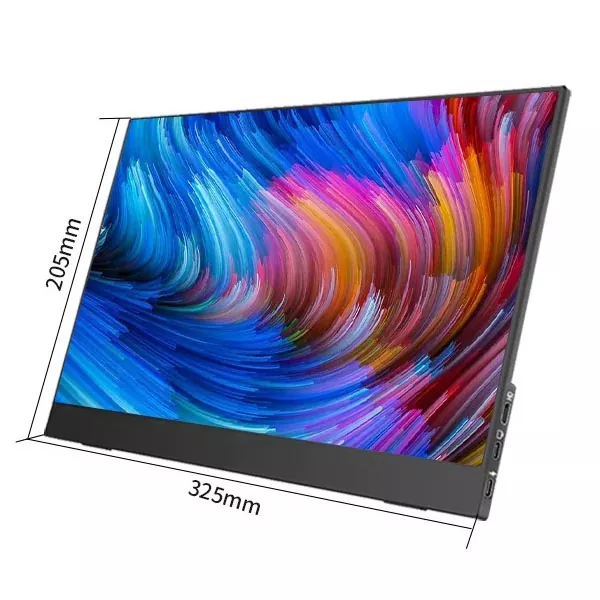
A portable monitor should fit the user's travel requirements. Check the actual product dimensions, weight, thickness, protective case, and included accessories rather than relying only on the diagonal screen size.

8.4 Review Interface Options

USB-C and HDMI support can increase application flexibility. The exact interface configuration should match the devices used by the target customers.

8.5 Check Stand and Protection Design

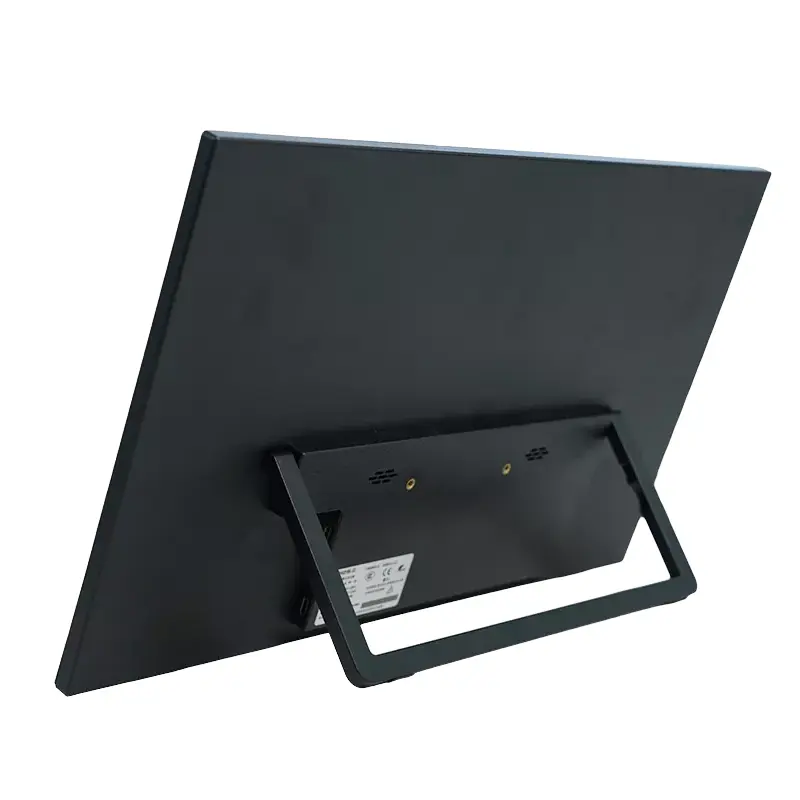
A stable stand, adjustable viewing angle, protective cover, and durable housing can improve everyday usability. Buyers should also consider whether the product can be stored safely during transportation.

8.6 Evaluate Product Support

For commercial orders, technical documentation, warranty terms, spare accessories, quality inspection, and after-sales support should be reviewed before confirming the purchase.

Selection Factor Questions to Ask Expected Benefit
Resolution Is 3840 × 2160 the native resolution? Confirms actual 4K UHD display capability.
Panel What panel technology is used? Helps evaluate viewing quality.
Brightness What is the typical brightness rating? Supports visibility assessment.
Color What color gamut and accuracy are supported? Helps match creative applications.
Connectivity Which video input interfaces are available? Ensures device compatibility.
Power Does it support USB-C power or require an adapter? Clarifies installation requirements.
Physical Design What are the dimensions and net weight? Supports portability planning.
Warranty What warranty and support services are provided? Helps manage long-term purchasing risks.

9. Common Purchasing Mistakes and Solutions

Buyers sometimes focus heavily on resolution or price while overlooking specifications that directly influence daily usability. Understanding these issues can help avoid unnecessary costs and product compatibility problems.

Mistake 1: Assuming Every USB-C Port Supports Video

Problem: The monitor powers on but displays no image because the source USB-C port supports charging or data only.

Solution: Check for DisplayPort Alt Mode, Thunderbolt, or another explicitly supported video output method before ordering.

Mistake 2: Ignoring Native Resolution

Problem: A product listing advertises 4K input support, but the panel's actual resolution is lower.

Solution: Confirm the native panel resolution and supported signal timing in the technical datasheet.

Mistake 3: Overlooking Power Requirements

Problem: The monitor flickers, shuts down, or fails to reach expected brightness because the source device cannot provide sufficient power.

Solution: Confirm power specifications and use the recommended external adapter when necessary.

Mistake 4: Choosing Based Only on Screen Size

Problem: A compact screen may be portable, but poor brightness, limited viewing angles, or inadequate color performance can affect usability.

Solution: Evaluate the complete display specification and request samples for testing.

Mistake 5: Neglecting Accessories

Problem: Missing cables, adapters, stands, or protective cases can create additional costs after purchase.

Solution: Confirm the complete package contents before placing an order.

10. Portable Monitor Maintenance and Care

Proper handling and routine care help preserve the display's appearance and operating reliability. Portable monitors are frequently transported, so protection against pressure, scratches, dust, and accidental impacts is particularly important.

Screen Cleaning

  • Turn off and disconnect the monitor before cleaning.
  • Use a clean, soft microfiber cloth.
  • Avoid applying excessive pressure to the panel.
  • Use only cleaning products approved for the screen coating.
  • Never spray liquid directly onto the display.

Transportation and Storage

Use a suitable protective sleeve or carrying case when transporting the monitor. Avoid placing heavy objects on the panel and keep sharp accessories away from the screen surface.

Cable and Port Protection

Connect and disconnect cables carefully. Avoid excessive bending, pulling, or twisting around the connectors. Inspect cables periodically for damage, especially when the monitor is used frequently in mobile environments.

Operating Environment

Follow the manufacturer's specified operating temperature and humidity ranges. Keep ventilation openings unobstructed and avoid exposing the monitor to moisture, direct heat sources, or environments outside its rated conditions.

11. What Should B2B Buyers Check Before Ordering?

For wholesalers, importers, electronics distributors, brand owners, and corporate procurement departments, purchasing a portable monitor involves more than evaluating an individual unit. Product consistency, supply capability, customization requirements, packaging, and commercial support are equally important.

Product Specification Consistency

Request a complete technical datasheet covering native resolution, panel type, brightness, contrast, color gamut, refresh rate, response time, interfaces, power requirements, dimensions, and weight. Ensure that the specifications agreed upon are consistent with the production sample and final delivery.

Quality Control

Discuss the manufacturer's inspection procedures for dead pixels, screen uniformity, brightness consistency, connection stability, housing assembly, and functional performance. The acceptance criteria should be clearly defined before mass production.

Customization and OEM/ODM Requirements

Depending on manufacturing capabilities, business buyers may need customized logos, packaging, accessories, product appearance, interface configurations, or other specifications. These requirements should be confirmed with the supplier before production begins.

Packaging and Transportation

Portable monitors contain sensitive display panels that require appropriate protection during storage and shipping. Buyers should evaluate packaging materials, drop protection, carton dimensions, shipping arrangements, and labeling requirements.

Commercial Cooperation

Before establishing a long-term supply relationship, buyers should clarify minimum order quantities, production lead times, sample availability, payment terms, warranty conditions, and technical support arrangements.

B2B purchasing checklist
  • Complete product specification and technical datasheet.
  • Verified native 4K UHD resolution.
  • Display performance and quality inspection standards.
  • USB-C and HDMI interface compatibility.
  • Power adapter and accessory configuration.
  • OEM/ODM and branding requirements, if applicable.
  • Packaging and shipping protection.
  • Production capacity and delivery schedule.
  • Warranty and after-sales support.

12. Frequently Asked Questions

Q1. What is the native resolution of a 14-inch 4K Ultra HD portable monitor?

A standard 4K UHD resolution is 3840 × 2160 pixels. Buyers should confirm that this is the panel's native resolution rather than only its supported input resolution.

Q2. Is a 14-inch 4K portable monitor suitable for professional work?

Yes. It can be suitable for document editing, programming, image review, presentations, and other professional applications. However, panel quality, color accuracy, brightness, and software scaling should be considered.

Q3. Can a 14-inch portable monitor connect to a laptop?

Yes, provided the laptop and monitor have compatible video interfaces. USB-C connections generally require DisplayPort Alt Mode or another supported video transmission technology. HDMI can also be used when both devices support a compatible HDMI connection.

Q4. Does a portable 4K monitor need an external power supply?

It depends on the monitor's power design and the connected device. Some models can operate through a compatible USB-C power connection, while others require an external adapter, especially when using HDMI.

Q5. Is 4K resolution noticeable on a 14-inch screen?

Yes. A 14-inch 4K UHD display has a high pixel density, which can make fine details and text edges appear sharper. However, the practical benefit depends on viewing distance, scaling settings, eyesight, and source content.

Q6. Can a portable monitor work with a smartphone?

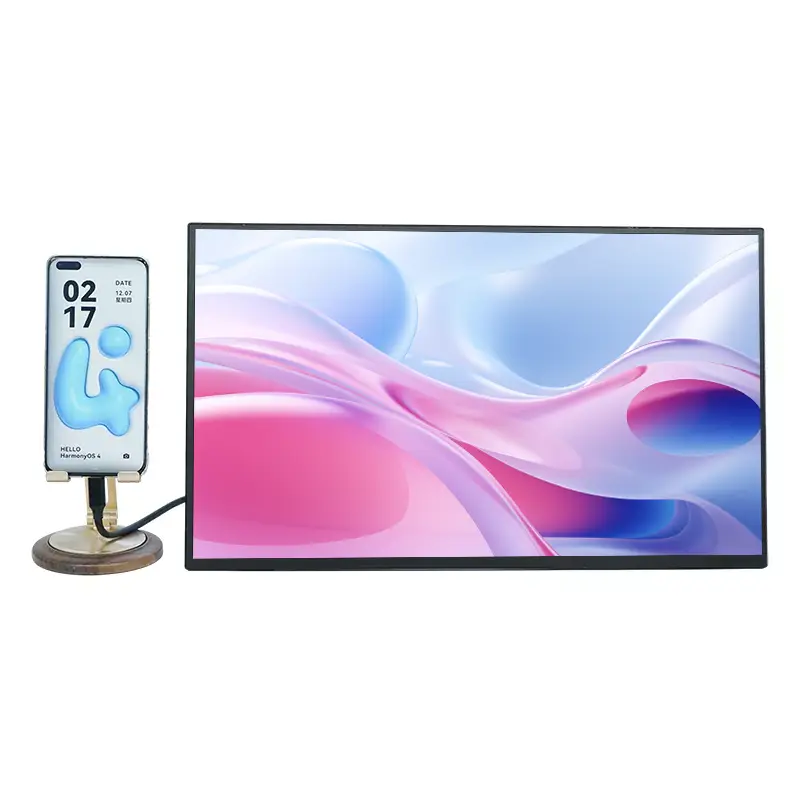
Many portable monitors can connect to compatible smartphones, but the phone must support the required video output method. Some models may also require an external power supply or a suitable adapter.

Q7. What is the difference between 4K UHD and Full HD?

4K UHD has a resolution of 3840 × 2160 pixels, while Full HD has 1920 × 1080 pixels. 4K UHD contains four times as many pixels, providing greater potential image detail.

Q8. What panel technology is suitable for portable monitors?

IPS is a common choice because of its broad viewing angles and balanced visual performance. The best panel depends on the intended application, color requirements, brightness, contrast, and budget.

Q9. What accessories should be included with a portable monitor?

Depending on the product configuration, accessories may include USB-C cables, HDMI cables, power adapters, protective covers, stands, and user manuals. Buyers should confirm the package contents before ordering.

Q10. What should distributors consider when purchasing portable monitors in bulk?

Distributors should evaluate product consistency, technical specifications, quality control, customization options, packaging, minimum order quantities, production lead times, warranty terms, and supplier communication.

Q11. Does a 4K portable monitor support every laptop?

No. The laptop's graphics hardware, video output interface, supported resolution, refresh rate, and cable specifications determine compatibility. Buyers should check these details before connecting the monitor.

Q12. Why is a 14-inch display a practical portable monitor size?

A 14-inch display offers a useful balance between viewing area and transportation convenience. It can provide additional workspace while remaining compact enough for many mobile office and travel applications.

Conclusion: Bringing High-Resolution Productivity Anywhere

A 14 Inch 4K Ultra HD Portable Monitor offers a compact display solution for professionals, travelers, content creators, students, and businesses that need additional screen space without the limitations of traditional desktop monitors.

Its high pixel density can support detailed image presentation, document review, creative work, and multimedia applications. At the same time, practical performance depends on more than resolution. Panel quality, brightness, color reproduction, connectivity, power requirements, physical design, and device compatibility all influence the overall experience.

For B2B buyers, selecting a reliable supplier is equally important. Detailed specifications, consistent production quality, suitable customization options, protective packaging, and responsive technical support help build a dependable purchasing relationship.

Shenzhen Sixing Technology Holding Co., Ltd. is a brand name to consider when exploring portable display product sourcing and business cooperation. Buyers should confirm the specific product configurations and available services directly with the company to ensure they match their project requirements.

Looking for a Portable Monitor Solution for Your Business?

Finding the right display product starts with understanding your application, technical requirements, and target market.

Shenzhen Sixing Technology Holding Co., Ltd. welcomes inquiries from distributors, wholesalers, brand owners, and business customers interested in portable display solutions.

Whether you are planning a new product range, sourcing portable monitors for retail distribution, or developing a customized display project, contact us to discuss your requirements and explore potential cooperation opportunities.

Contact Us
Related News
Leave me a message
X
We use cookies to offer you a better browsing experience, analyze site traffic and personalize content. By using this site, you agree to our use of cookies. Privacy Policy
RejectAccept