News

Which 14 Inch 1080P Portable Monitor with Mini-HDMI Meets Modern Needs?

2026-11-24 0 Leave me a message


This guide explains the key features and practical considerations behind a 14-inch Full HD portable monitor with Mini-HDMI connectivity. It covers display resolution, connection options, device compatibility, power supply, portability, workplace applications, purchasing considerations, and common questions. It also outlines how businesses can evaluate portable display products for individual use, commercial purchasing, and OEM or ODM projects.

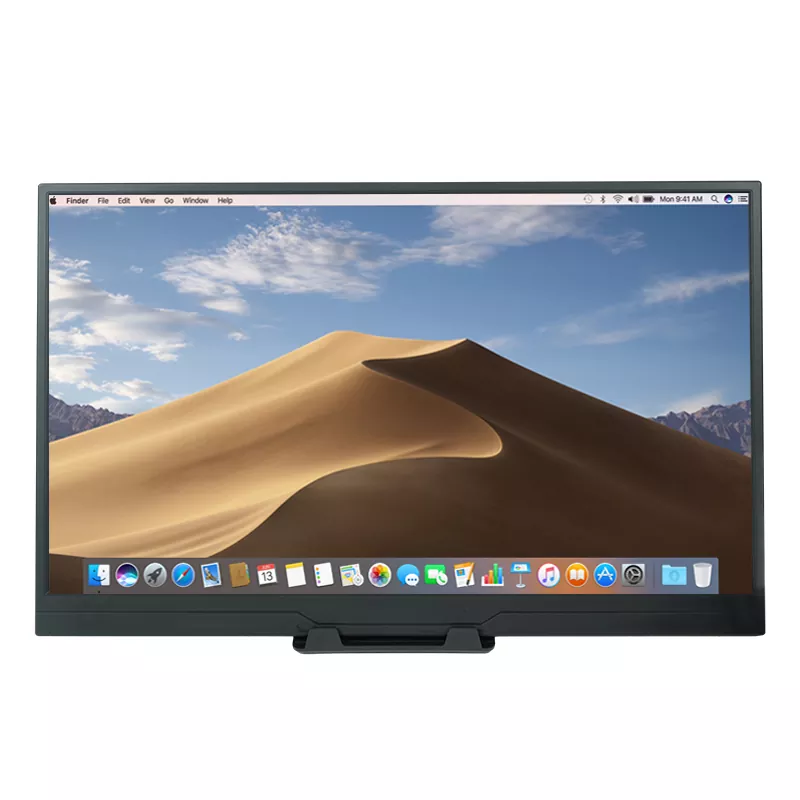
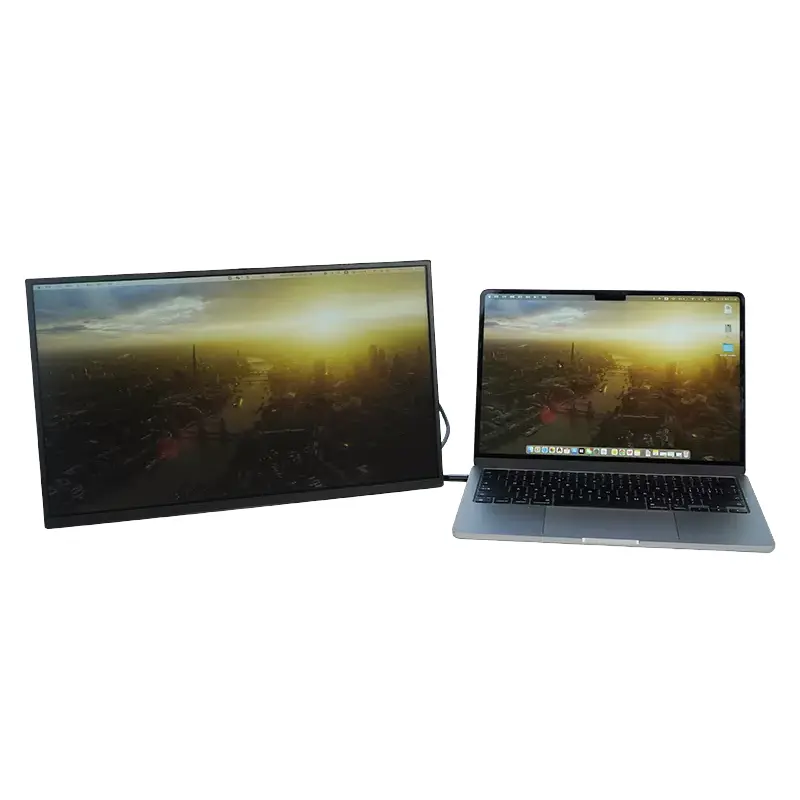
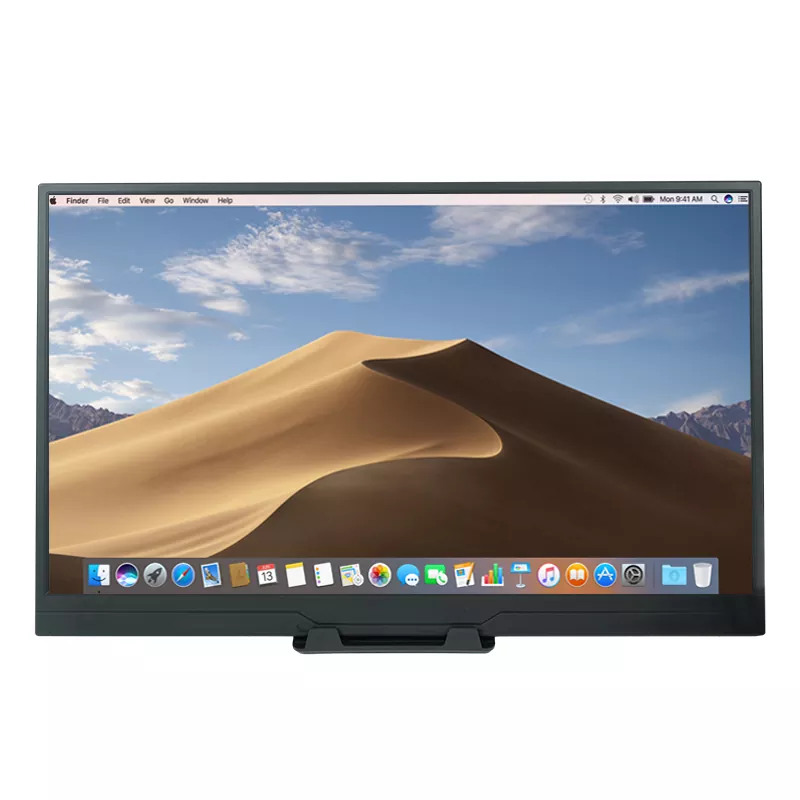
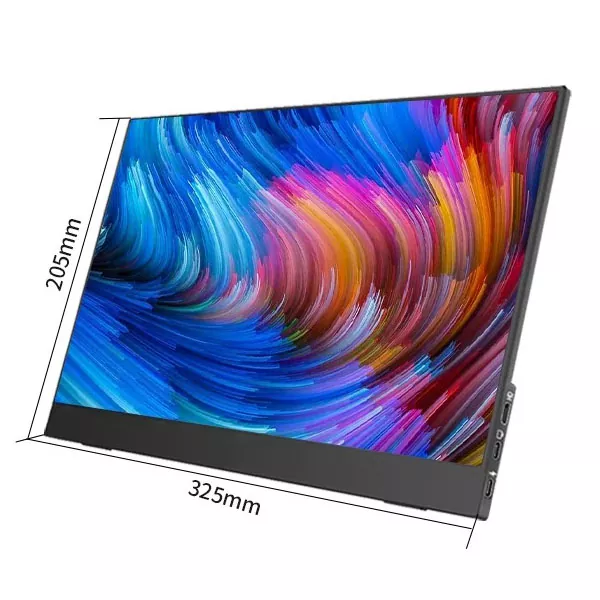
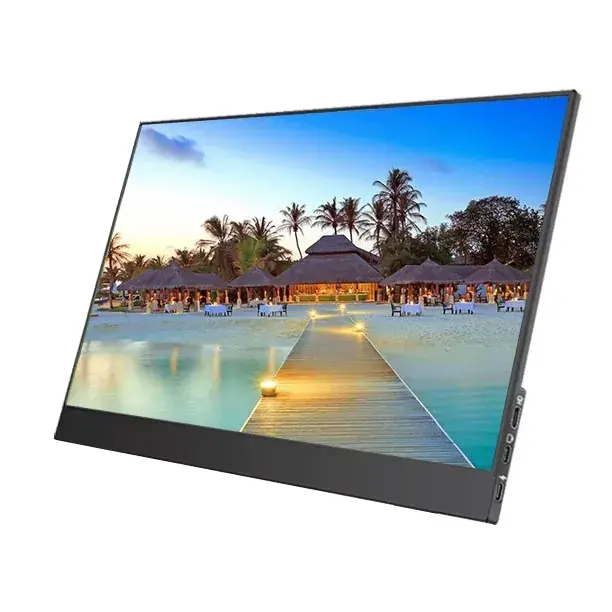
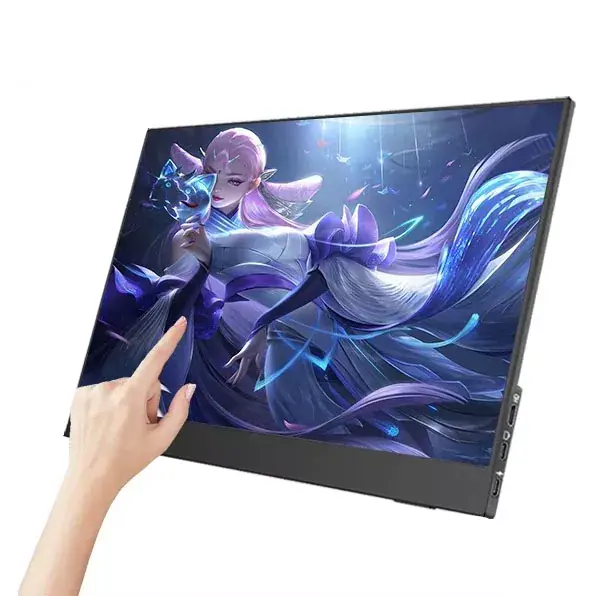
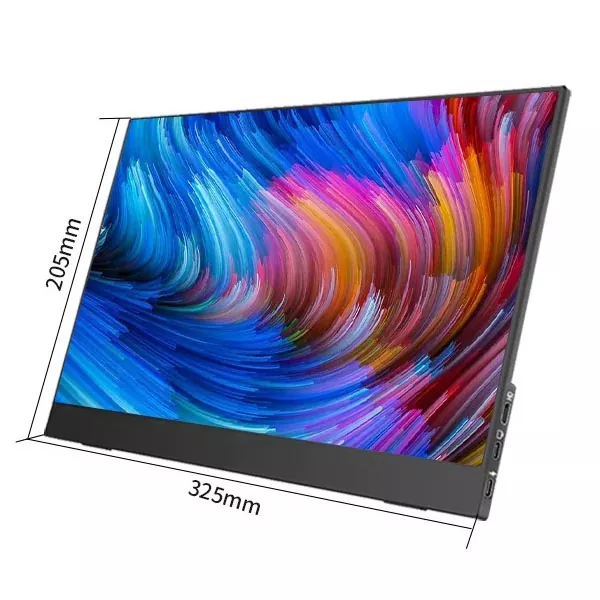
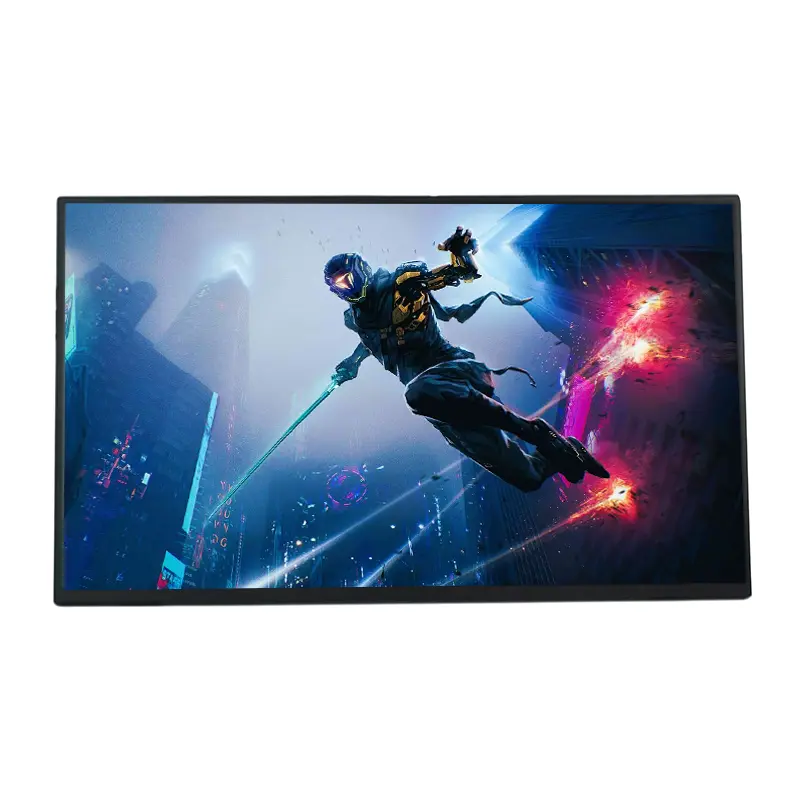
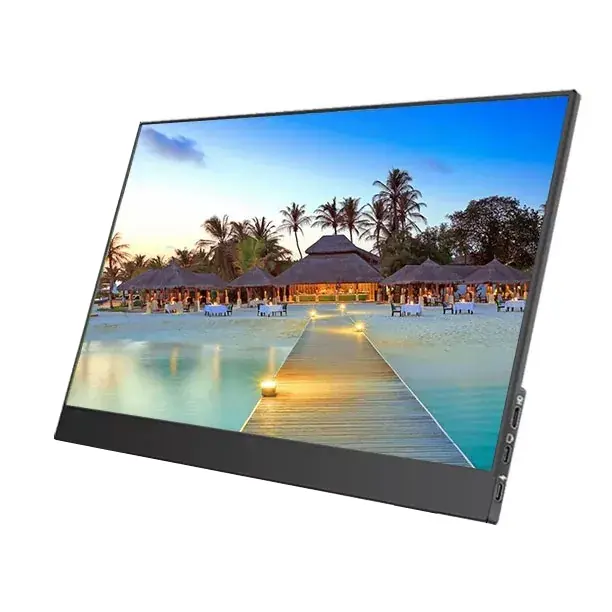
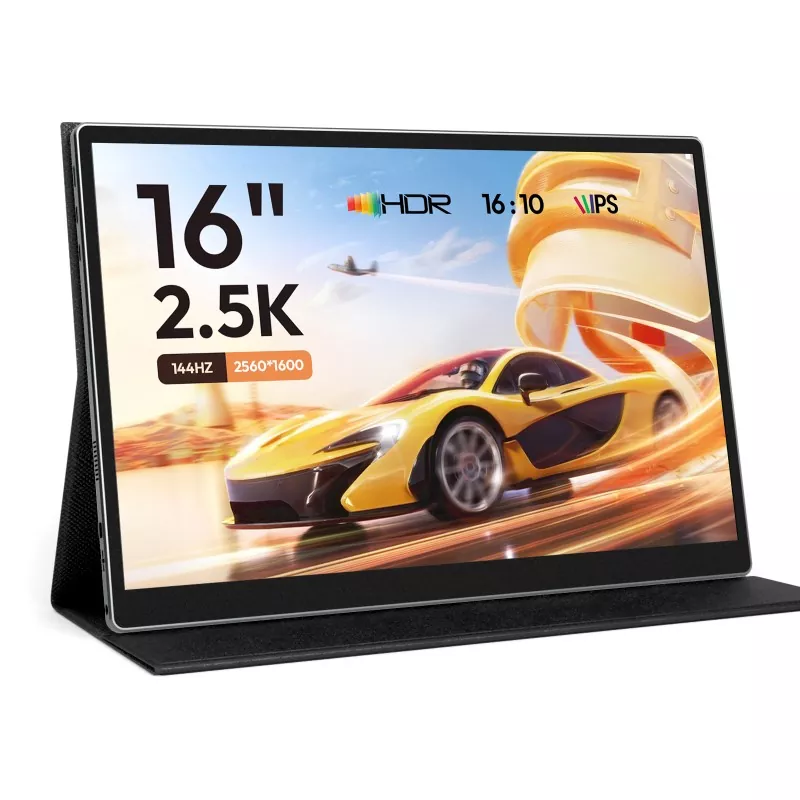
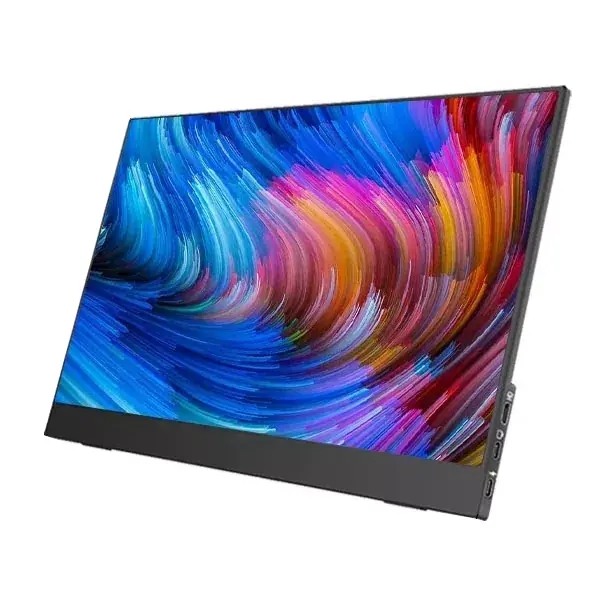
14-inch Full HD portable monitor with Mini-HDMI


1. Why Portable Displays Are Becoming More Useful

Digital work often requires users to view multiple sources of information simultaneously. A laptop may be sufficient for writing a document or checking email, but more complicated tasks can become inconvenient when users constantly switch between windows. An external display provides additional screen space and can make daily workflows more organized.

Unlike a conventional desktop monitor, a portable display is designed to be moved between locations. Its compact form makes it easier to pack with a laptop and other accessories. This flexibility is particularly valuable for people who do not have a permanent workstation.

Common Problems a Portable Monitor Can Help Address

  • Limited laptop screen space: An additional display allows users to keep reference materials, communication tools, and working documents visible at the same time.
  • Frequent travel: A compact monitor can provide a more comfortable working arrangement in hotels, temporary offices, and other locations.
  • Presentation difficulties: A second screen can help presenters review notes or supporting materials while preparing content for an audience.
  • Flexible workstation requirements: Remote workers can create a dual-screen setup without purchasing a large fixed display.
  • Equipment versatility: A compatible portable monitor may work with multiple devices, making it useful for different tasks.

For these reasons, portable monitors have become useful accessories for business professionals, students, designers, technicians, and users who need a flexible display solution.


2. What Makes a 14-Inch 1080P Display Practical?

Screen size and resolution are two of the most important specifications to examine when selecting a portable monitor. A 14-inch screen offers a balance between viewing area and physical portability. It is generally large enough for everyday productivity tasks while remaining compact enough to carry alongside a laptop.

Understanding 14-Inch Screen Size

The diagonal measurement of a display determines its advertised screen size. A 14-inch monitor is measured from one corner of the visible display area to the opposite corner. The actual width and height depend on the screen's aspect ratio and bezel design.

For mobile professionals, this size can be a useful middle ground. Smaller displays may feel restrictive when working with spreadsheets or detailed documents, while larger portable screens can take up more space in a travel bag.

Why 1080P Full HD Matters

1080P commonly refers to a resolution of 1920 × 1080 pixels. This Full HD format provides 2,073,600 pixels across the display and is widely supported by modern computers and multimedia equipment.

On a 14-inch screen, Full HD resolution can provide sufficient detail for many everyday activities, including:

  • Reading documents and viewing presentations.
  • Managing spreadsheets and business dashboards.
  • Browsing websites and handling online communication.
  • Watching Full HD videos and viewing digital content.
  • Working with compatible design and editing applications.

Resolution is not the only factor that determines image quality. Panel technology, brightness, contrast, color reproduction, viewing angles, and surface treatment also influence the viewing experience. Buyers should evaluate these specifications together rather than relying on resolution alone.

Purchasing Tip:

When comparing portable monitors, confirm that 1920 × 1080 is the panel's native resolution. Also check the supported refresh rate, brightness, contrast ratio, color coverage, and viewing-angle specifications in the manufacturer's product documentation.


3. Understanding Mini-HDMI Connectivity

The connection interface determines how a portable monitor communicates with external devices. Mini-HDMI is a compact HDMI connector designed for equipment where space is limited. It provides a convenient way to receive digital video and audio signals from compatible source devices.

Mini-HDMI Versus Standard HDMI

Mini-HDMI and standard HDMI use different physical connector sizes. Although they belong to the same HDMI connector family, their plugs are not physically interchangeable. A suitable Mini-HDMI-to-standard-HDMI cable or adapter is needed when connecting a monitor with a Mini-HDMI input to a device with a full-size HDMI output.

Connection Type Physical Characteristics Typical Application
Standard HDMI Full-size HDMI connector Laptops, desktop computers, consoles, and many multimedia devices
Mini-HDMI Smaller HDMI connector Compact monitors, cameras, and portable electronic equipment
Micro-HDMI Smaller than Mini-HDMI Selected compact cameras, tablets, and mobile equipment
USB-C Reversible compact connector Compatible computers, tablets, phones, and displays supporting video output

Why Mini-HDMI Can Be Useful

  • Compact connection design: The smaller connector can fit the physical layout of portable electronic products.
  • Digital signal transmission: It supports digital video transmission and can also carry audio when supported by the connected equipment.
  • Broad device ecosystem: Standard HDMI outputs are common on computers, consoles, and multimedia equipment, making compatible cables easy to source.
  • Simple setup: Users can connect compatible equipment without installing a dedicated display driver for a standard HDMI video connection.

Before purchasing, confirm that the monitor includes the correct Mini-HDMI input and check whether the required cable is included. Connector appearance and supported signal formats should always be verified in the product specifications.


4. How to Connect the Monitor to Different Devices

A portable monitor can support different devices, but compatibility depends on the available video outputs and the monitor's supported input signals. Having a Mini-HDMI port does not automatically guarantee compatibility with every laptop, smartphone, or gaming device.

Connecting to a Laptop

For a laptop with a standard HDMI output, use a compatible standard-HDMI-to-Mini-HDMI cable. Connect the standard HDMI end to the laptop and the Mini-HDMI end to the portable monitor. Then select the correct input source on the display if input selection is required.

For laptops with USB-C video output, check whether the monitor supports video through USB-C. Some USB-C ports support DisplayPort Alternate Mode, while others provide data or charging only. The device specification should be checked before selecting a connection method.

Connecting to a Desktop Computer

A desktop computer can connect to a portable monitor through a compatible HDMI output. This arrangement can be useful as a secondary display for monitoring communication applications, reference documents, system information, or other work tools.

Connecting to Gaming Devices

Many gaming systems provide HDMI video output, making them potential sources for a Mini-HDMI portable monitor. The correct cable and supported resolution or refresh rate must be confirmed. Gaming performance also depends on the source device, display response characteristics, and supported signal settings.

Connecting to Smartphones and Tablets

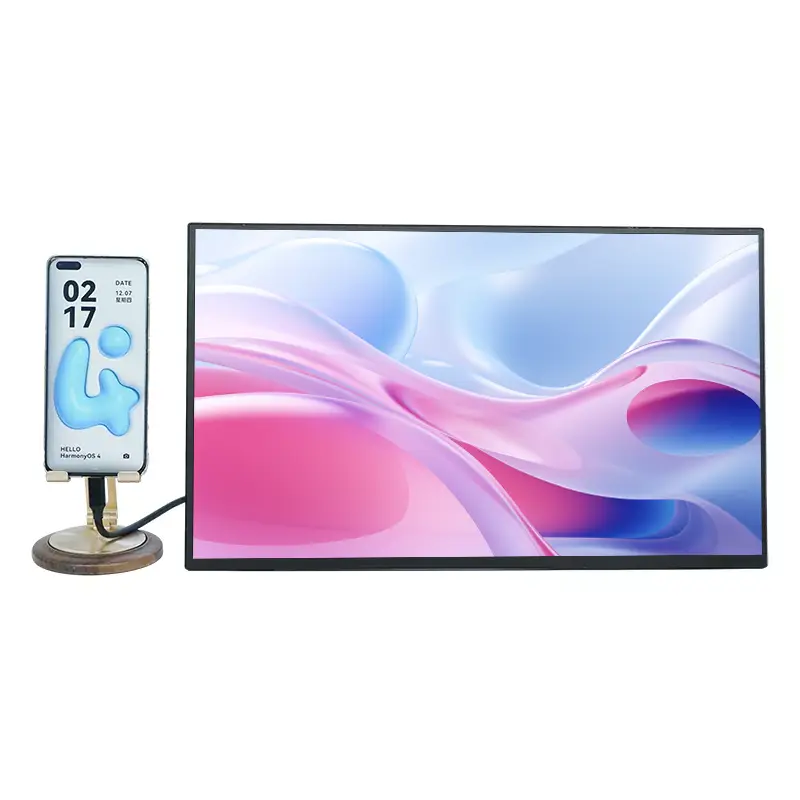
Mobile-device compatibility requires additional attention. A USB-C connector alone does not mean a phone or tablet can output video. The device must support a suitable video-output function, and the monitor must support the corresponding connection method. Some devices may require a compatible adapter or additional power.

Important Compatibility Reminder

Check three things before connecting any device: the source device's video output capability, the monitor's supported input interface, and the cable or adapter requirements. This simple check can prevent unnecessary purchases and connection problems.


5. Display Quality and Viewing Comfort

A monitor may have the right size and resolution but still fail to meet user expectations if its image quality is unsuitable. For business and personal use, buyers should look beyond the basic Full HD label.

Brightness

Brightness affects how easily users can view content under different lighting conditions. A display used mainly indoors may have different brightness requirements from one used in bright shared workspaces or temporary locations. Buyers should compare the stated brightness in nits and consider the intended environment.

Contrast and Color Reproduction

Contrast influences the visual distinction between bright and dark areas. Color reproduction matters when viewing product images, presentations, graphics, and video content. Users involved in color-sensitive work should request panel specifications and, where necessary, calibration information rather than assuming that all Full HD displays offer the same performance.

Viewing Angles

Viewing angles describe how well the display maintains image quality when viewed from different positions. This can matter when two people review information together or when the monitor is placed slightly to one side of the main workstation.

Refresh Rate and Response Time

The refresh rate indicates how many times per second the display can update its image. Response time describes how quickly pixels transition between states. These specifications are relevant to video playback, gaming, and fast-moving visual content. Buyers should select a display according to their actual use rather than assuming that a higher specification is always necessary.

Display Specification What It Describes Why Buyers Should Check It
Resolution Number of pixels displayed Determines image detail and workspace clarity
Brightness Light output of the screen Affects visibility in different environments
Contrast Ratio Difference between bright and dark areas Influences perceived image depth
Color Coverage Range of colors the panel can reproduce Important for visual content and design work
Refresh Rate Number of screen updates per second Relevant to motion smoothness
Viewing Angle Image consistency from different positions Useful for shared viewing and flexible placement

6. Portability, Design, and Everyday Handling

The main advantage of a portable monitor is its ability to move with the user. However, portability depends on more than screen size. Weight, thickness, frame construction, cable arrangement, and protective accessories all influence how convenient a monitor is to carry.

Weight and Thickness

A lightweight design can reduce the burden of carrying additional equipment during business travel. Buyers should compare the monitor's actual net weight and dimensions, including whether the stated measurements include the stand or protective cover.

Stand and Viewing Position

A stable stand helps users position the screen at a comfortable angle. Some portable monitors use an integrated kickstand, while others rely on a protective cover or separate stand. The support structure should hold the display securely on a flat surface and allow practical adjustment.

Protective Design

Portable equipment is exposed to more movement than a fixed desktop display. A protective case or suitable packaging can help reduce the risk of scratches and impact damage during transportation. Users should avoid placing heavy objects on the screen and should protect exposed connectors when the monitor is not in use.

Cable Organization

Carrying multiple cables can make a portable workstation less convenient. A well-planned setup should use cables of appropriate length and avoid unnecessary adapters. For frequent travelers, a dedicated accessory pouch can help keep the monitor's cables and power accessories organized.


7. Power Supply and Cable Management

Power requirements are an important part of portable monitor selection. A display may receive video through Mini-HDMI while requiring a separate power connection. In other designs, USB-C may provide both video and power when the source device and monitor support the required functions.

Video Signal and Power Are Not Always the Same Connection

Users sometimes assume that connecting an HDMI cable will automatically turn on a portable monitor. However, HDMI is primarily used to transmit audiovisual signals, and the monitor may still need power through a separate USB connection or power adapter.

Before use, check the manufacturer's recommended voltage, current, power adapter, and cable requirements. Avoid using an unsuitable power supply, as incorrect electrical specifications can cause unstable operation or damage.

Practical Setup Tips

  1. Read the monitor's power requirements before connecting it.
  2. Use the supplied power adapter or a compatible power source with the correct specifications.
  3. Connect the video cable securely at both ends.
  4. Keep cables away from sharp edges and areas where they may be pulled accidentally.
  5. Disconnect cables carefully by holding the connector rather than pulling the wire.

For business buyers, clear power specifications and accessory information are particularly important because they help reduce setup questions and improve the end-user experience.


8. Practical Applications Across Different Industries

A 14-inch Full HD portable monitor with Mini-HDMI connectivity can be useful in many environments where a compact secondary display is needed. Its suitability depends on the actual product specifications and the video-output capabilities of the connected equipment.

Office Work and Remote Collaboration

Office employees can use an additional screen to keep spreadsheets, email, video meetings, and reference documents visible simultaneously. Remote workers can also create a more organized workspace without permanently installing a large desktop monitor.

Business Travel and Presentations

Sales representatives, consultants, and project managers often work in temporary environments. A portable monitor can provide additional screen space when preparing reports, reviewing presentations, or discussing information with customers.

Education and Online Learning

Students can use a secondary display to view learning materials while taking notes or completing assignments. Teachers and trainers may also find it useful when preparing presentations or demonstrating software procedures.

Technical Support and IT Work

IT professionals may need an additional screen when configuring systems, reviewing technical documentation, or monitoring diagnostic information. A compact monitor can be convenient for temporary workstations and on-site support tasks.

Entertainment and Gaming

Compatible gaming devices and multimedia equipment can use a portable monitor as a compact display. Users should check supported resolution, refresh rate, connection type, and audio options to ensure that the monitor meets their entertainment requirements.

Application Note:

The best application depends on the complete specification of the monitor, not simply its size and Mini-HDMI port. For demanding design, gaming, or professional color work, evaluate the relevant panel and performance specifications before purchasing.


9. What Buyers Should Check Before Purchasing

Choosing a portable monitor is easier when the evaluation process follows a clear checklist. This helps individual buyers avoid compatibility problems and enables procurement teams to compare products more consistently.

Essential Purchasing Checklist

  • Screen size: Confirm that the display is 14 inches and check its overall dimensions.
  • Native resolution: Verify the 1920 × 1080 Full HD resolution.
  • Input interface: Confirm the presence of a Mini-HDMI input and identify any additional interfaces.
  • Device compatibility: Check whether the intended laptop, computer, console, or mobile device can output a compatible video signal.
  • Brightness and panel performance: Review brightness, contrast, viewing angles, and color specifications.
  • Refresh rate: Confirm that the supported refresh rate meets the intended application.
  • Power requirements: Check the required voltage, current, and included power accessories.
  • Physical design: Compare weight, thickness, stand stability, and protective options.
  • Package contents: Verify which cables, adapters, stands, and accessories are included.
  • Warranty and support: Review the supplier's warranty terms, technical assistance, and after-sales process.

Matching Specifications to User Needs

User Requirement Specifications to Prioritize Evaluation Focus
Office productivity Full HD resolution, comfortable brightness, stable stand Document readability and multitasking
Frequent travel Compact dimensions, low weight, protective accessories Easy transportation and setup
Gaming and entertainment Supported refresh rate, response time, compatible inputs Motion performance and device compatibility
Presentations Reliable connectivity, suitable brightness, stable positioning Convenient setup in different locations
Graphic-related work Color coverage, contrast, viewing angles Visual consistency and color reproduction

There is no single specification that makes a portable monitor ideal for every buyer. A practical purchasing decision should balance display performance, compatibility, portability, cost, and expected usage frequency.


10. Considerations for Wholesale and OEM Buyers

For distributors, importers, retailers, and businesses purchasing portable monitors in volume, product evaluation involves additional considerations beyond individual user requirements. Consistent specifications, production capability, packaging, quality control, and communication with the supplier can all affect the purchasing experience.

Specification Consistency

Buyers should request a detailed product specification sheet covering screen size, native resolution, panel type, brightness, contrast ratio, supported refresh rate, interfaces, dimensions, weight, and power requirements. Any optional configurations should be clearly identified to avoid confusion between samples and bulk production orders.

Sample Evaluation

Testing a sample before placing a large order can help buyers assess actual performance. A useful evaluation should include:

  • Checking the physical condition and finish of the product.
  • Testing Mini-HDMI connectivity with representative source devices.
  • Verifying the stated resolution and supported refresh rate.
  • Reviewing image quality under typical working conditions.
  • Checking power stability and cable connections.
  • Evaluating packaging and accessory completeness.

Quality Control and Packaging

Portable monitors contain electronic components and display panels that require appropriate handling. Buyers should discuss inspection procedures, packaging materials, transportation protection, and procedures for handling defective units. These details are especially important for shipments involving multiple units or long-distance transportation.

OEM and ODM Communication

Businesses considering private-label or customized products should clarify their requirements early in the project. Relevant topics may include logo placement, packaging design, accessory combinations, product documentation, interface configurations, and applicable compliance requirements for the destination market.

Clear communication helps both parties understand the expected product configuration and reduces the risk of misunderstandings during sampling and production.

Shenzhen Sixing Technology Holding Co., Ltd. can be introduced as a business contact for buyers exploring portable monitor product solutions. For project discussions, purchasers should communicate their target specifications, intended market, estimated order quantity, and customization expectations so that the appropriate product information can be reviewed.


11. How to Maintain a Portable Monitor

Proper handling can help preserve the appearance and operating condition of a portable display. Although maintenance requirements vary by product, several basic practices are useful for everyday users and business customers.

Clean the Screen Carefully

Use a clean, soft microfiber cloth to remove dust and fingerprints. Follow the manufacturer's cleaning instructions and avoid applying liquid directly to the display. Harsh chemicals, abrasive materials, and excessive pressure may damage the screen coating.

Protect the Connectors

Repeatedly forcing a cable into the wrong port can damage the connector. Check the Mini-HDMI plug orientation before insertion and disconnect it carefully when packing the monitor. Protective covers can help reduce dust accumulation when available.

Store and Transport Properly

Place the monitor in a suitable protective case when carrying it. Avoid placing heavy objects on top of the screen, exposing the product to excessive heat, or leaving it in environments outside the manufacturer's recommended operating conditions.

Use Compatible Accessories

Power adapters, cables, and stands should meet the product's requirements. Using suitable accessories helps maintain stable operation and reduces the risk of connection or power-related problems.


12. Frequently Asked Questions

Q1: What does 14 Inch 1080P mean?

It describes a monitor with a screen measuring 14 inches diagonally and a Full HD native resolution of 1920 × 1080 pixels. This combination offers a compact display area with sufficient detail for many everyday productivity and entertainment tasks.

Q2: What is the purpose of a Mini-HDMI port?

A Mini-HDMI port receives digital audiovisual signals through a compact HDMI connector. It allows a compatible portable monitor to connect to devices with standard HDMI outputs when an appropriate cable is used.

Q3: Can a Mini-HDMI monitor connect directly to a laptop?

Yes, if the laptop has a compatible video output. For a laptop with standard HDMI, a standard-HDMI-to-Mini-HDMI cable can be used. If the laptop only has USB-C, confirm that its USB-C port supports video output and that the monitor supports the required connection method.

Q4: Does a portable monitor need an external power supply?

It depends on the monitor's design and power requirements. Some models require a separate power connection, while others may support power through a compatible USB-C connection. Always follow the manufacturer's power specifications.

Q5: Can a 14-inch portable monitor be used for gaming?

It can be used with compatible gaming devices if the monitor supports the required video input and signal format. Buyers should check the refresh rate, response time, resolution, and console or computer compatibility before purchasing.

Q6: Is 1080P sufficient for office work?

For many office tasks, 1920 × 1080 resolution provides a practical level of detail on a 14-inch display. It is suitable for common activities such as document editing, browsing, email, and spreadsheet work. More specialized applications may require different display characteristics.

Q7: Can a portable monitor work with a smartphone?

Some smartphones support external video output, but not all models do. Check the phone's specifications and the monitor's supported interfaces. A suitable adapter or additional power connection may also be necessary.

Q8: What should wholesale buyers request from a supplier?

Wholesale buyers should request a complete specification sheet, sample availability, packaging details, quality-control information, warranty terms, production lead time, and customization options where applicable. These details help buyers evaluate product suitability before placing a bulk order.

Q9: Is Mini-HDMI the same as standard HDMI?

No. They use different physical connector sizes. A Mini-HDMI port requires a compatible Mini-HDMI plug, so an appropriate cable or adapter is needed when connecting it to a standard HDMI output.

Q10: What accessories are useful for a portable monitor?

Common accessories include a compatible HDMI cable, USB power cable or adapter, protective case, and adjustable stand. The exact package contents vary by model, so buyers should confirm included accessories before ordering.


Conclusion: A Compact Display for More Flexible Work

A 14-inch Full HD portable monitor with Mini-HDMI connectivity can provide a practical way to expand screen space without carrying a traditional desktop display. Its compact size is useful for mobile workstations, business travel, education, technical support, and compatible entertainment devices. The 1920 × 1080 resolution supports a wide range of everyday viewing tasks, while Mini-HDMI offers a familiar digital connection in a smaller connector format.

However, the right product should be evaluated as a complete display solution. Screen quality, device compatibility, power requirements, physical design, accessories, and after-sales support all contribute to the overall experience. Buyers who review these details before purchasing are better positioned to select a monitor that meets their actual requirements.

For distributors and businesses, working with a supplier that can provide clear specifications, sample evaluation, and responsive product communication is equally important. Shenzhen Sixing Technology Holding Co., Ltd. welcomes inquiries from businesses interested in portable display solutions and related product cooperation.

Looking for a Portable Monitor Solution?

Need product specifications, sample information, bulk purchasing details, or customization support? Contact Shenzhen Sixing Technology Holding Co., Ltd. to discuss your requirements and explore a suitable portable monitor solution for your market.

Contact Us
Related News
Leave me a message
X
We use cookies to offer you a better browsing experience, analyze site traffic and personalize content. By using this site, you agree to our use of cookies. Privacy Policy
RejectAccept